6 – 13
4 Paper jam while paper insertion
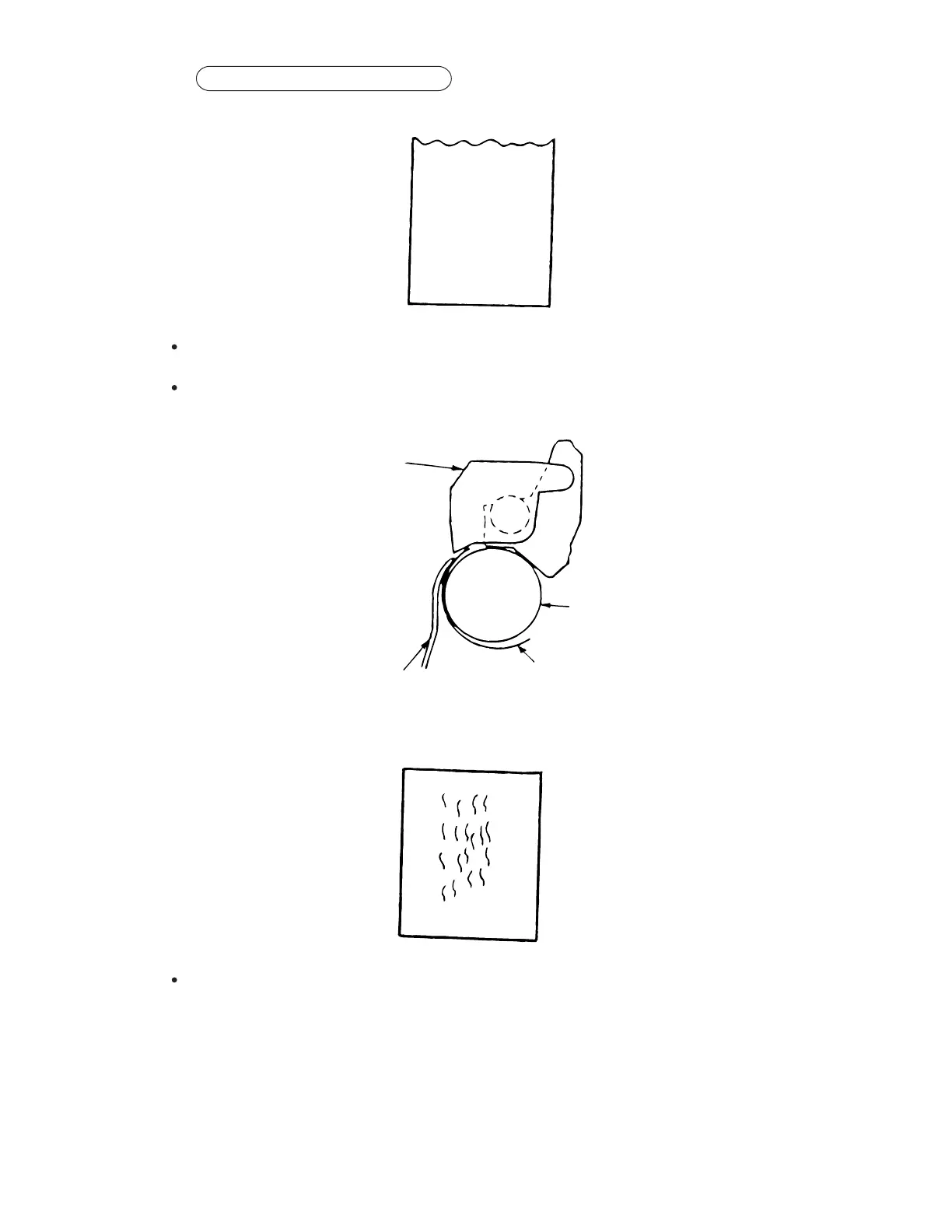
Jam 1
Check around pressure roller mechanism for the following:
• Front pressure springs are properly installed (narrow: 3 pcs; wide: 5 pcs).
• Tension of all of the front pressure rollers is properly set.
• Make sure the position and fit of the change gear shaft, change arm shaft and release
shaft are correct.
Check the ribbon protector.
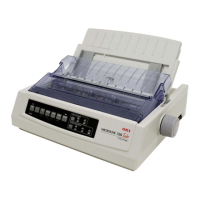
Make sure the pull up roller cover is closed properly.
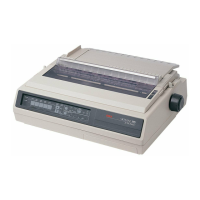
Jam 2 (wrinkled paper)
Pull up
roller cover
Platen
Paper
Ribon Protector


 To Next Page