6 – 1
6. TROUBLESHOOTING AND REPAIR
6.1 Items to Check Before Repair
(1) Check the inspection items specified in the instruction manual.
(2) Find out as many details of the problem as possible from the customer.
(3) IN the shop, inspect under conditions as close as possible to those at the time the trouble
occurred.
(4) Proceed with the repair as follows:
Check the trouble status according to Table 6.1 for the details of the trouble. Then isolate
the problem according to the detailed flowchart.
(5) Carry out a thorough test after the repair to check for correct functioning.
6.2 Troubleshooting Table
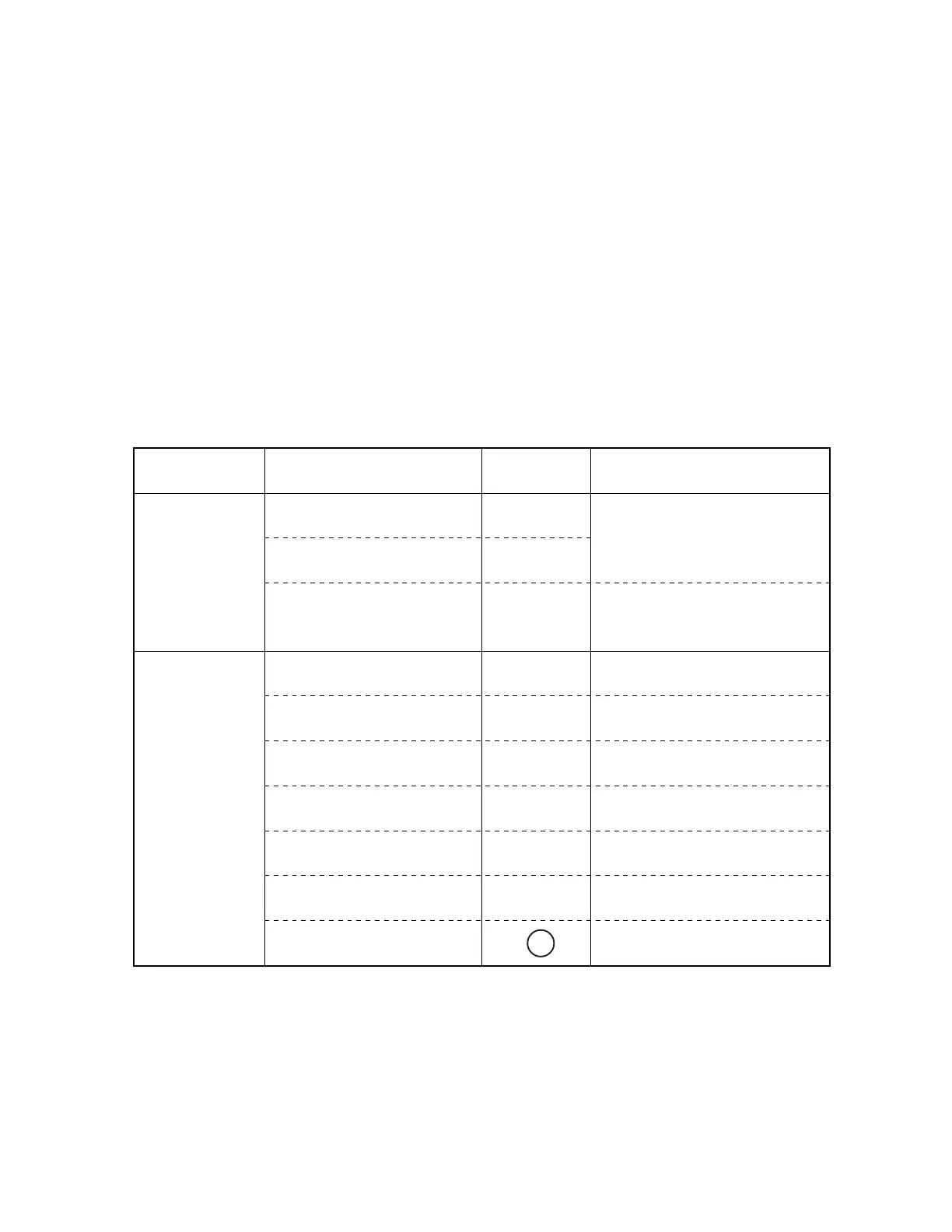
Table 6.1
Status Trouble Contents
Troubleshooting
Flowchart No.
Surmise of Trouble
• Power is not supplied.
• No spacing operation
1
2
Control/Power Supply Board,
Driver Board, Transformer Assy.
Space Motor, Carriage Cable,
Printhead.
• Homing does not end normally.
3
Space Motor, Carriage Cable,
Control/Power Supply Board,
Driver Board, Spacing Mechanism
Trouble upon
power on
• Paper jam while paper insertion
4
Pressure Roller Mechanism, Pull Up
Roller Cover.
• Smearing/Missing dots
5
Printhead, Driver Board, Space
Motor, Carriage Cable
• Faint or dark print
6
Printhead, Ribbon Feed Assembly,
Driver Board
• Ribbon feed trouble
7
Ribbon Feed Assembly, Space
Motor, Driver Board
• Line feed trouble
8
LF Motor, Platen Assy, LF
Mechanism, Driver Board
• Malfunction of switch on
operation panel
9
Operation Panel, Driver Board
• Data receiving failure
0
Driver Board, (I/F Board), I/F Cable,
Menu Setting
Trouble during
printing
Probable Cause
Symptom
10



 To Next Page