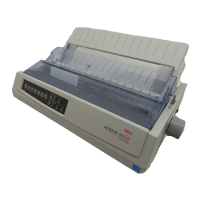
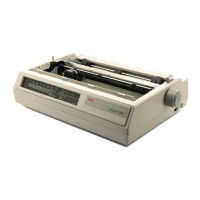
3 – 7
3
1
2
4
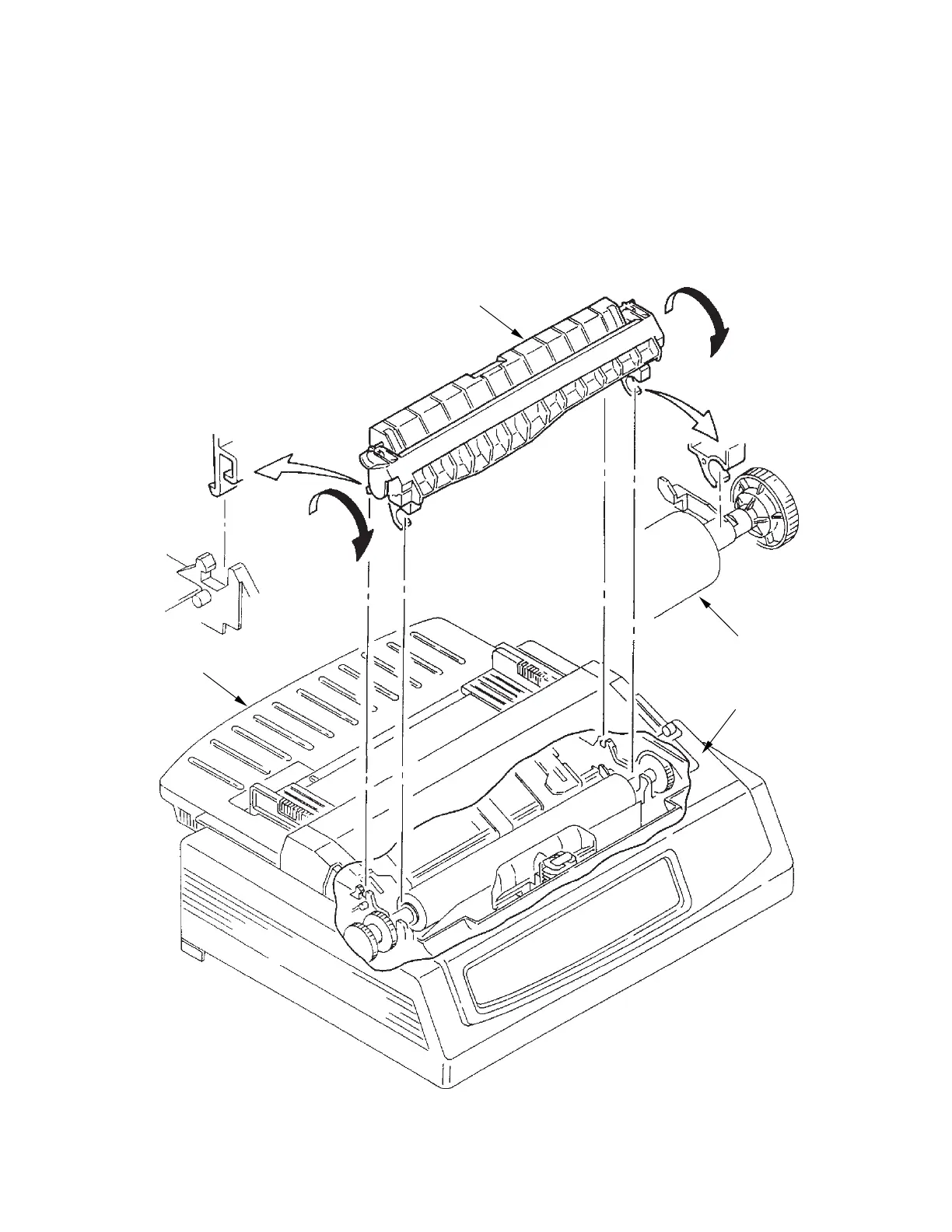
3.3.3 Pull-up Roller Assy
(1) Open the access cover 1.
(2) Lift up the sheet guide Assy 4 to remove.
(3) Tilting the pull-up roller Assy 2 toward the front, remove it from the shaft of platen Assy 3.
(4) To install, follow the removal steps in reverse order.
Note: Remove the sheet guide Assy 4 before installing or removing the pull-up roller Assy 2.


 To Next Page