2 – 44
2.2.7 Automatic Sheet Feed
This function is used to feed in the sheet automatically up to the print start position when the
cut sheet or the continuous sheet paper is used.
Operational procedure
(1) When using cut sheet paper:
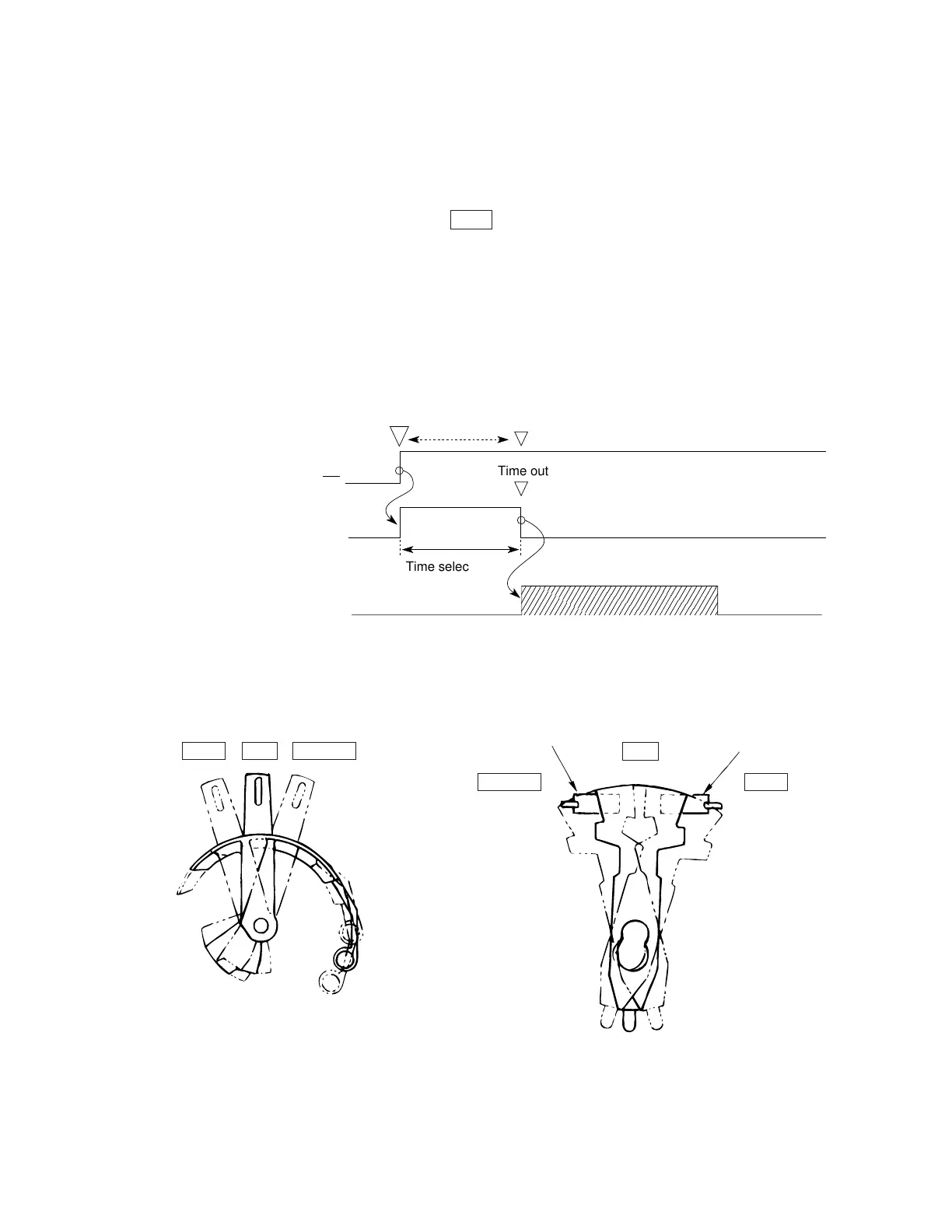
1) Set the change lever to the TOP position. (See Figure 2-17.)
2) Insert a sheet of paper between the platen and the paper chute.
3) After the lapse of time selected by the “wait time” item in the menu, the LF motor
starts to feed the paper up to the print position.
4) When the default is selected, the paper feeds up to the position 0.35 inches (first
dot position) from the top edge of the sheet. However, the 0 tear-off mechanism
allows printing at the top edge of the sheet by changing the TOF position.
Time out
Time selected
on the menu
Sheet setting
PE
Detection timer
LF action
REAR
BOTTOMTOP
BOTTOM
REAR
TOP
SW1
SW2
Figure 2-17



 To Next Page