3 – 22
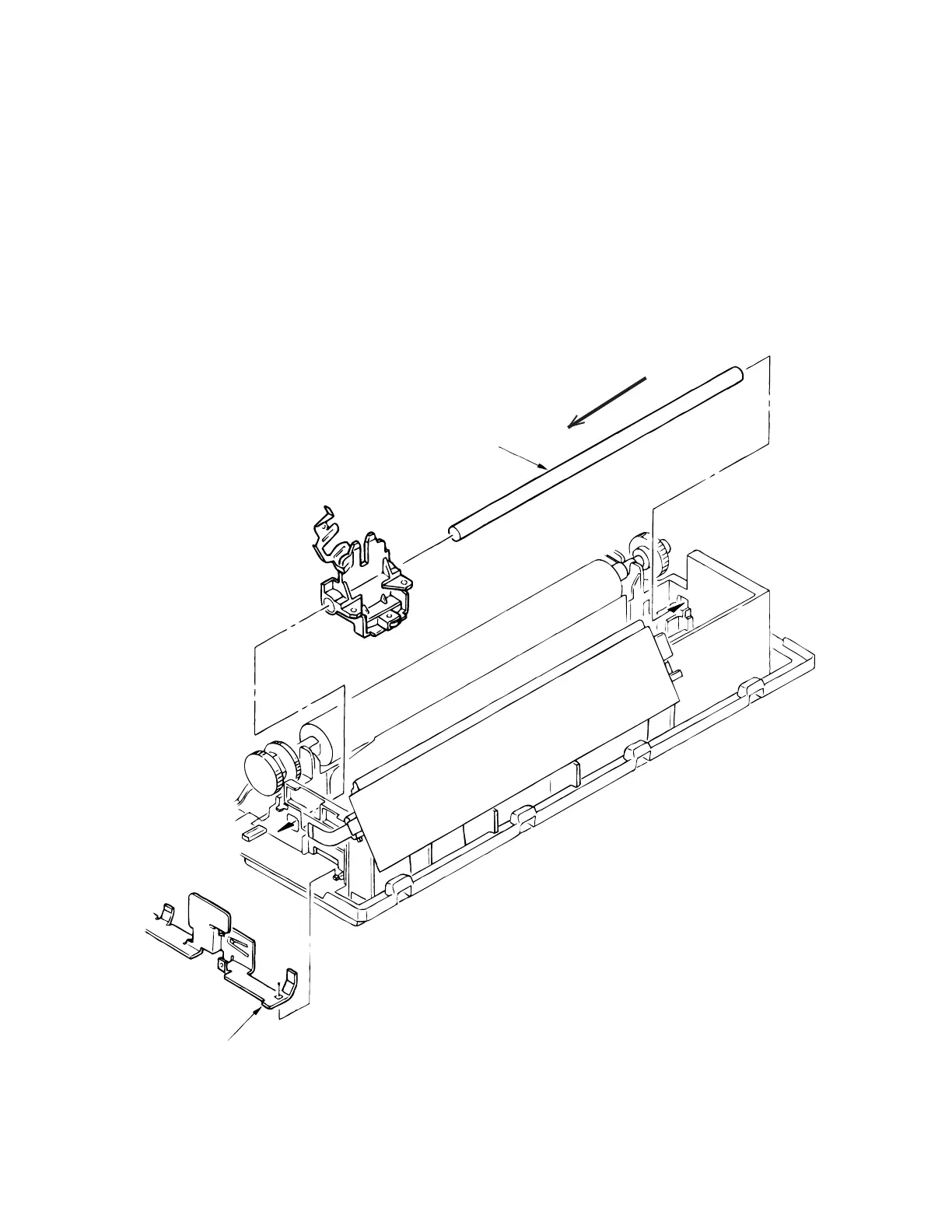
3.3.18 Carriage Shaft
(1) Remove the printhead (see 3.3.1).
(2) Remove the upper cover (see 3.3.4).
(3) Remove the driver board (see 3.3.12).
Remove the FG plate (L) 2.
(4) Slide the carriage shaft 1 to the left side (in the direction of the arrow) to remove.
(5) To install, reverse the removal procedure.
Note on installation:
After installation, check and adjust the gap between platen and printhead (see 4-1).
1
2



 To Next Page