2 – 46
2.2.8 Paper Park Function (Continuous sheet paper)
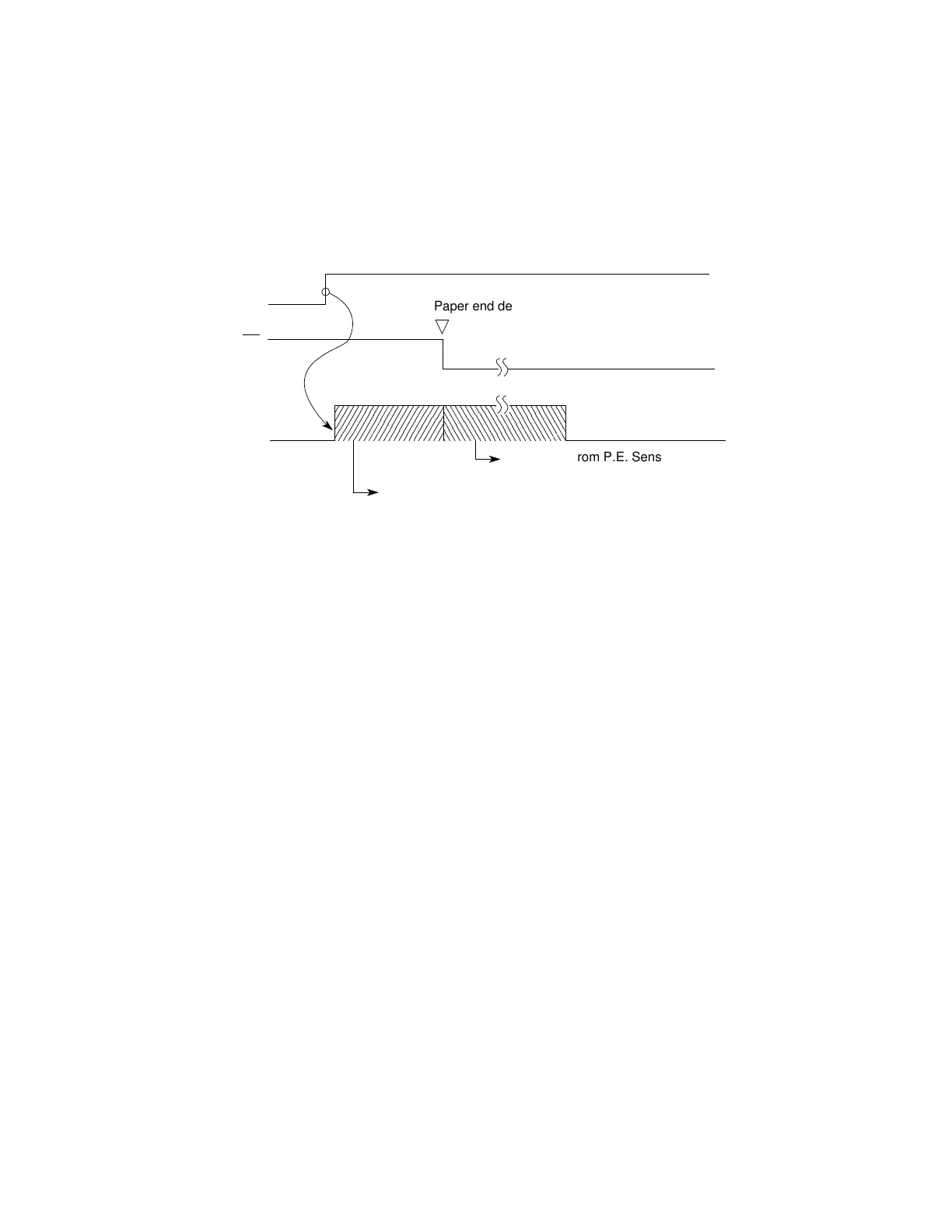
Continuous sheet paper can be backed out automatically by using the “PARK” button on the
operation panel.
1) Press the “PARK” button.
2) Reverse LFstarts and paper feeds in reverse until paper end occurs or a maximum of
19 inches have been fed.
3) The paper feeds in reverse to leave the paper on the tractor.
The alarm LED lights up when paper end is not detected after 19 inches of reverse feeding.
The operator can press the SEL button to turn off the alarm LED, then press the PARK
button to continue the park function.
This operation is required when the paper to be parked is more than 19 inches long.
Paper end detection
PE
Reverse LF until paper end or 19 inches max.
LF action
PARK
Reverse LF from P.E. Sensor to tractor feed assy.



 To Next Page