3 – 18
A
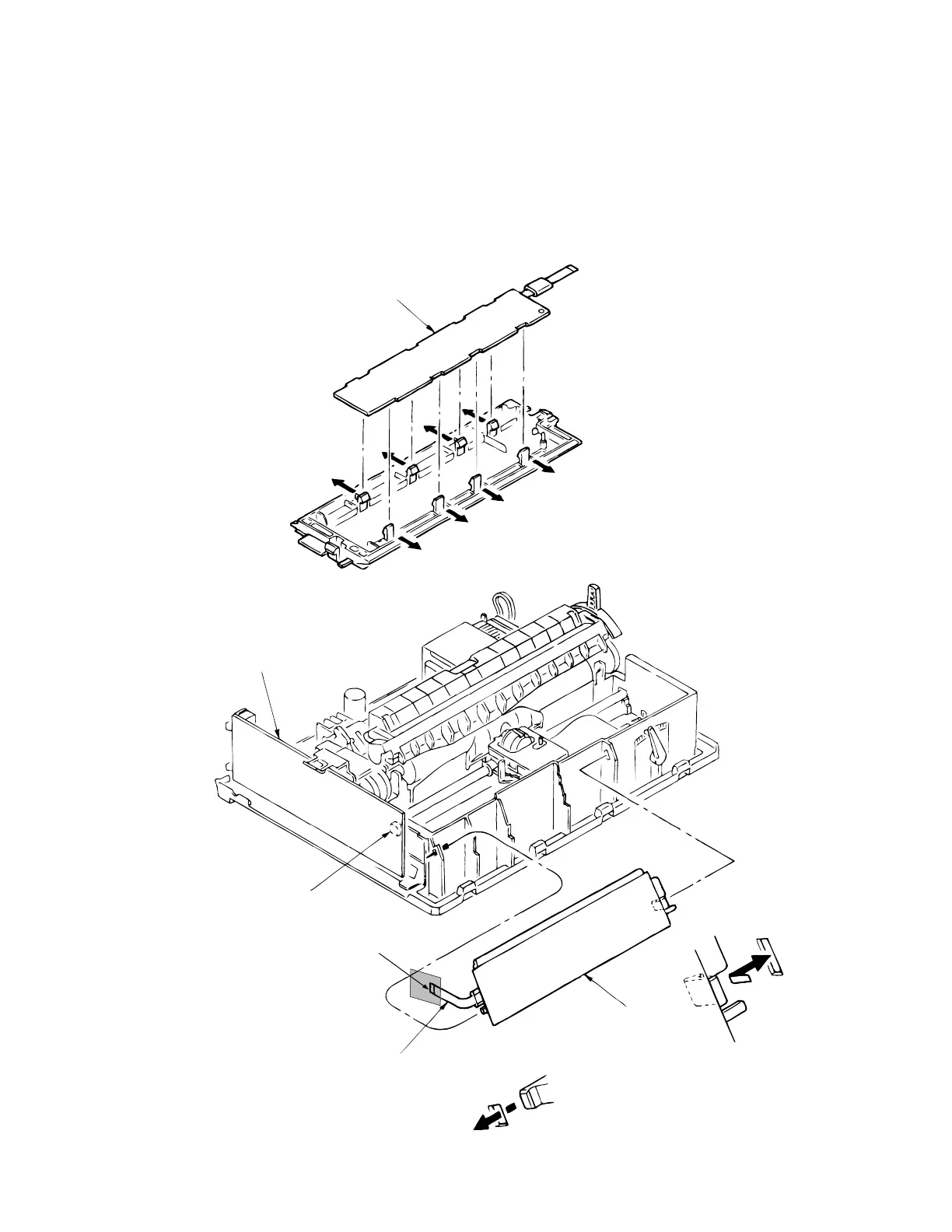
3.3.14 Operation Panel PCB (LEOP)
(1) Remove the upper cover (see 3.3.4).
(2) Disconnect cable 1 from connector 3 of driver board 2.
(3) Disengage claws on both sides from the frame, and remove the operation panel 4.
(4) Open claws (8 places) and remove the operation panel PCB 5 from the operation panel
4 .
(5) To install, follow the removal steps in reverse order.
5
2
3
1
4



 To Next Page