3 – 23
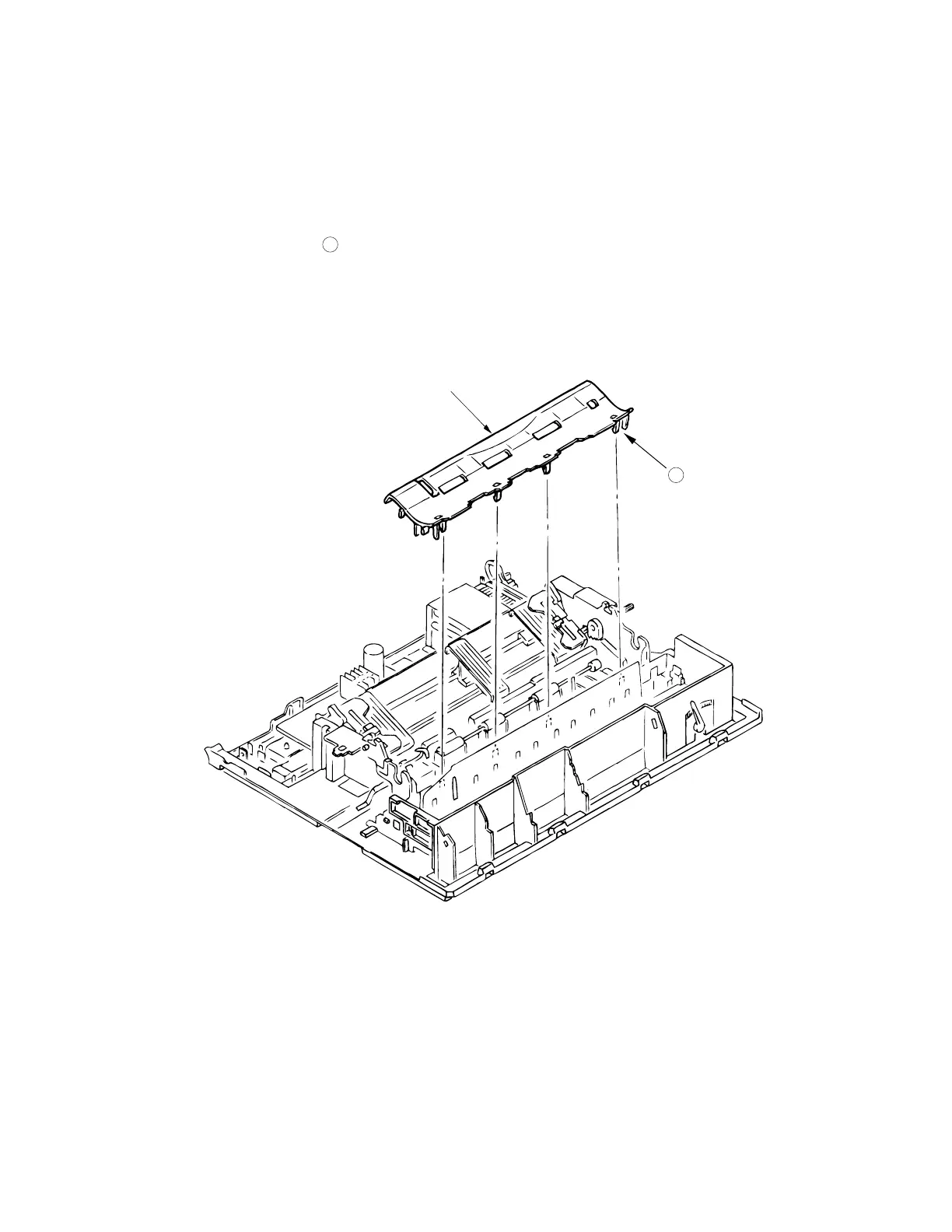
3.3.19 Paper Pan
(1) Remove the printhead (see 3.3.1).
(2) Remove the ribbon protector (see 3.3.2).
(3) Remove the pull-up roller assy (see 3.3.2).
(4) Remove the upper cover assy (see 3.3.4).
(5) Remove the platen assy (see 3.3.11).
(6) Release claws A .
(7) Lift up the paper chute assy 1 and remove.
(8) To install, reverse the removal procedure.
1
A



 To Next Page