2 – 45
(2) When using continouos sheet paper
1) Set the change lever either to the rear or the bottom position. (See Figure 2-17.)
2) Load paper either on the push tractor or on the bottom tractor.
3) Press the “FF/LOAD” button.
4) The LF motor starts to feed the paper up to the print start position.
5) The paper feeds up to the TOF position (Factory default: 0.35 inches from the top).
Press the “FF/LOAD” button.
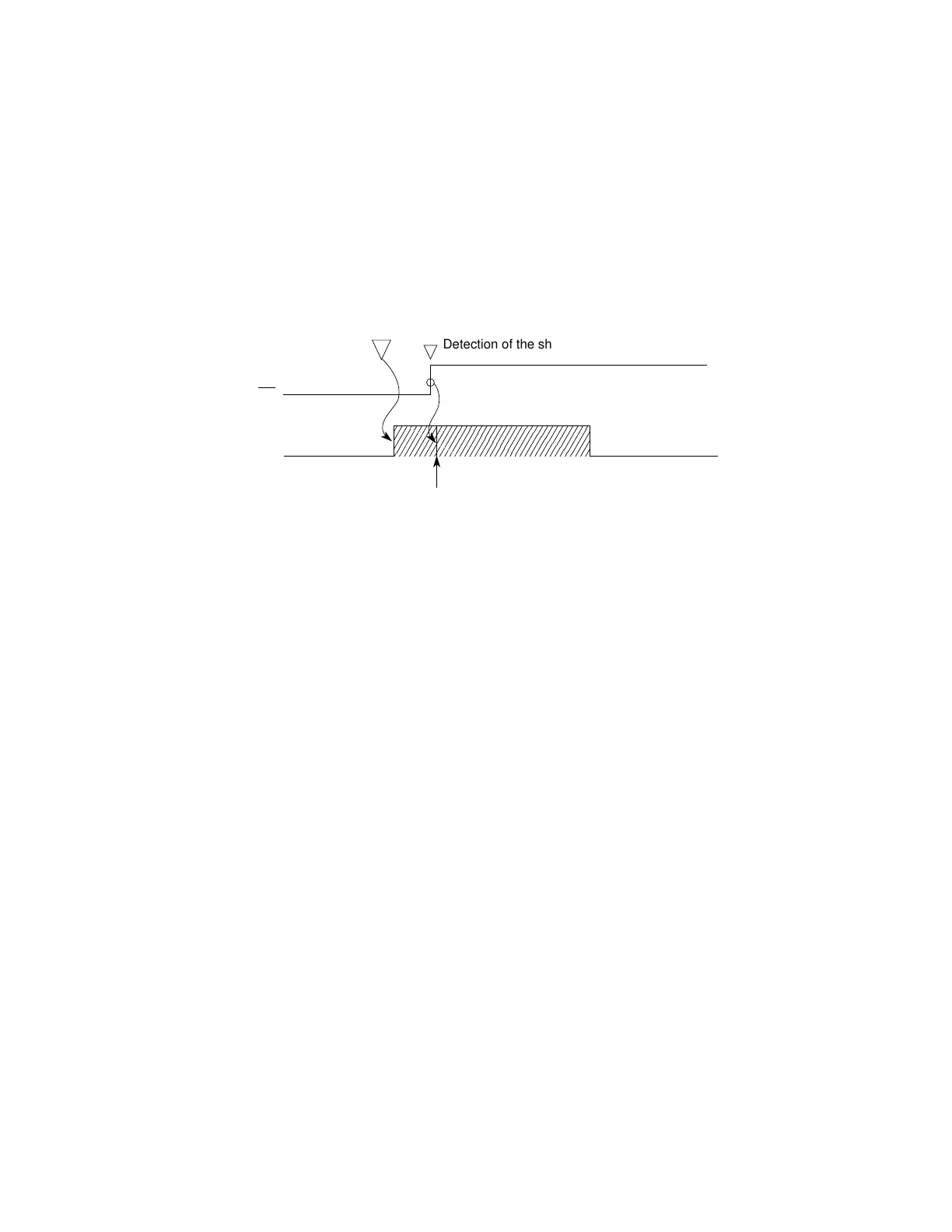
Detection of the sheet supplied
PE
LF action
Line feed (about 3 inches) until the
detection of the sheet supplied
When the “FF/LOAD” button is pressed , the LF motor feeds in the sheet about 3 inches.
When the LF motor completes its operation and the sheet has not been fed in, an alarm
condition results.



 To Next Page