2 – 18
Mode Speed Pass Direction
1 100% 1 Bi
2 85% 1 Bi
3 70% 1 Bi
4 55% 1 Bi
5 40% 1 Bi
6 30% 1 Bi 1.5 Sec Stop
(7) Stop
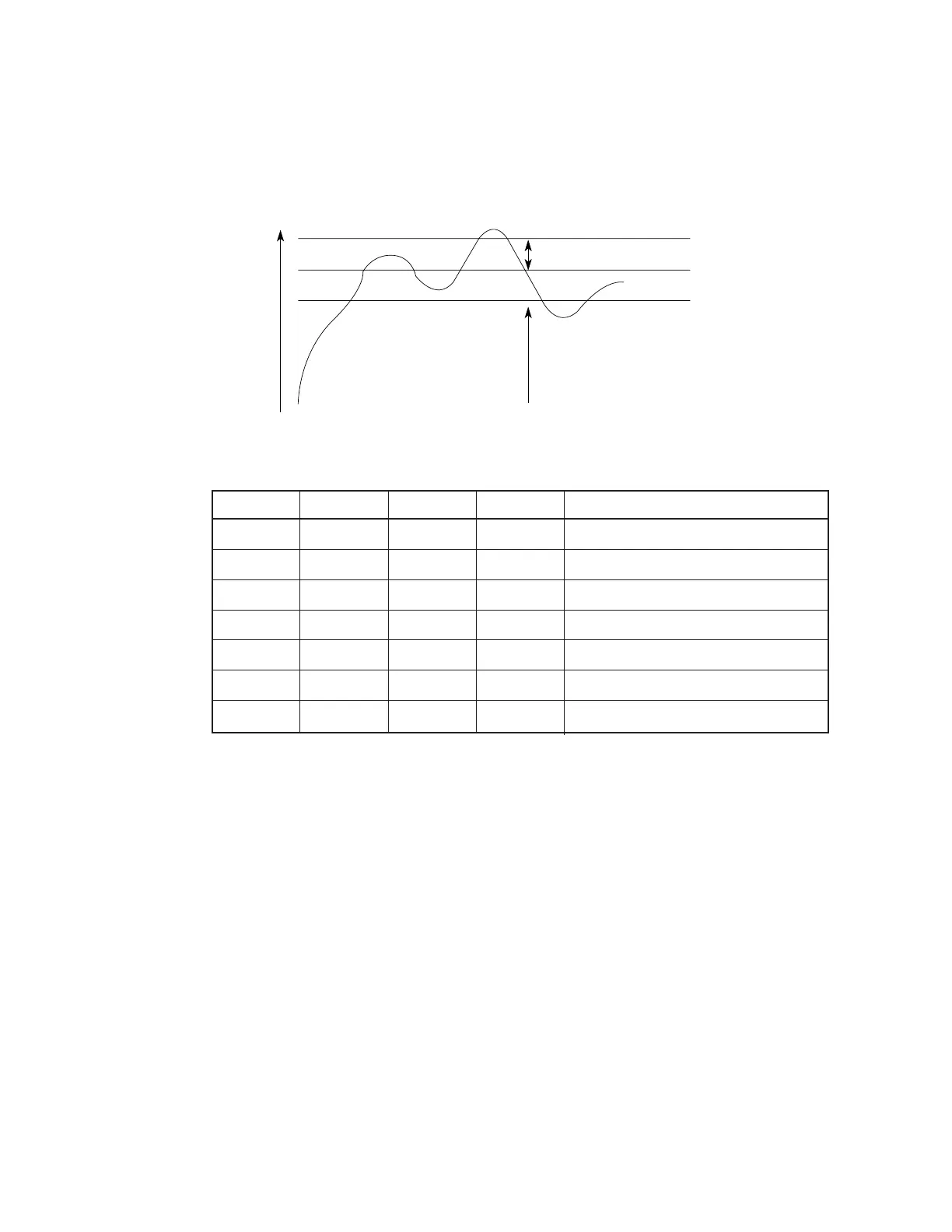
• When the temperature is between α°C and 119°C, the mode switches sequentially to
higher level. When the temperature falls below ß°C, the mode switches to lower level.
• When the temperature exceeds 119°C, printing stops.
• When temperature gradient is steep, the higher mode is specified directly.
(3) Head overheat alarm
The voltage of the output TSD signal of the thermistors, one of which is in the printhead
and the other in the printhead driver, is monitored by the CPU/AD port to control the voltage
Mode and print control
Stop
Mode up
Mode down
Temp
119°C
α°C
ß°C



 To Next Page