169
Simple Backup Function Section 7-1
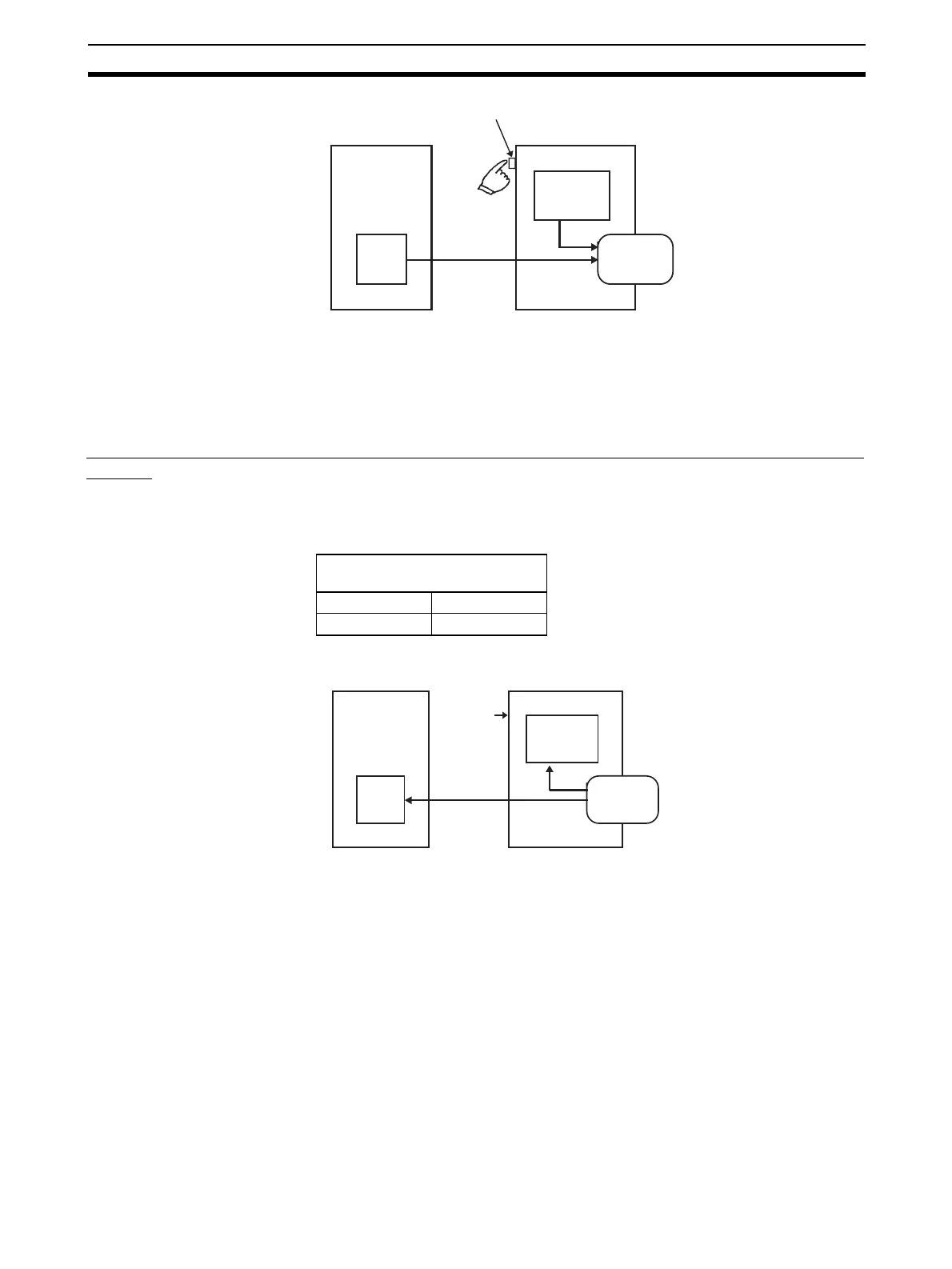
This operation will create the CompoNet Master backup file and also write the
file to the Memory Card.
When the Memory Card Power Supply Switch is pressed, the MCPWR indica-
tor on the front of the CPU Unit will flash once and then will be lit while data is
being written. If the data is written normally, the indicator will turn OFF.
Restoring CompoNet Master Unit Setup Files from Memory Card (Reading and Setting
in Unit)
Set the DIP switch on the front panel of the CPU Unit, as shown in the follow-
ing table, turn the power to the CPU Unit OFF and then ON again.
This operation will read the CompoNet Master Unit setup data file from the
Memory Card and restore the data in the CompoNet Master Unit.
When the power supply is ON, the MCPWR indicator on the front of the CPU
Unit will turn ON, flash once, and then will remain lit while data is being read.
After the data is read correctly, the indicator will turn OFF.
Note (1) CompoNet Master Unit setup files are valid only in the correct communi-
cations mode. Before you restore the data, make sure the mode number
is set to the same value as when the data was backed up.
(2) If data restoration from a memory card fails, the 7-segment indicator on
the front panel will display "H8." The data on the Memory Card may be
incorrect. Before you restore the data, make sure that backup operation
is completed normally.
CompoNet Master Unit
Memory Card Power Supply Switch
CPU Unit
All data
All setup data
Memory Card
Backing up
data
DIP switch on front panel of
CPU Unit
Pin 7 Pin 8
ON OFF
CompoNet Master Unit
CPU Unit
All data
All setup data
Memory Card
Power ON
Restoring
data












 To Next Page