170
Simple Backup Function Section 7-1
Comparing CompoNet Master Unit Setup Files in Memory Card
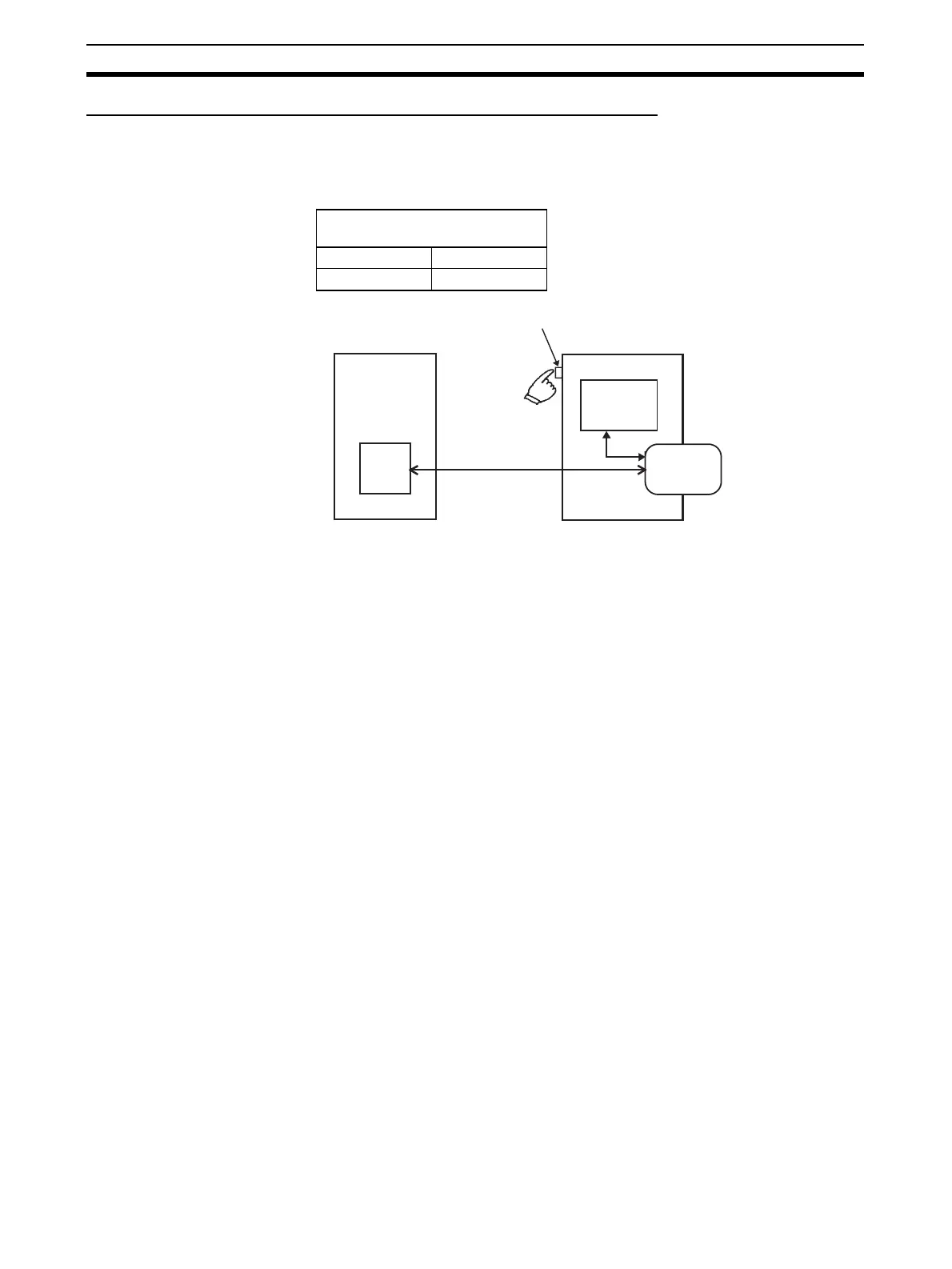
Set the DIP switch on the front panel of the CPU Unit, as shown in the follow-
ing table, and press down the Memory Card Power Supply Switch for 3 sec-
onds.
This operation will compare the data in the CompoNet Master setup file in the
Memory Card with the setup data in the CompoNet Master Unit.
When the Memory Card Power Supply Switch is pressed, the MCPWR indica-
tor on the front of the CPU Unit will flash once, and then will remain lit while
data is being compared. If the data is the same, the indicator will turn OFF.
DIP switch on front panel of
CPU Unit
Pin 7 Pin 8
OFF OFF
CompoNet Master Unit
Memory Card Power Supply Switch
CPU Unit
All data
All setup data
Memory Card
Comparing data












 To Next Page