Settings 116
Yourphone’slocationservicesareenabled.
l Ifyouseeaconfirmation,followtheonscreeninstructionstoconnect.
Access Location Settings
1.
Fromhome,touchApps >Settings .
2. Touch Location.
3. Configurethedesiredsettings.
Yourlocationsettingsareappliedandsaved.
SECURITY SETTINGS
TheSecuritysettingsmenusletyousetencryptionoptions,passwordvisibility,administrator
settings,andcredentialstorageoptions.
Security Settings Overview
ManysecuritysettingsaredependentonScreenlocksettings,SIMlocksettings,etc.Thefollowing
tableoutlinesthesettingsavailablethroughtheSecuritysettingsmenu:
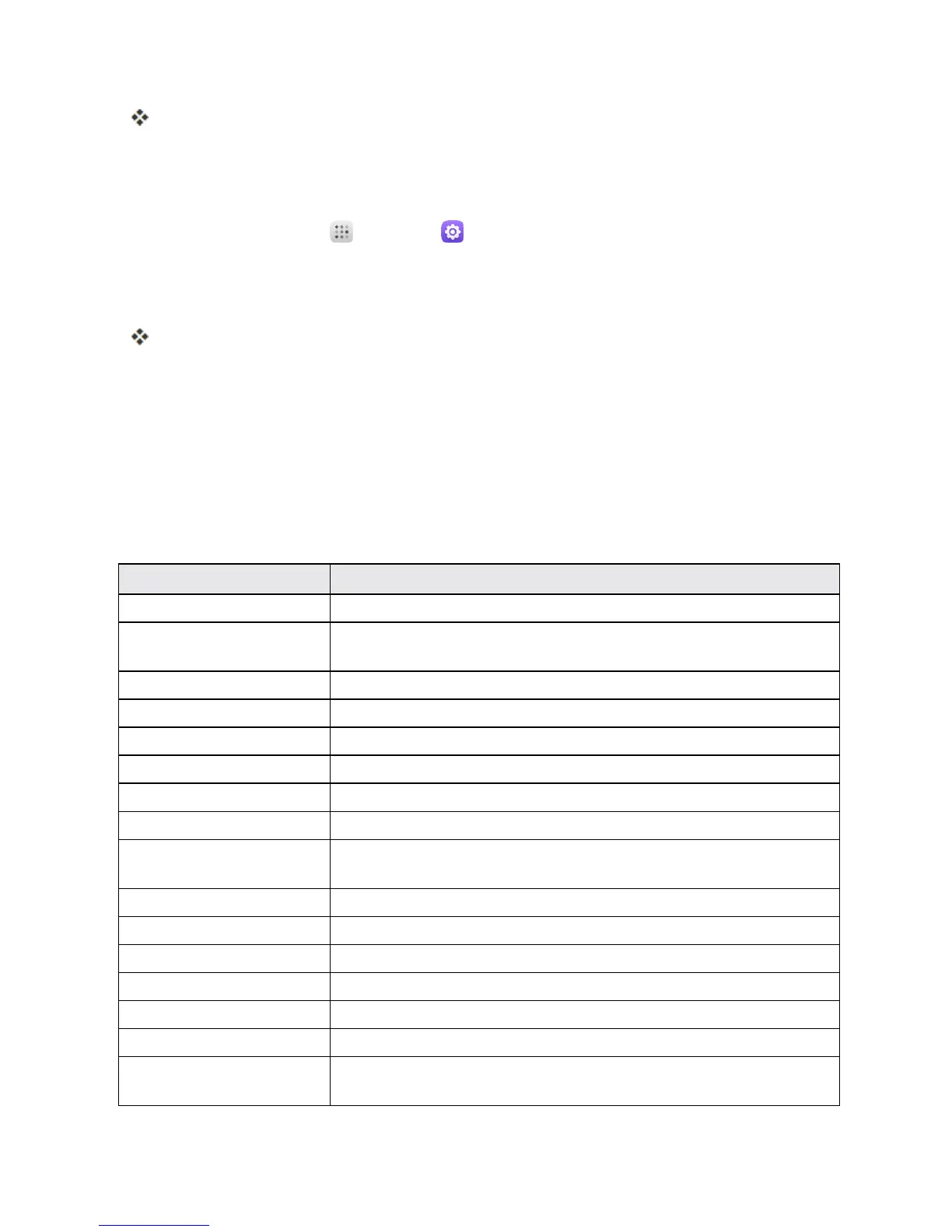
Security Setting Description
Screen lock Touchtosetyourscreenlock.
Owner info Touchtoinputownerinformationwhichwilldisplayonthelock
screen.
Lock screen shortcuts Touchanicontoreassignalockscreenshortcut.
Smart lock Touchtosetsmartlock.
Encrypt phone Touchtoencryptyourphone.
SMS message limit TouchtosetSMSmessagesendingfrequency.
Make passwords visible Toggletoshoworhidepasswordswhenenteringformdata.
Device administrators Vieworturnoffdeviceadministrators.
Unknown sources AllowordenyinstallationofappsfromsourcesotherthantheGoogle
PlayStoreapp.
Storage type Checkyourstoragetype.
Trusted credentials DisplaytrustedCAcertificates.
Install from SD card TouchtosetinstallcertificatesfromSDcard.
Clear credentials Touchtoremoveallcredentials.
Trusted agents Viewordeactivatetrustedagents.
Apps with usage access Touchtosetappswithusageaccess.
Blocked call list Touchtheswitchontoblockcallsandmessagesfromphone
numbersintheblockedcalllist.



 To Next Page