Phone App 50
n PresstheVolume Key.
Reject a Call and Send a Text Message [When the phone is unlocked]
Youcanrejectanincomingcallandautomaticallysendatextmessagetothecaller.
1.
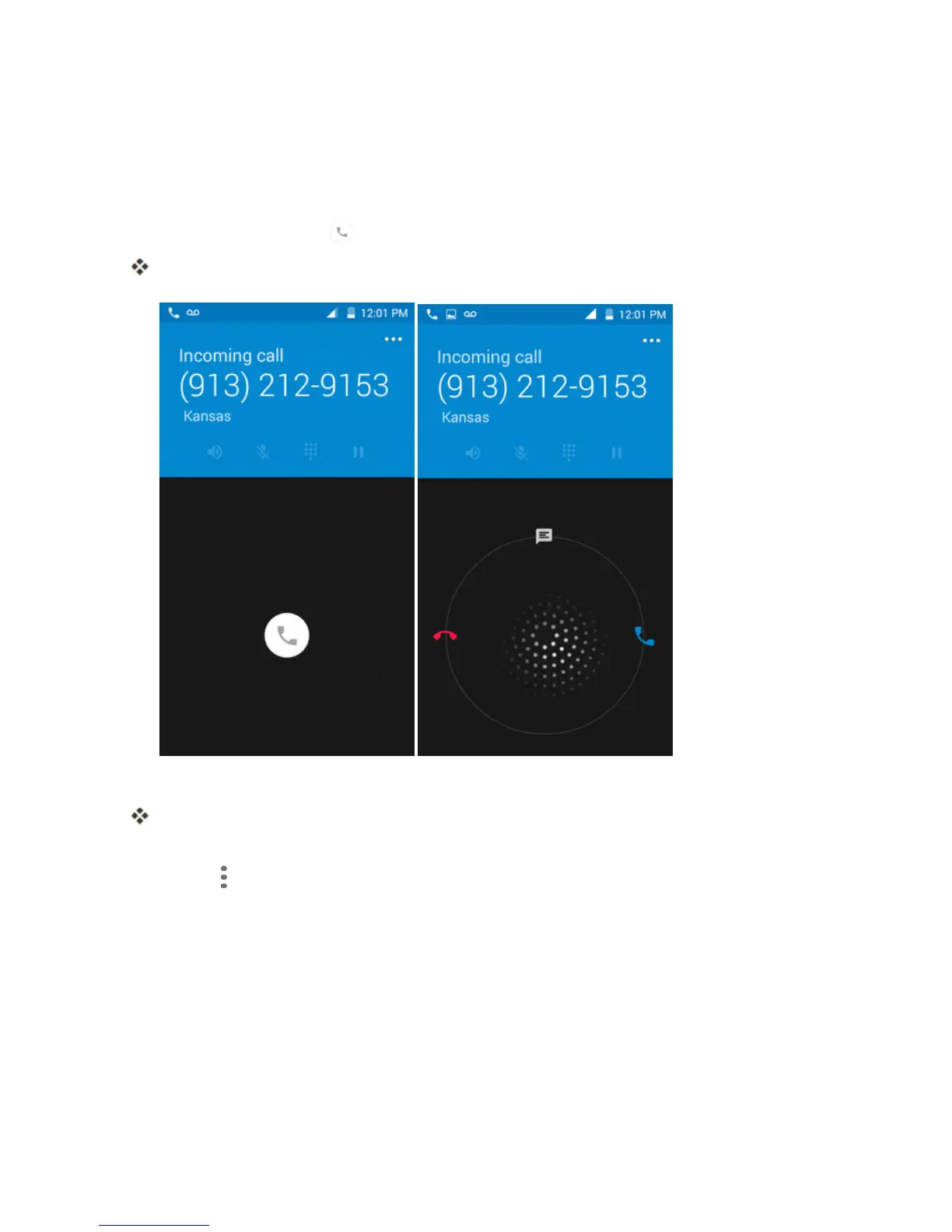
Whenacallarrives,drag upfromthebottomofthescreen.
Theringtoneorvibrationwillstopandyouwillseealistofpresettextmessages.
2. Chooseapresetmessagetosendittothecaller.
Theselectedmessagewillbedeliveredtothecaller.
l YoucanedittherejectmessagesthroughtheCallsettingsmenu.Fromthephoneapp,touch
Menu >Settings>General settings>Quick Responsesandeditorcreatethereject
messages.
In-Call Screen Layout and Operations
Whileyou’reonacall,youwillseeanumberofonscreenoptions.



 To Next Page