Basic Operations 24
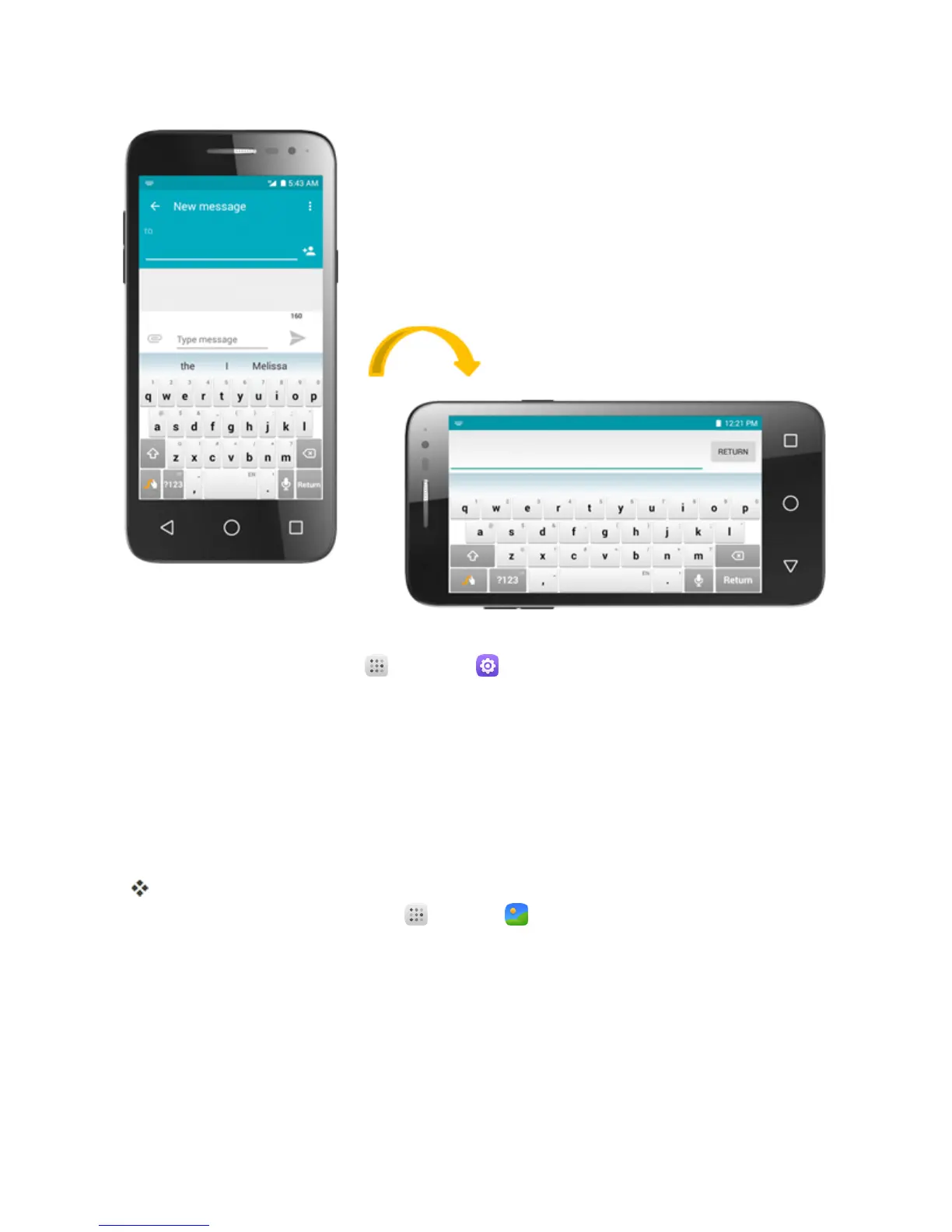
Note:TheAuto-rotatecheckboxneedstobeselectedforthescreenorientationtoautomatically
change.Fromhome,touchApps >Settings >Display>When device is rotated.
Tip:Youcanalsoaccessthescreenrotationsettingfromthenotificationswindow.Pulldownthe
statusbarandtouchAuto-rotate/Portraittoselectordeselecttheoption.
Capture Screenshots
Youcanuseyourphone’spowerandvolumekeystocapturescreenshots.
n PressandholdthePower/lock KeyandVolume Down Keyatthesametimetocapturea
screenshotofthecurrentscreen.
ThecurrentscreenshotwillbecapturedandstoredintheScreenshotsalbuminthephone’s
Gallery.Fromhome,touchApps >Gallery .
APPLICATIONS
Thefollowingtopicsdescribehowtoaccesstheapplications(apps)listandlaunchappsonyour
phone.
Launch Applications
Allinstalledappscanbeaccessedandlaunchedfromtheappslist.



 To Next Page