Basic Operations 28
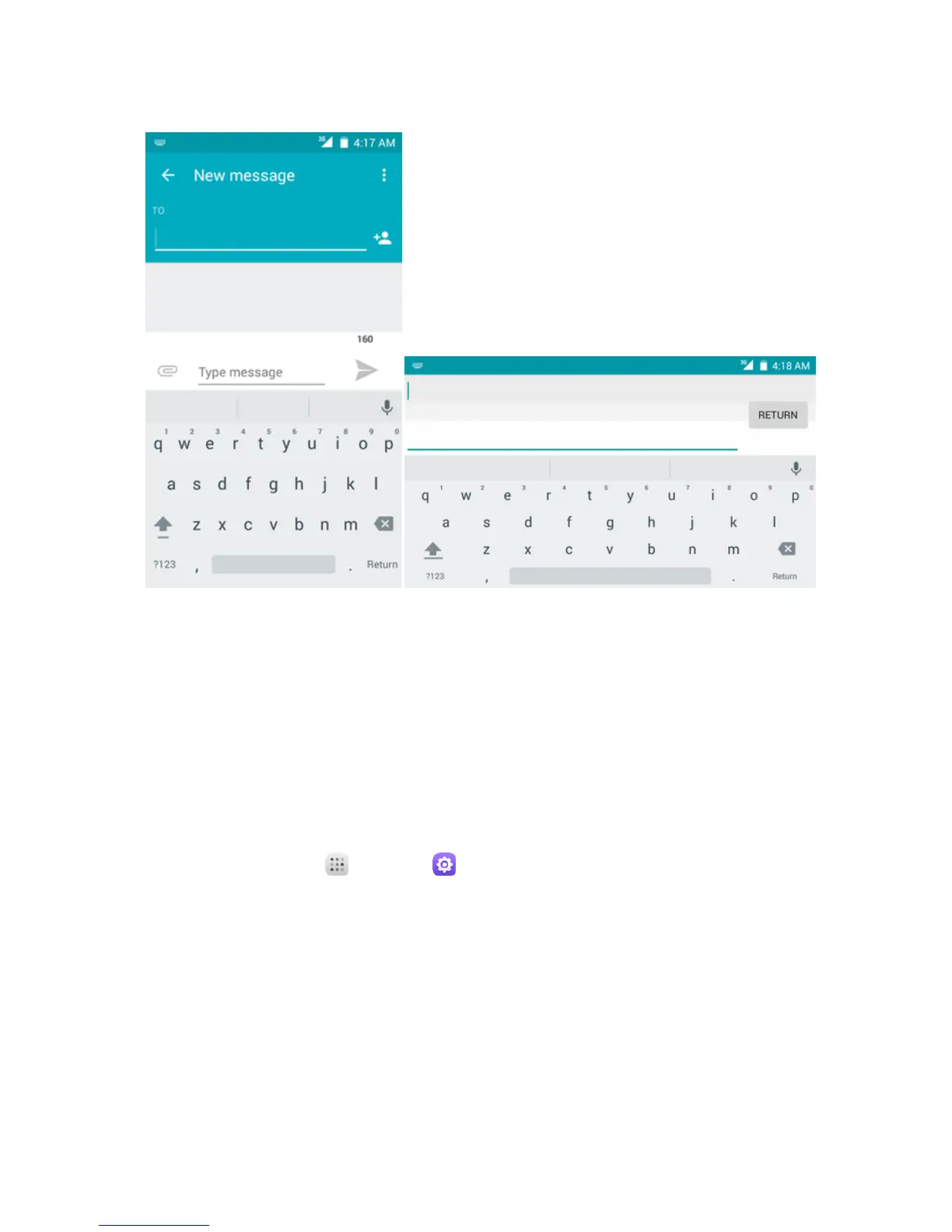
Note:Keyboardlayoutsandoptionsmaychangedependingonwhereyou’reusingthem.For
example,ifyou’reenteringtexttodoaWebsearch,asearchiconmaybeavailableinsteadofanenter
key.
Swype
TheSwype™keyboardletsyouenterwordsbydrawingapathfromlettertoletterinonecontinuous
motion.Whenyouliftyourfingerafterthelastletterofaword,aspaceisautomaticallyadded.
Assigning Swype for Text Entry
Swypeistypicallythedefaultentrytype.
n
Fromhome,touchApps >Settings >Language & input>Current keyboard >
Swype.
Using Swype
Swypeletsyouenterawordwithonecontinuousmotion:justdragyourfingeroverthelettersinthe
word.
n Placeyourfingeronthekeywiththefirstletterofthewordanddragyourfingertoeach
subsequentletterwithoutliftingyourfingeroffthescreen.
n Continueuntilyouhavefinishedtheword.Liftyourfingerafterthelastletter.



 To Next Page