Phone App 56
Call Waiting
Whenyou’reonacall,CallWaitingalertsyoutoincomingcallsbysoundingtwobeeps.Yourphone’s
screeninformsyouthatanothercalliscominginanddisplaysthecaller’sphonenumber(ifitis
available).
Torespondtoanincomingcallwhileyou’reonacall:
n
Slide totheright.(Thisputsthefirstcalleronholdandanswersthesecondcall.)
Toswitchbacktothefirstcaller:
n TouchSwap.
Note:Forthosecallswhereyoudon’twanttobeinterrupted,youcantemporarilydisableCall
Waitingbypressing beforeplacingyourcall.CallWaitingisautomaticallyreactivatedonce
youendthecall.
Conference Calling
Withconferencecalling,alsoknownas3-waycalling,youcantalktotwopeopleatthesametime.
Whenusingthisfeature,thenormalairtimerateswillbechargedforeachofthetwocalls.
1.
OnthePhonescreen,enteranumberandtouch (orplaceacallfromLogorContacts).
2.
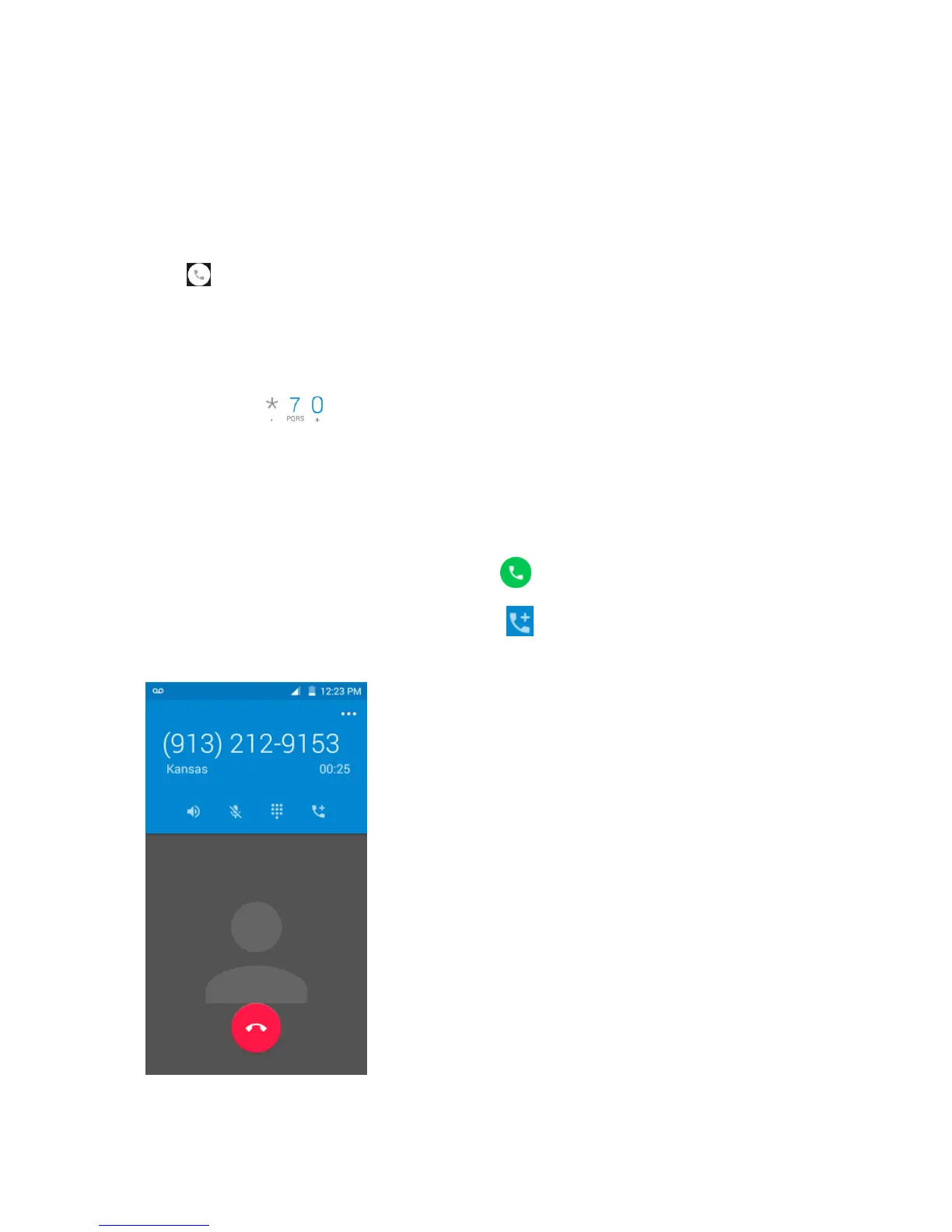
Onceyouhaveestablishedtheconnection,touch ,anddialthesecondnumber(orplacethe
callfromLogsorContacts).



 To Next Page