Get Started 10
l Alignthecontactsofthebatterywiththecontactsinthephone.
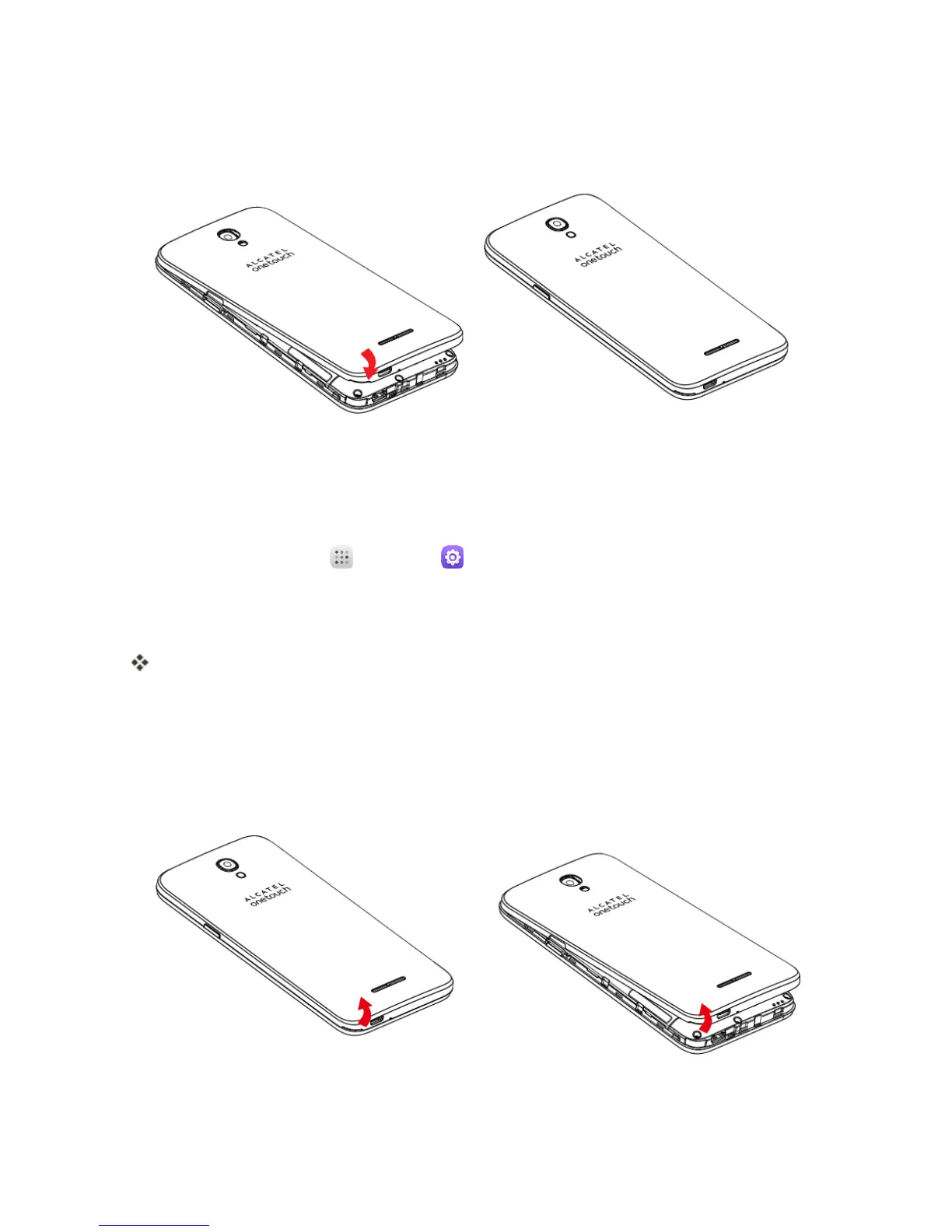
5. Attachthebatterycover.
l Makesureallthetabsaresecureandtherearenogapsaroundthecover.
Unmount the SD Card
AlwaysunmountstheSDcardbeforeremovingitfromyourphone.
1.
Fromhome,touchApps >Settings .
2. TouchStorage.
3. TouchUnmountSD card>OK.
ThemenuoptionnamechangesfromUnmount SD cardtoMount SD card.
Remove SD Card
FollowtheseinstructionstoremoveanSDcard.Alwayspowerthephoneoffbeforeinsertingor
removinganSDcard.
1. Removethebatterycover.



 To Next Page