Your Phone Interface 41
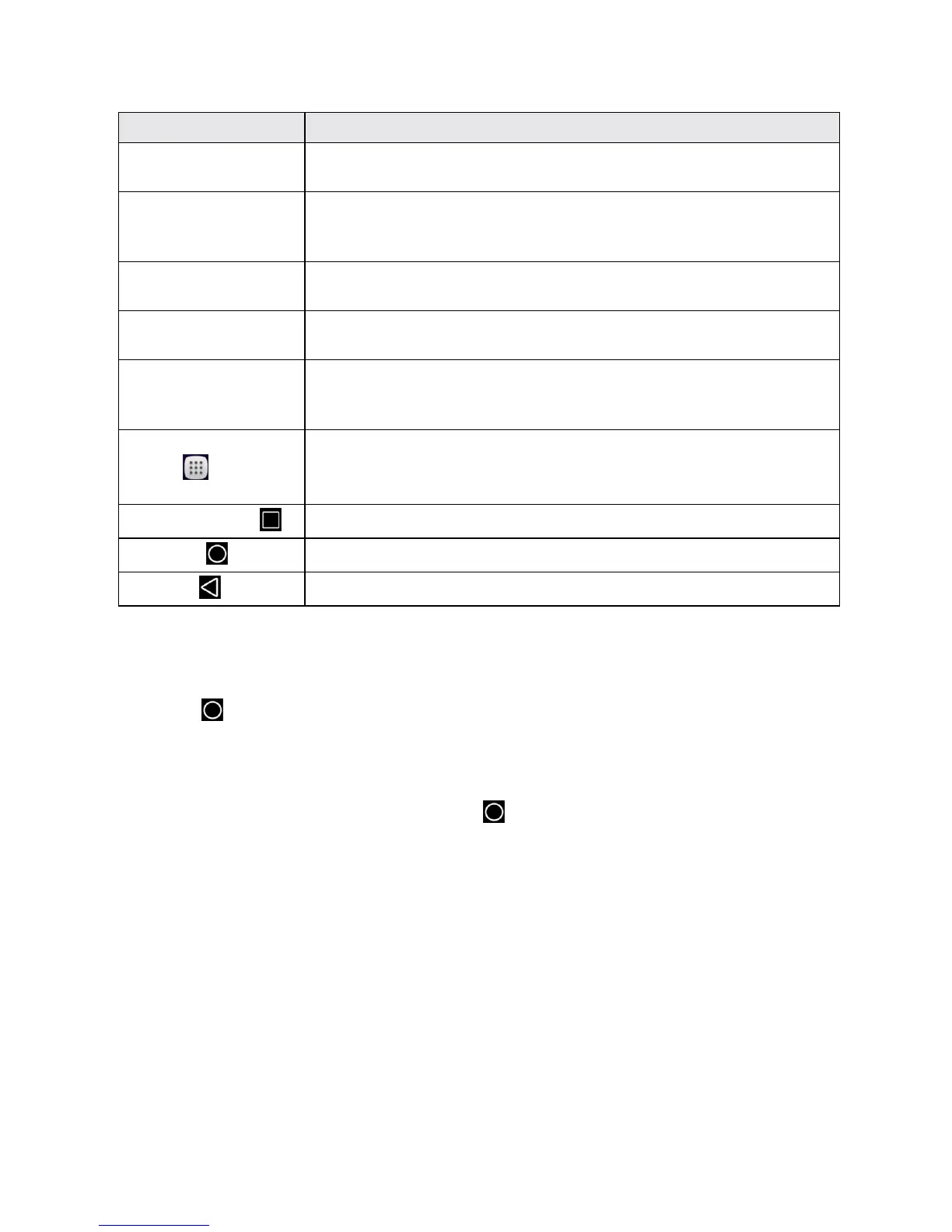
Item Description
Notifications area Thenotificationareaofthestatusbar(ontheleft)displaysnotifications
forincomingmessages,missedcalls,applicationupdates,andmore.
Status area Thestatusareaofthestatusbar(ontheright)displaysphoneand
servicestatusinformationsuchassignalstrength,batterystatus,Wi-Fi
anddataconnectivity,ringerstatus,andtime.
Widget Widgetsareself-containedonscreenappsthatresideonyourphone’s
Homescreen.
Application icons Applicationiconsareshortcutstofavoriteapplications.Youcanaddand
removetheseshortcutsasyouwish.
Primary shortcuts Primaryshortcutsareapplicationshortcutsthatappearinthesame
locationonallofyourphone’sHomescreens.Thesearecustomizable
exceptfortheApplications(Apps)shortcut,whichremainsstatic.
Applications (Apps)
list key
Touchtoopentheapplications(apps)list.Theappslistkeyisaprimary
shortcutavailablefromallHomescreens.
Recent apps key
Touchtodisplayalistofrecentlyusedapplications.
Home key
TouchtodisplaythemainHomescreen.
Back key
Touchtoreturntothepreviousscreen.
Note:Yourphone’sHomescreenscyclethroughsothatyoucankeepswipinginonedirectionand
makeitbacktothemainHomescreen.Thesmallcirclesabovetheprimaryshortcutsletyouknow
yourcurrentscreenposition.
Tip:Touch toreturntothemainHomescreenfromanyotherscreen.
Extended Home Screens
InadditiontothemainHomescreen,yourphonefeaturesextendedHomescreenstoprovidemore
spaceforaddingicons,widgets,andmore.Touch todisplaythemainHomescreenandthen
dragacrossthescreentomovefromthemainscreentoanextendedscreen.
STATUS BAR
ThestatusbaratthetopoftheHomescreenprovidesphoneandservicestatusinformationonthe
rightsideandnotificationalertsontheleft.Toviewthenotificationswindoworaccessthequick
settingsmenu,touchthestatusbaranddragitdown.



 To Next Page