Phone App 55
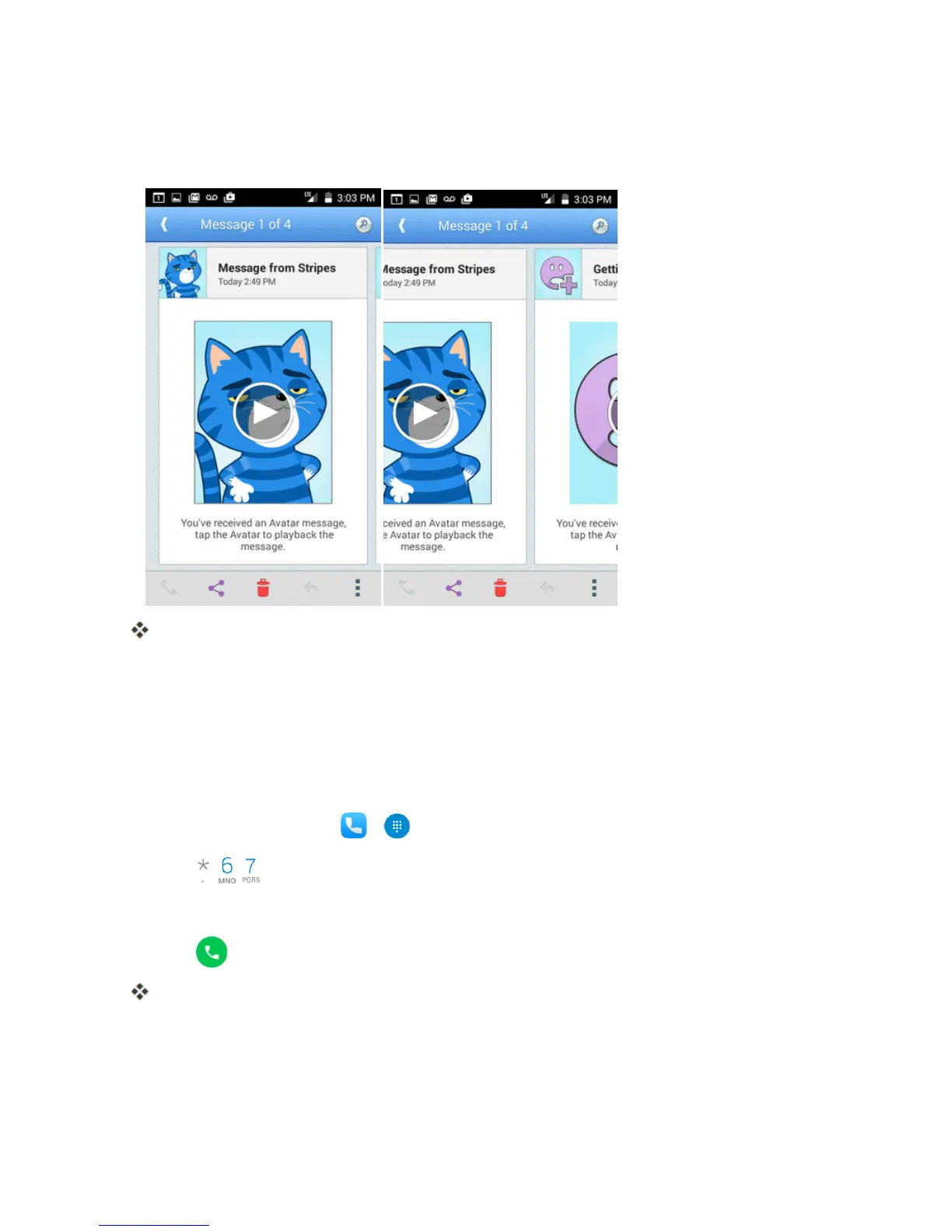
1. Listentothecurrentvoicemailmessage.
2. Swipeyourfingerleftorrighttodisplaythenextorpreviousmessage.
Thenextorpreviousmessagewillbeginplayingautomatically.
Youcannavigatethroughvoicemailmessagesasfrequentlyasyou'dlike.Youcanevenmoveto
thenextorpreviousmessagebeforeyou'refinishedlisteningtothecurrentone.
Caller ID Blocking
CallerIDidentifiesacallerbeforeyouanswerthephonebydisplayingthenumberoftheincoming
call.Ifyoudonotwantyournumberdisplayedwhenyoumakeacall,followthesesteps.
1.
Fromhome,touchPhone > .
2.
Touch .
3. Enteraphonenumber.
4.
Touch .
Yourcallerinformationwillnotappearontherecipient’sphone.
Topermanentlyblockyournumber,callVirginMobileCustomerService.



 To Next Page