Phone App 57
3.
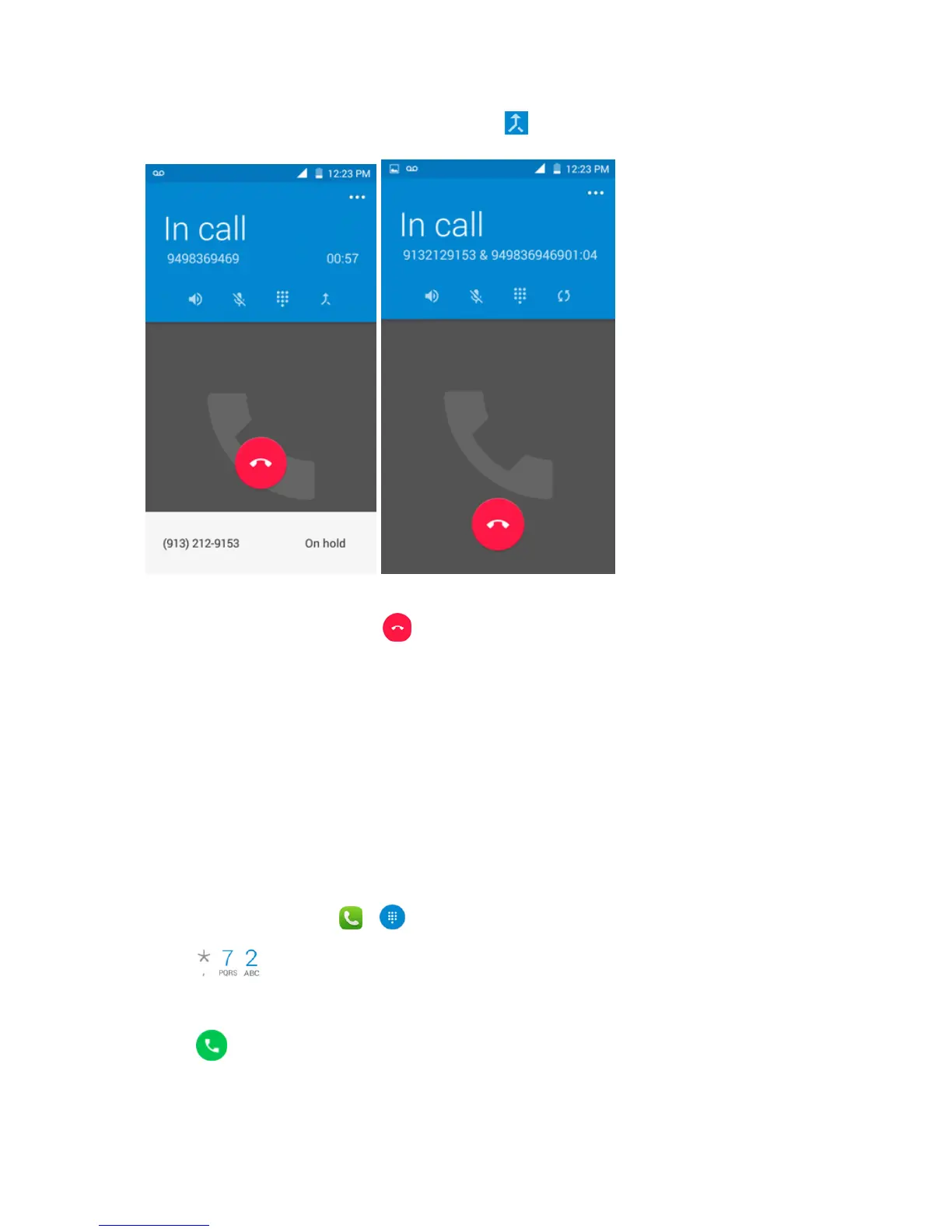
Whenyou’reconnectedtothesecondparty,touch .Yourconferencecallisnowinsession.
4.
Toendthethree-waycall,touch .
Note:Ifoneofthepeopleyoucalledhangsupduringyourcall,youandtheremainingcallerstay
connected.Ifyouinitiatedthecallandarethefirsttohangup,allcallersaredisconnected.
Call Forwarding
CallForwardingletsyouforwardallyourincomingcallstoanotherphonenumber–evenwhenyour
phoneisturnedoff.YoucancontinuetomakecallsfromyourphonewhenyouhaveactivatedCall
Forwarding.
Note:Youarechargedahigherrateforcallsyouhaveforwarded.
ToactivateCallForwarding:
1.
Fromhome,touchPhone > .
2.
Touch .
3. Entertheareacodeandphonenumbertowhichyouwantyourcallsforwarded.
4.
Touch .



 To Next Page