Phone App 51
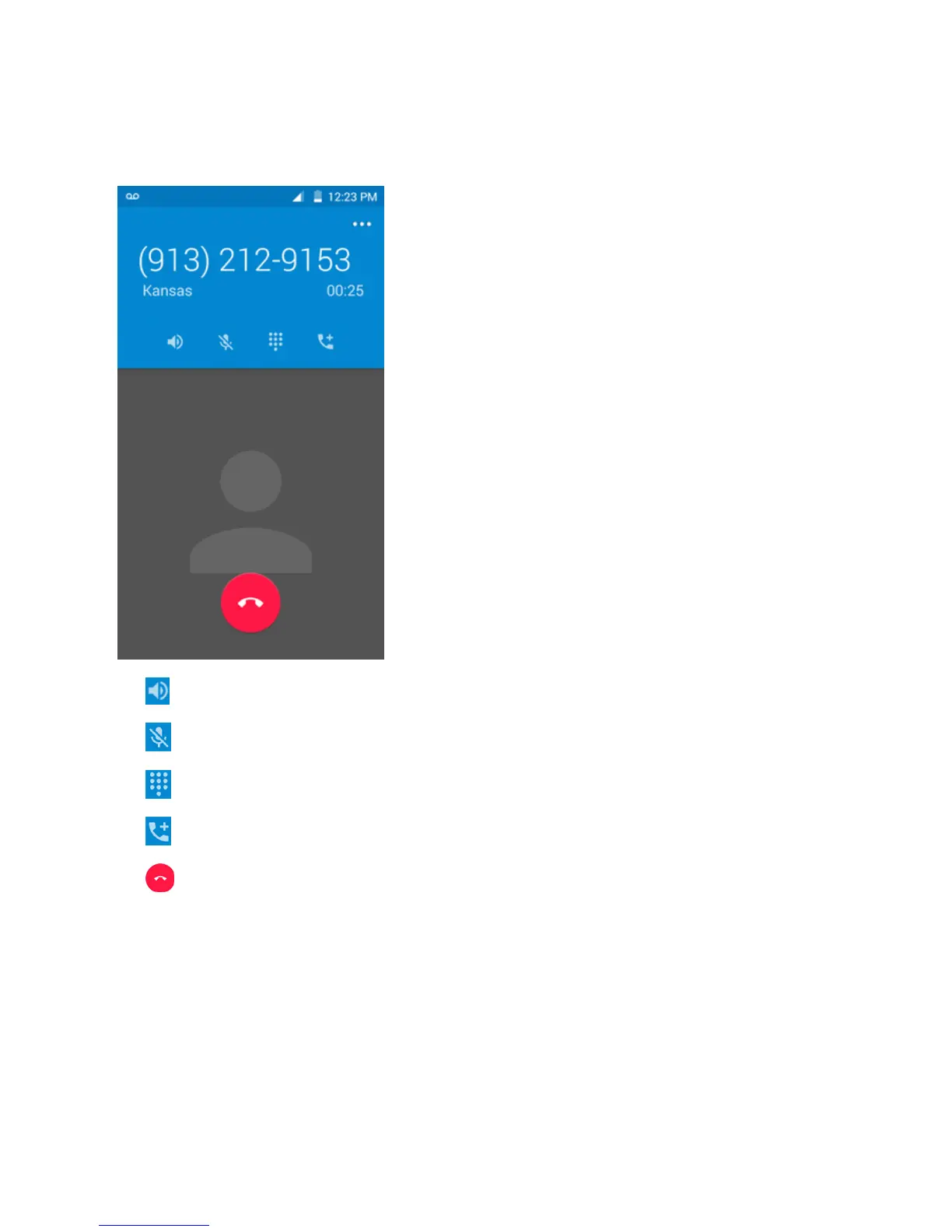
In-Call Screen Layout
Touchoptionstoactivatethemduringacall.
n
:TouchtochangemodetoSpeaker,Handset earpiece.
n
:Mutethemicrophoneduringanactivecall.Touchagaintounmutethemicrophone.
n
:Toggletheappearanceoftheonscreenkeypad.
n
:Longpresstoinitiateaconferencecall(3-waycall).
n
:Endthecurrentcall.
Warning:Becauseofhighervolumelevels,donotplacethephonenearyourearduring
speakerphoneuse.
Note:IfMuteisactivated,thespeakermodeisdeactivated.
PLACE CALLS FROM CONTACTS/CALL LOGS
MakecallsquicklyusingContactsandCallLogs.



 To Next Page