Phone App 61
5.
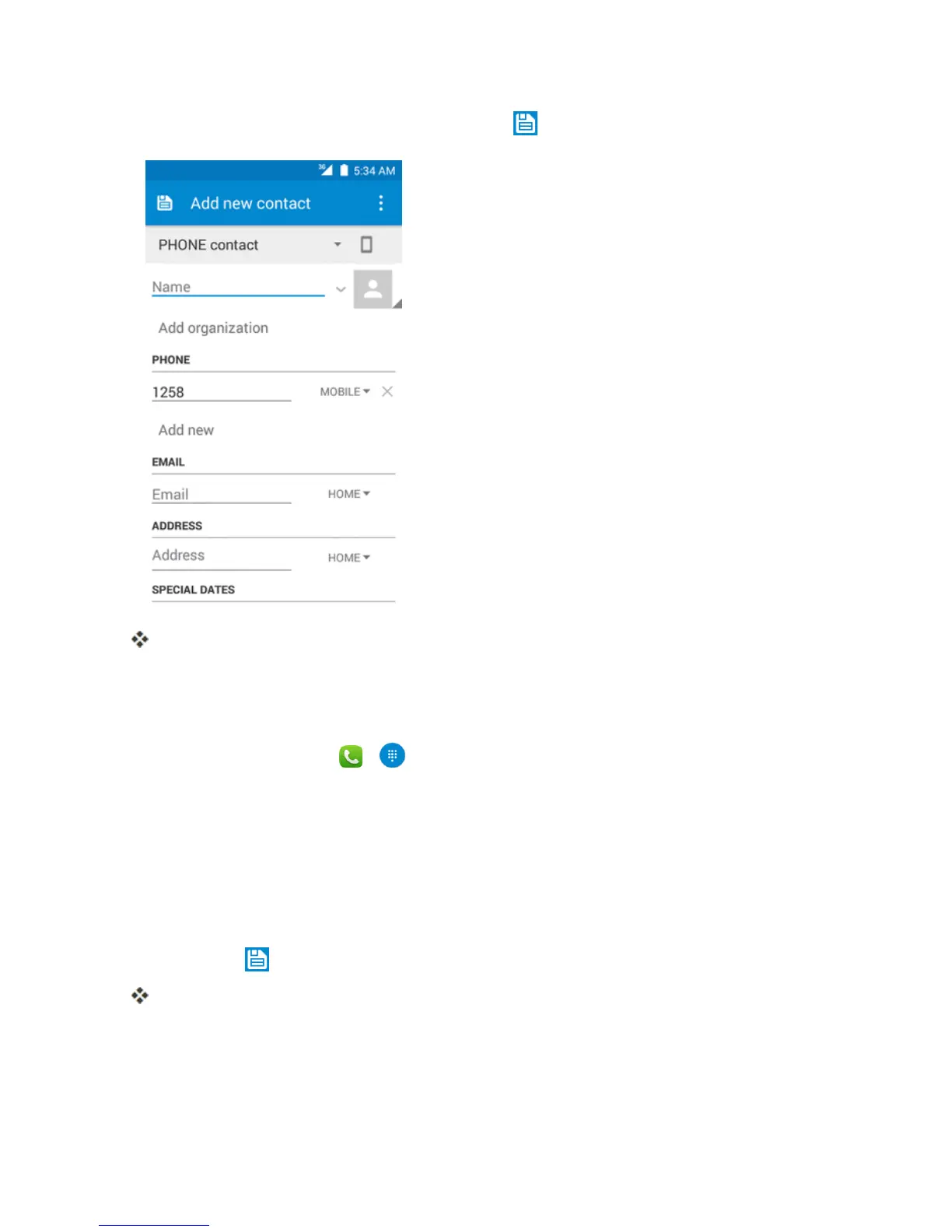
Whenyouhavefinishedaddinginformation,touch .
Thecontactisadded.
Save a Phone Number
YoucansaveaphonenumbertoContactsdirectlyfromthephonedialpad.
1.
Fromhome,touchPhone > .
2. EnteraphonenumberandtouchAdd to contacts.
3. Toaddthenumbertoanexistingcontact,touchthetargetcontactyouwanttoupdate.Toadda
newcontact,touchCreate new contact.
l Foranexistingcontact,touchthecontactnameandselectanumbertypeforthenewnumber.
l Foranewcontact,enterthenameandanyadditionalinformation.
4.
TouchOK or .
Thecontactisadded.
Check Contacts
Viewacontact’sdetailsbydisplayingacontactentry.



 To Next Page