Get Started 19
Activate Your Phone
Aftersettingupyouraccountonvirginmobileusa.com,simplyturnyourdeviceon.Yourdeviceis
designedtoactivateautomatically.IfyouareswappingfromanotherVirginMobiledevicetoanew
one,besuretoturnofftheolddevicebeforeswappingtheserialnumber(MEID).OncetheMEID
swapiscomplete,turnonthenewdeviceandtheprogramminginformationwillbepushedtoyour
deviceautomatically.
Youcanalsostarttheactivationprocessmanually.
n
Fromhome,touchApps >Settings >Activate this device.
COMPLETE THE SETUP SCREENS
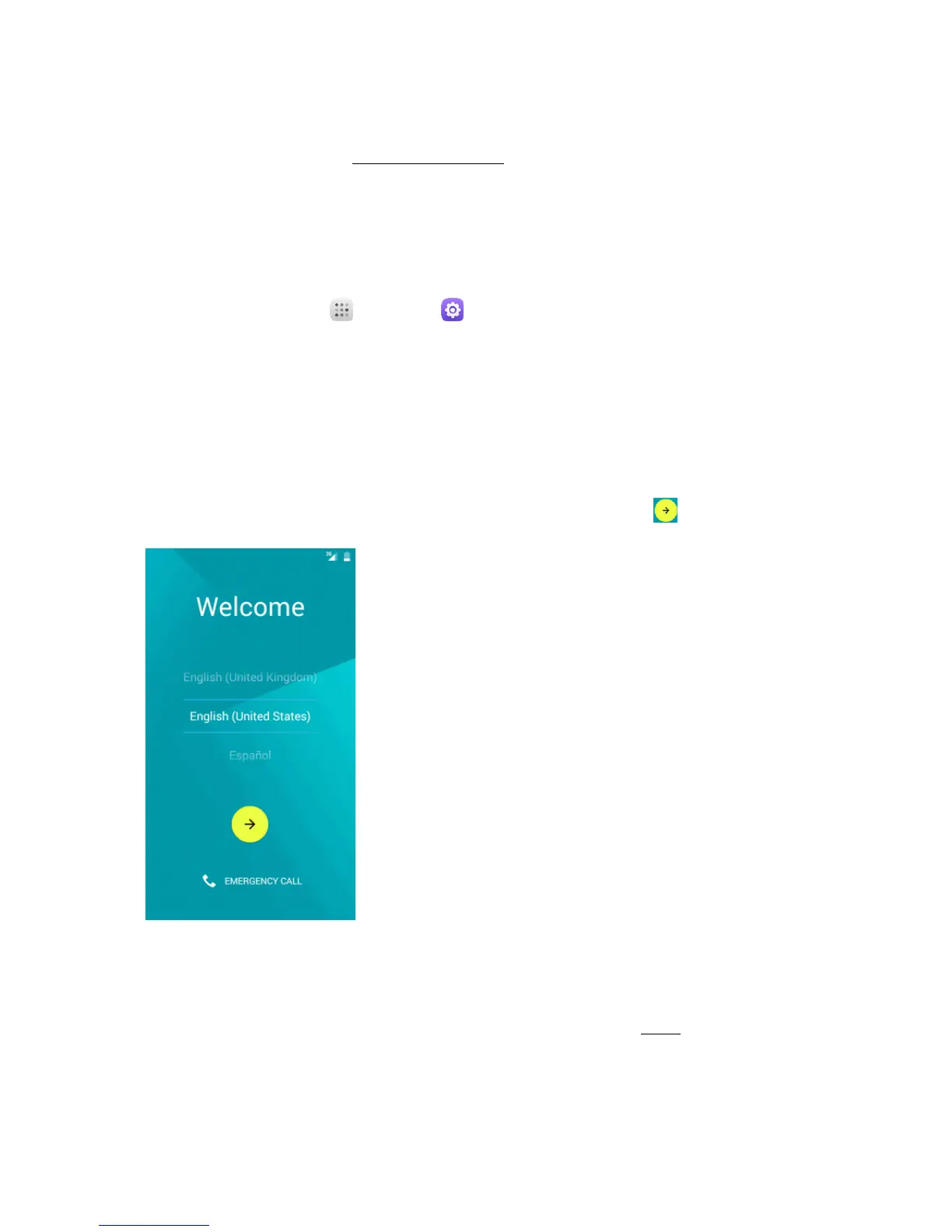
Thesetupscreenshelpyousetupcertainfeaturesandpreferencesonyourphone.Onceyourphone
hasbeenturnedon,youwillseeaWelcomemessage.Youcanthencompletethesetupprocess.
Note:Youmaybeabletocompletethesetupscreensbeforeyourphonehasbeenactivatedonyour
account.
1.
FromtheWelcomescreen,selectalanguage(ifprompted)andtouch togetstarted.
2. Followtheonscreeninstructionstocompleteeachsection.Foreachtopic,youwillhavethe
optiontoskipitandcontinuetothenextscreen.
l Select Wi-Fi–Ifprompted,followthepromptstosignintoanavailableWi-Finetwork.For
securedWi-Finetworks,youwillneedtoenterapassword.SeeWi-Fiformoredetails.If
youdon’twanttosetWi-Fi,touchSKIP>SKIP ANYWAYtonextstep.



 To Next Page