NOTE:
Make sure that during the routing some extra length is used at the joints so
that cable is not pulled when the robot moves.
Also make sure that the cable bending radius is minimum 40mm (for the HEX-
E/H QC it is 70mm).
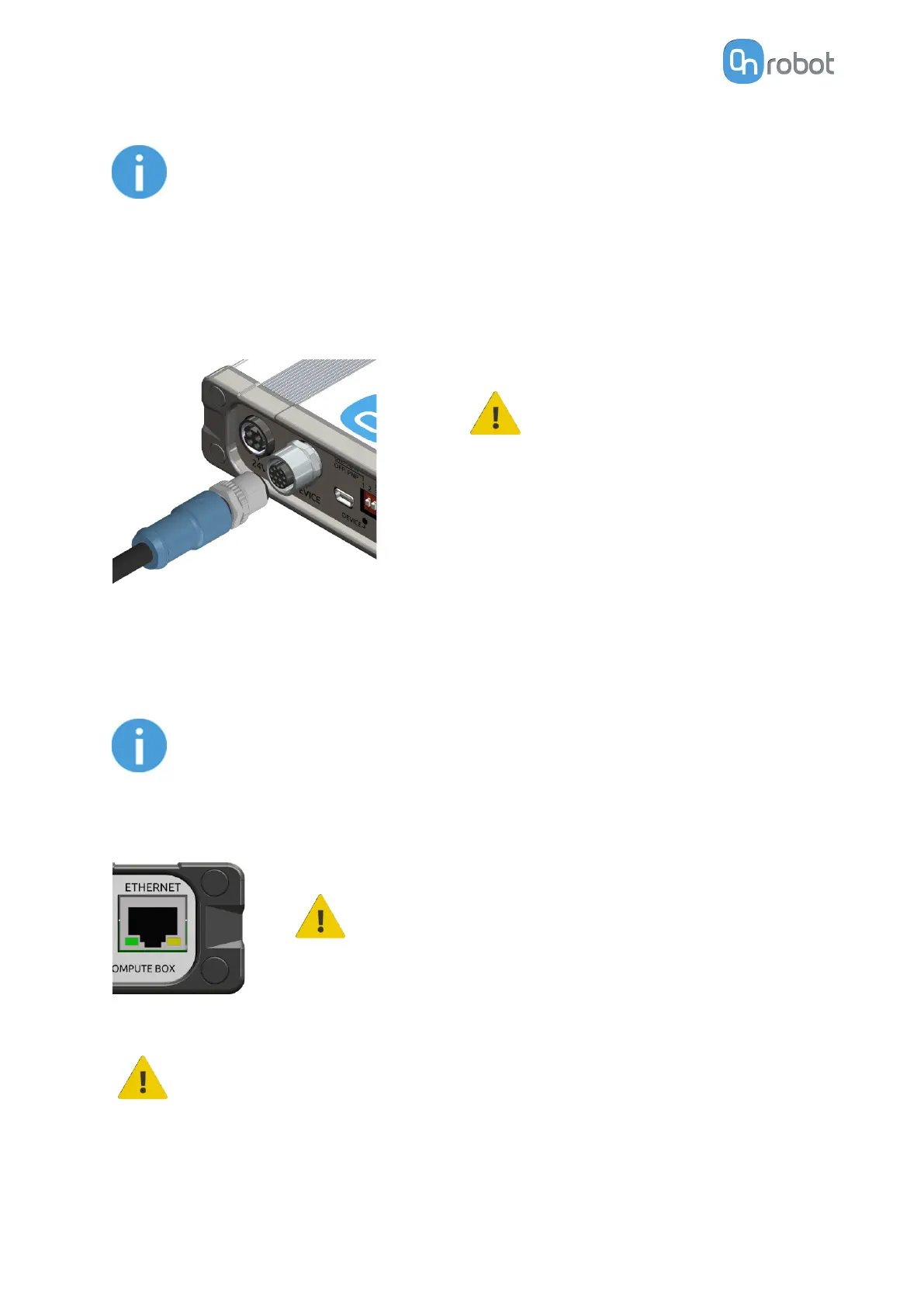
Finally, connect the other end of the Tool data cable to the Compute Box's DEVICES
connector.
CAUTION:
Quick Changer and Dual Quick
Changer can only be used to
power OnRobot tools.
4.5.2. Ethernet Cable
Connect one end of the supplied Ethernet (UTP) cable to the robot controller's Ethernet (LAN)
port.
NOTE:
If the robot controller's Ethernet port is in use, use a standard 4-port Ethernet
switch to be able to use two network devices at the same time.
Connect the other end of the supplied cable to the Compute Box's ETHERNET connector.
CAUTION:
Use only shielded, maximum 3m long Ethernet cables.
WARNING:
Check and make sure that the Compute Box enclosure (metal) and the robot
controller enclosure (metal) are not connected (no galvanic connection
between the two).
HW INSTALLATION
18



 To Next Page