6.3. URScript Commands
URScript commands can be used alongside other scripts.
6.3.1. 2FGP20
When the OnRobot URCap is enabled, the following 2FGP script functions are available:
•
fgp_grip(width, force, speed): Commands the 2FGP20
fingers to move to a specific
width with a specific force and speed.
width: The width that the gripper will open or close to. [mm]
force: The force that the gripper will try to reach. [N]
speed: The speed that the gripper will try to reach. [%]
•
fgp_release(width, speed): Commands the 2FGP20 fingers to move to a specific
width with a specific speed.
width: The width that the gripper will open or close to. [mm]
speed: The speed that the gripper will try to reach. [%]
•
fgp_vg_grip(vacuum=20): Commands the 2FGP20 to turn on the vacuum to grip the
workpiece.
vacuum: Sets the target vacuum level. The value range is 5 – 60%.
•
fgp_vg_release(): Commands the 2FGP20 to turn o the vacuum to release the
workpiece.
6.4. TCP Configuration
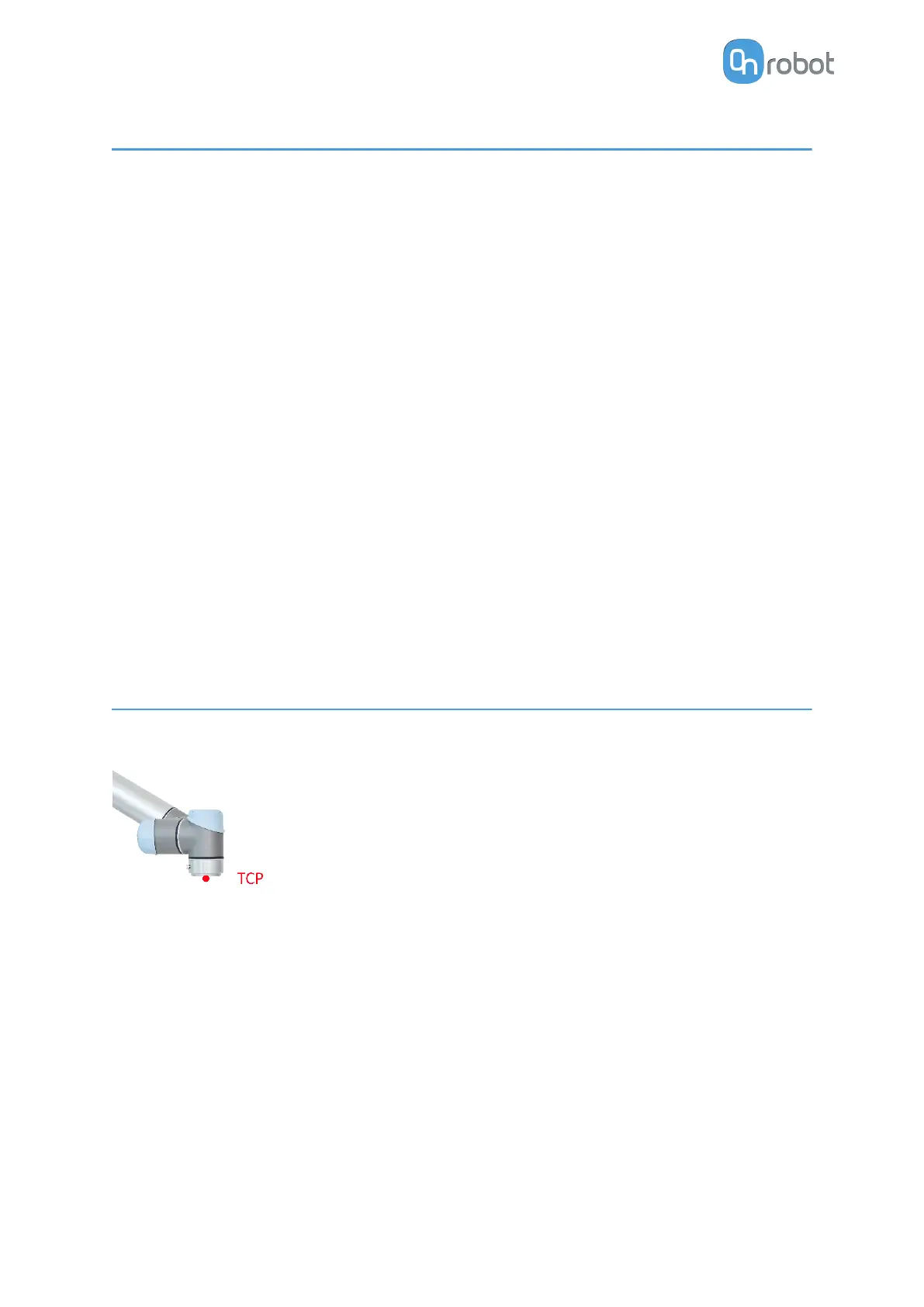
TCP is the abbreviation of the Tool Center Point.
TCP is a point that is in the beginning (by default) located at the
middle point of the UR's tool flange. This is an important point
during robot programming since UR's Move commands are
always referenced to a given TCP point and rotations could only
be carried out about these points.
OPERATION
37



 To Next Page