7.1.2. Web Client
To access the Web Client on your computer first the Ethernet interface needs to be set up to
have a proper communication between your computer and the Compute Box. It is
recommended to use the factory default DIP switch settings (DIP 3 On and DIP 4 O) (for
further details see section 7.1.1. Ethernet Interface Setup).
Then do the following steps:
•
Connect the Compute Box to your computer with the supplied UTP cable.
•
Power the Compute Box with the supplied power supply
•
Wait one minute for the Compute Box LED to turn from blue to green.
•
Open a web browser on your computer and type in the IP address of the Compute Box
(factory default is 192.168.1.1).
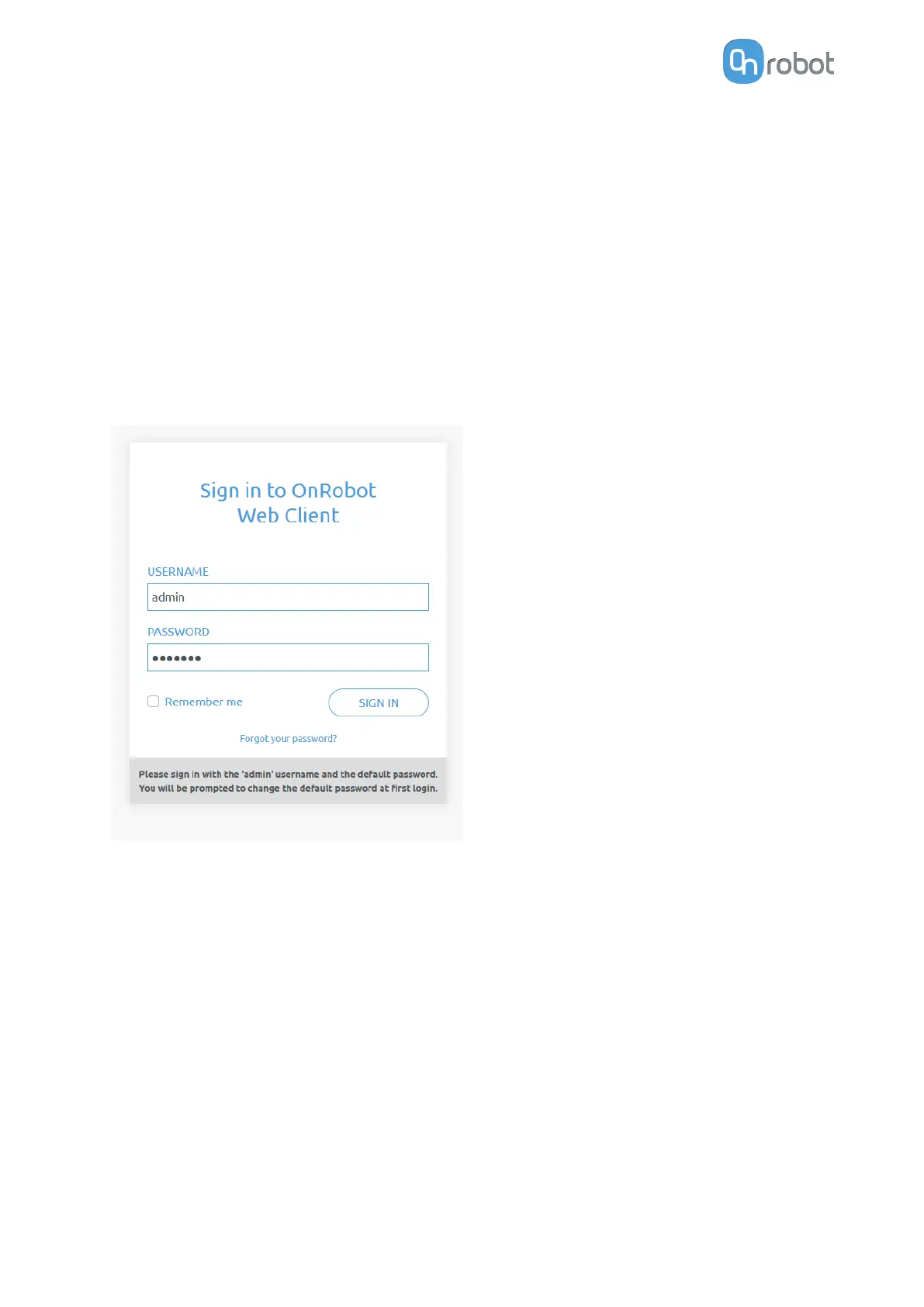
The Sign-in page opens:
The factory default administrator login is:
Username: admin
Password: OnRobot
For the first login a new password needs to be entered: (password must be at least 8
characters long)
ADDITIONAL SOFTWARE OPTIONS
44



 To Next Page