Click on Update in the firmware section of the page to start the firmware update process.
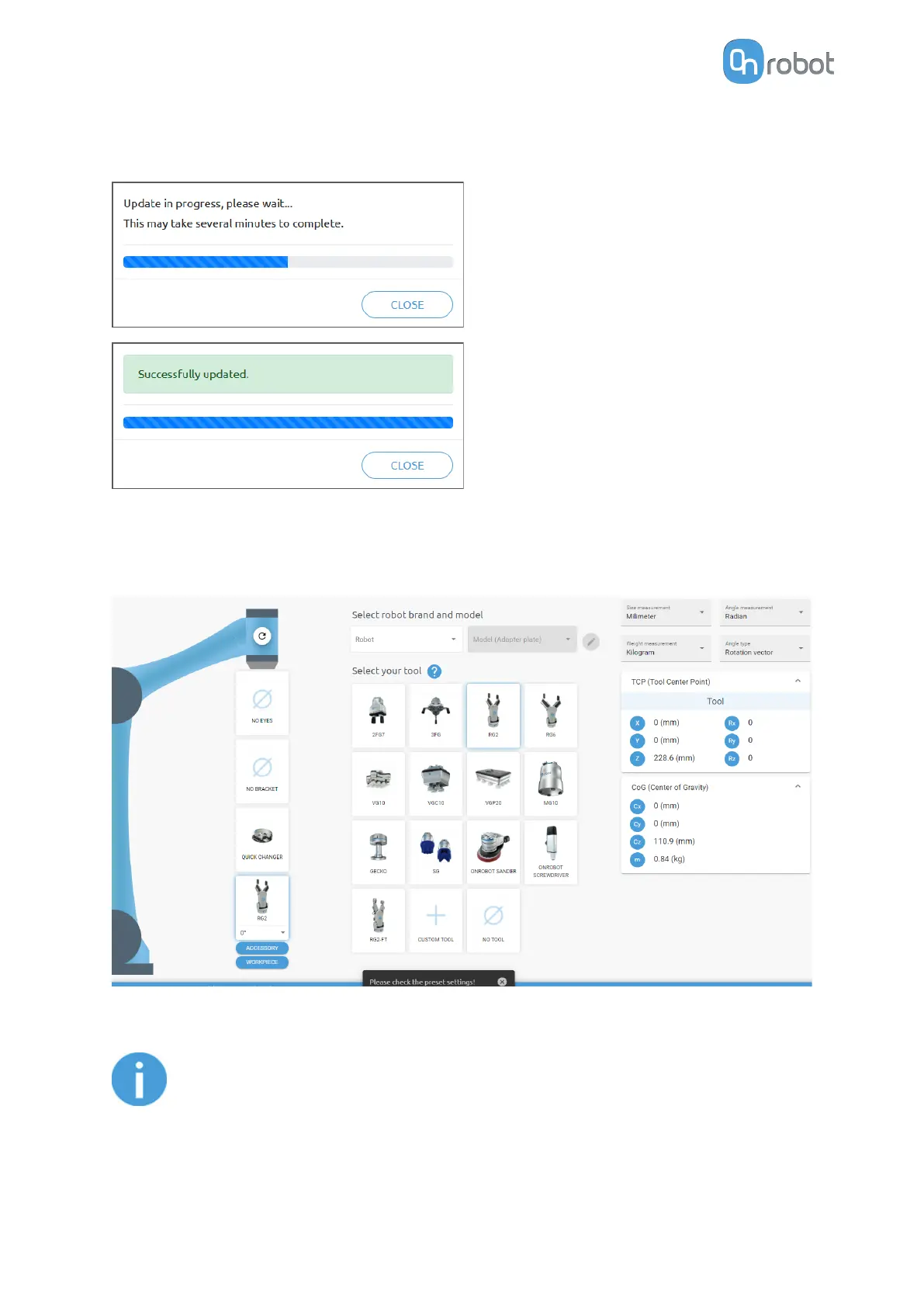
If the update is finished and was successful, the message below is shown.
7.1.6. Web Client: TCP/COG
Use the TCP/COG calculator to calculate the TCP (Tool Center Point) and COG (Center of
Gravity) values for your OnRobot product combination.
The TCP/COG calculator will show the automatically detected settings.
NOTE:
Make sure to check the preset settings before calculating the TCP and COG
values.
1. Select the robot brand and the model you are using from the Robot and Model (Adapter
plate) dropdown menus.
ADDITIONAL SOFTWARE OPTIONS
53



 To Next Page