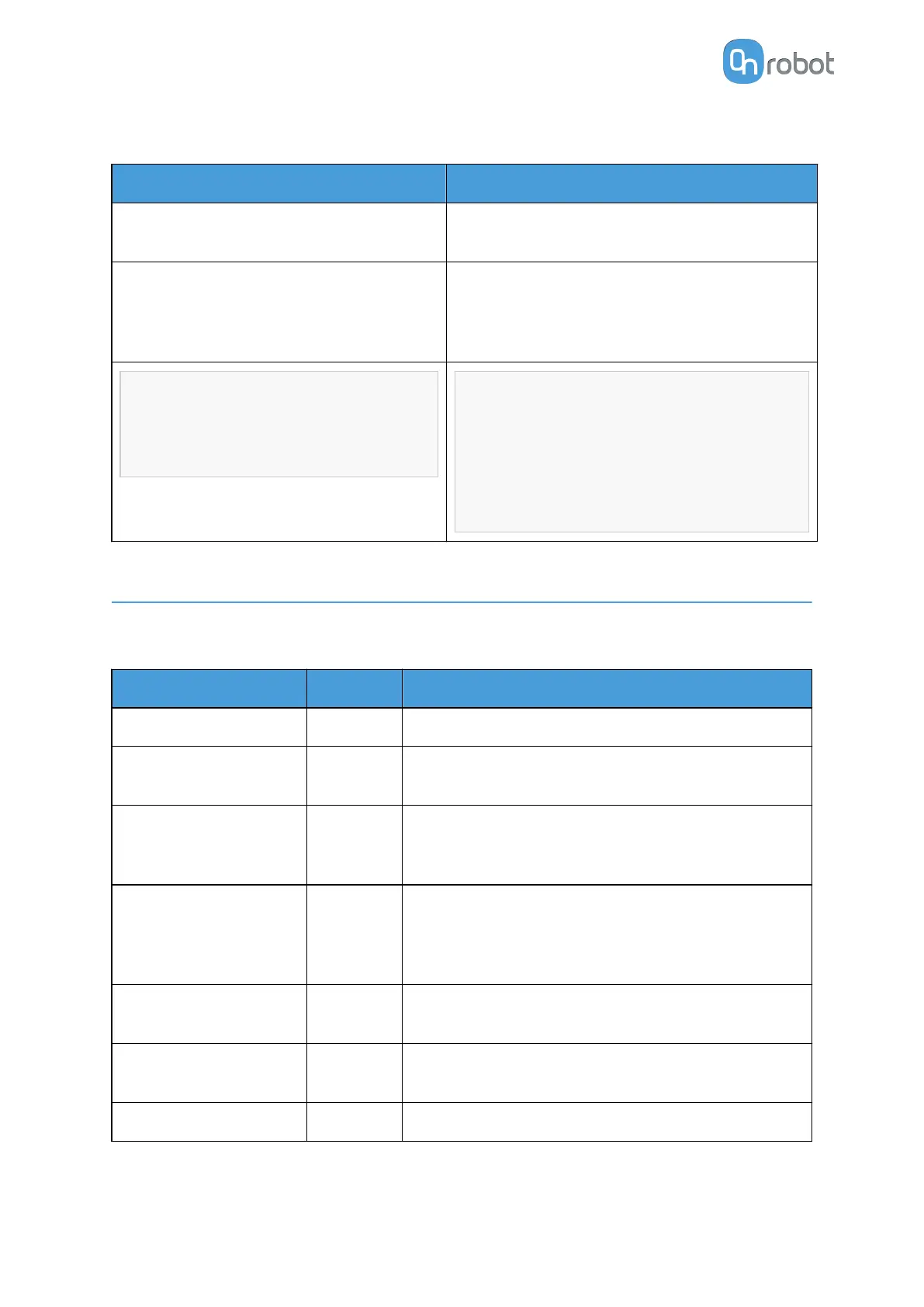
As summary here is a code example:
Single Dual
Recommended to set OnRobot_Default
TCP as the UR's Default TCP
Recommended to set OnRobot_Default TCP
as the UR's Default TCP
Before each program execution make sure to
select on the OnRobot Installation panel the
right gripper that will be the first used in the
program
Robot program
TCP (Optional)
MoveJ (Set TCP = Active TCP)
Robot program
TCP (Select Gripper 1)
MoveJ (Set TCP = Active TCP)
TCP (Select Gripper 2)
MoveJ (Set TCP = OnRobot_Dual_2)
6.5. Feedback Variables
6.5.1. 2FGP20
Feedback Variable
Unit Description
fgp_Busy True/False Whether the 2FGP20 is busy or not.
fgp_Grip_Detected True/False
The gripper detects that a workpiece is gripped with
the fingers.
fgp_vg_Release_Status Int
0 - Not released
1 - Release ok
2 - Release failed
fgp_vg_Status Int
0 - Not gripped
1 - Grip detected
2 - Required grip timeout
3 - Grip lost
fgp_vg_Vacuum %Vacuum
Returns the %Vacuum achieved. The value range is
0 - 60%.
fgp_Width_int [mm]
Width between the inner side of the fingers of the
gripper.
on_return The return value of the OnRobot commands.
OPERATION
41



 To Next Page