Single Dual
Robot program
MoveJ (Set TCP = OnRobot_Single)
#Alternatively
TCP
F/T Move
Robot program
MoveJ (Set TCP = OnRobot_Dual_1)
MoveJ (Set TCP = OnRobot_Dual_2)
Dynamic TCP Mode
In this mode the UR's Active TCP is set automatically according to
the detected OnRobot device.
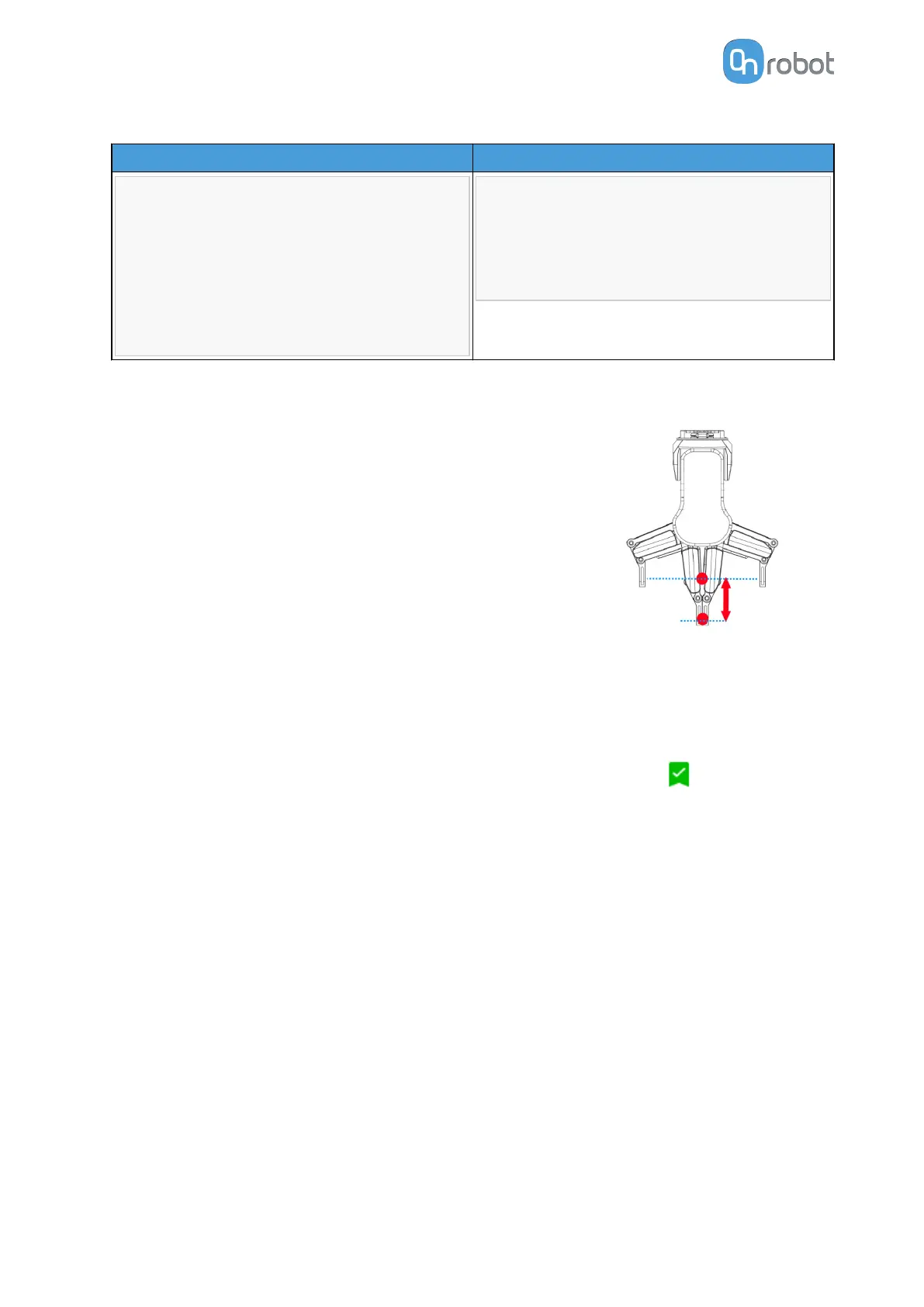
This mode is useful when the TCP eect of the width value of the
gripper (RG2, RG6 or RG2-FT only) is needed to be considered.
During the robot program execution if the RG Grip commands
are used to open or close the gripper TCP is automatically set
accordingly.
Furthermore, if the OnRobot Toolbar is used to open or close the
gripper the Active TCP is adjusted immediately.
However, the Active TCP is overwritten directly, there is also an
OnRobot defined TCP, that is called:
•
OnRobot_Default
This is the name in both the Single and Dual device case.
It is recommended to set the OnRobot_Default option as the Default TCP ( ) in the UR's
TCP Configuration.
To let the system to automatically update the TCP during the program execution the UR's
Move commands needs to be left at its default setting of Set as Active TCP. (Compared to the
Static TCP mode where it is needed to be changed to a predefined TCP).
In case when two grippers are used, the Active TCP needs to be selected to which gripper to
belong to:
•
first use an OnRobot TCP command and select from Gripper 1 and Gripper 2 which one to
be used
•
then the UR's Move will have an updated Active TCP that could be used for multiple Move
commands
•
when it will be necessary to change to the other gripper just use another TCP and select
the other gripper.
Before you teach any Waypoint make sure to set the Active TCP beforehand:
•
for Single device go to the OnRobot Installation panel
•
for Dual devices go to the OnRobot Installation panel and Select the Device (1 or 2) that
you are using at the time of the teaching
OPERATION
40



 To Next Page