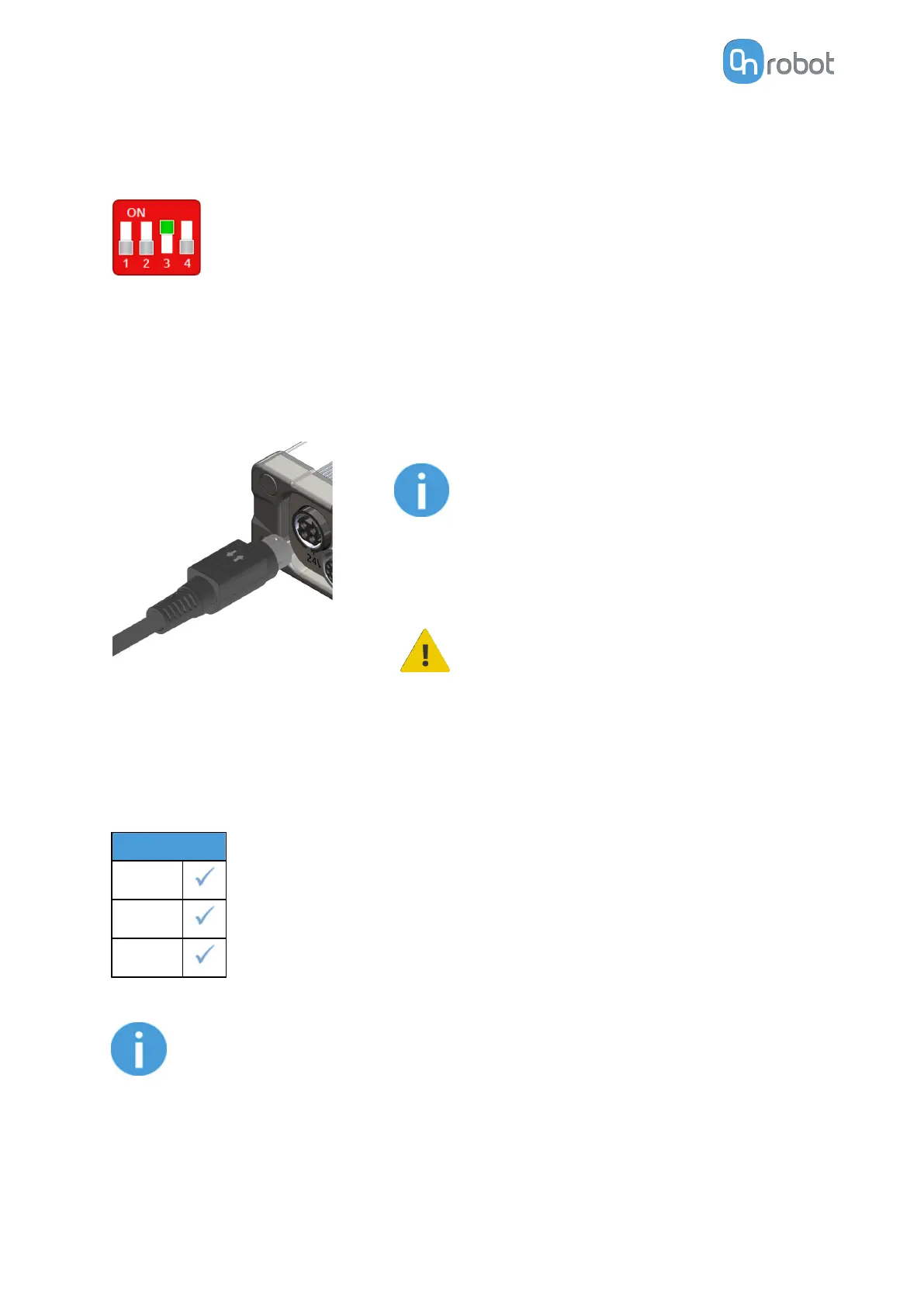
4.5.3. Compute Box DIP Switch Settings
Set the DIP switches of the Compute Box as follows:
Set the DIP switch 3 to ON and the DIP switch 4 to OFF position.
For more information about the Ethernet interface settings, see 7.1.1. Ethernet Interface
Setup.
4.5.4. Power Supply: Compute Box
Connect the supplied power supply to the Compute Box 24V connector.
NOTE:
To disconnect the power connector,
make sure to pull the connector housing
(where the arrows are shown) and not
the cable.
CAUTION:
Use only original OnRobot power
supplies.
Finally, power up the power supply that will power the Compute Box and the connected
Tool(s).
4.5.4.1. 2FGP20
Power Supply
1.5 A
5 A
6.25 A
NOTE:
For the 1.5 A power supply, the force is limited. For more information, see the
Force vs Current Graph in the 8.1.1. Technical Sheet.
HW INSTALLATION
19



 To Next Page