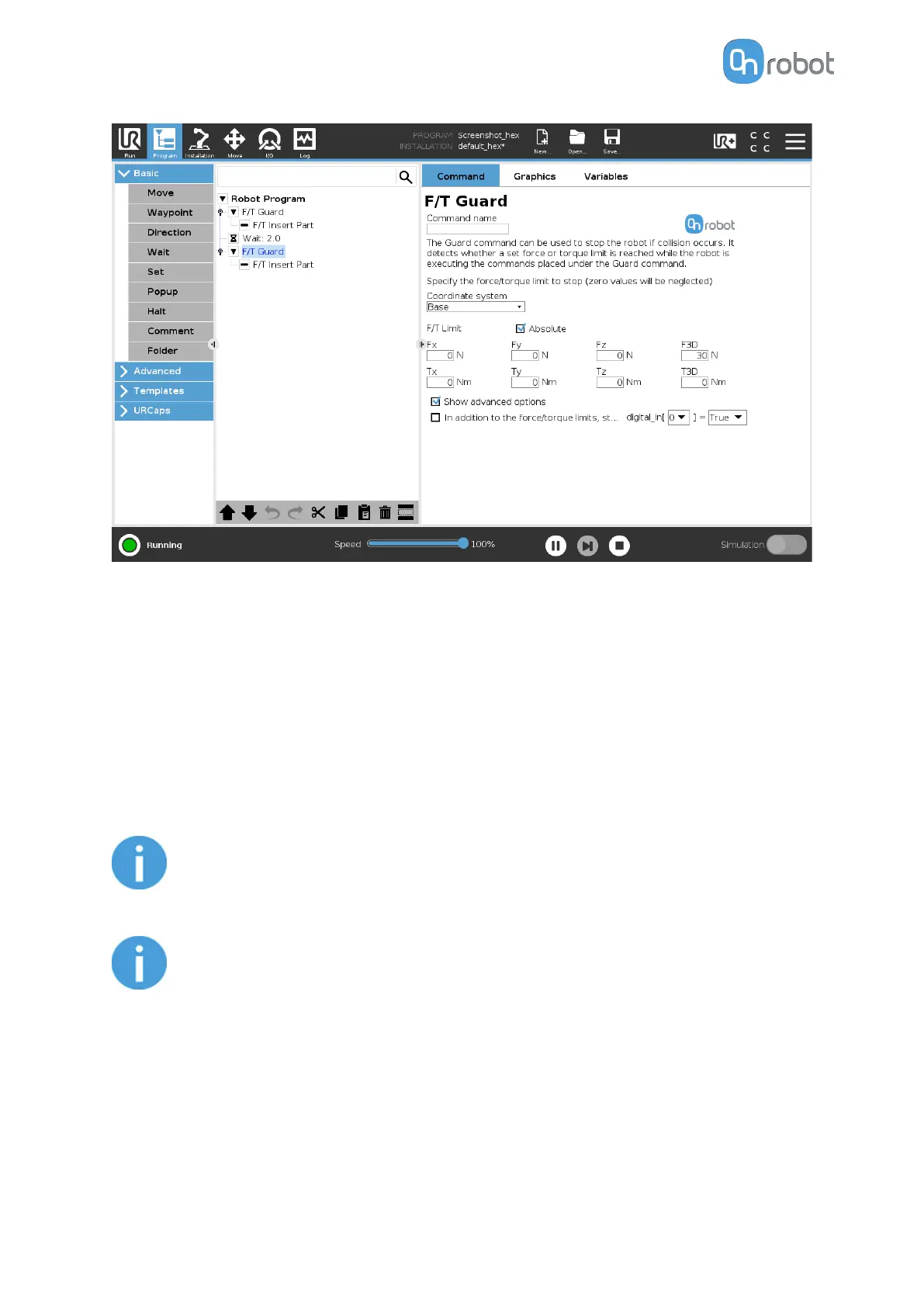
If the In addition to the force/torque limits, stop if is enabled, then the set digital I/O will also
be monitored and once the condition is met (along with the force/torque limit) the robot will
be stopped. (e.g.: stop if Fz>5 AND digital_in\[7\] == True).
This command has no return value, and halts the program when limits are reached.
F/T Insert Part
First position the pin or peg that needs to be inserted to the hole pointing in the right
direction and close to the hole entrance. The
final position and orientation will be corrected
by the F/T Insert Part command. It tries to push the pin with the predefined force limit and
adjusts the orientation if necessary. It stops when the defined insertion depth is reached.
NOTE:
It is important to set the TCP (Tool Center Point) at the tip of the part.
NOTE:
To cancel any force/torque oset, execute an F/T Zero command at the
beginning of the F/T Insert Part command and make sure the tool is not in
contact with any object before starting the F/T Insert Part, otherwise the
command may not stop at the given force/torque limit.
OPERATION
79



 To Next Page