Current width
The number shows the Current width value.
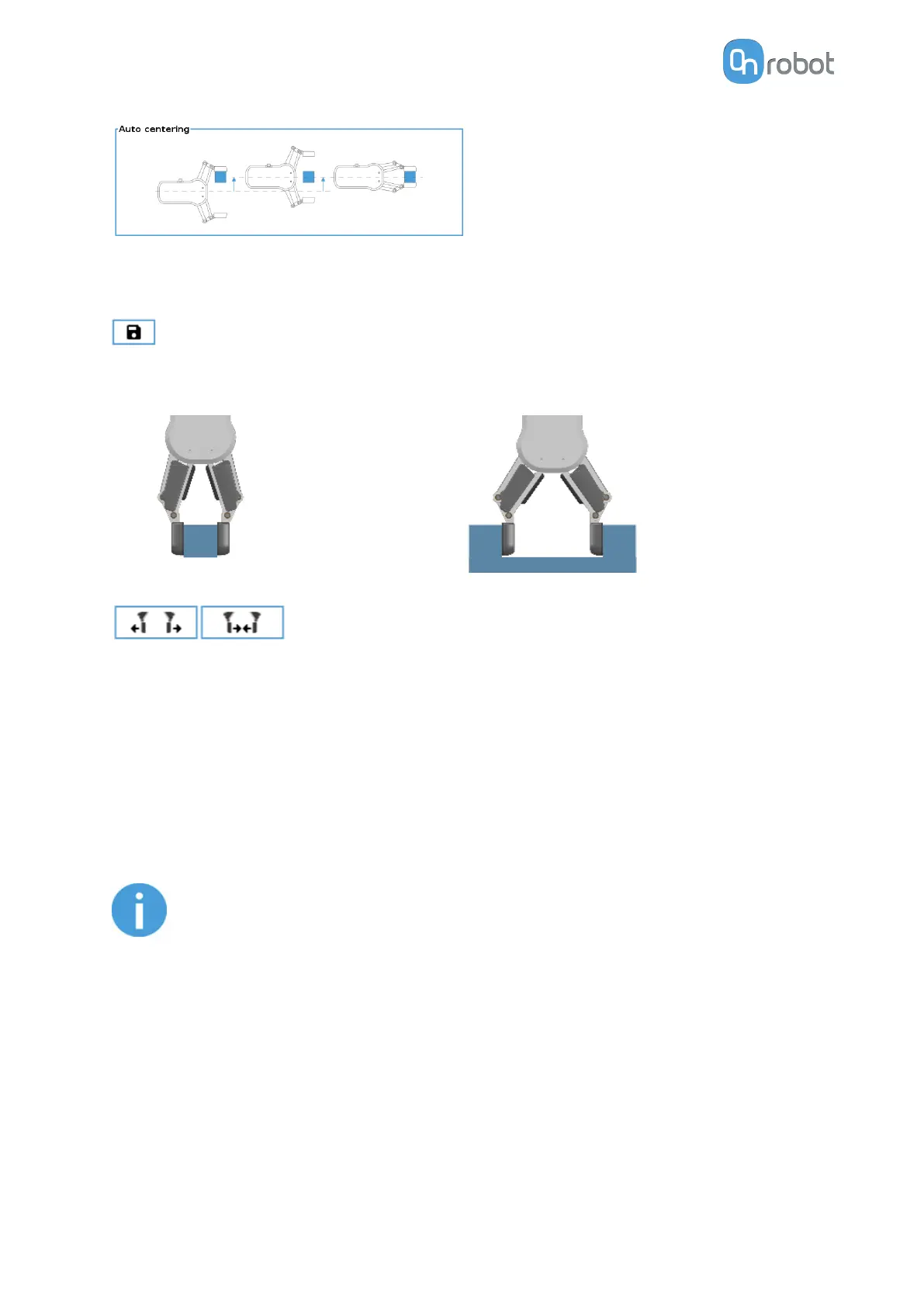
will set the Current width as target width. If used when a grasp is detected (see image
below) this will set the Target Width as Current width – 3 mm if the workpiece is grabbed
externally and + 3 mm if the workpiece is grabbed internally.
These are open and close hold-to-run buttons. Notice that to
enhance width precision the target Force is not applied when using these buttons.
Workpiece
Mass: the workpiece weight can be entered. The URCap software will then perform the
calculation of the resulting payload mass considering the gripper, the Quick Changer, and the
workpiece mass.
F/T Insert Part
The F/T Insert Part command can be used for precision
fitting an object into a hole.
NOTE:
To cancel any force/torque oset, execute an F/T Zero command at the
beginning of the F/T Insert Part command and make sure the tool is not in
contact with any object before starting the F/T Insert Part, otherwise the
command may not stop at the given force/torque limit.
OPERATION
84



 To Next Page