User Manual
Advanced Console Server & RIM Gateway User Manual 129
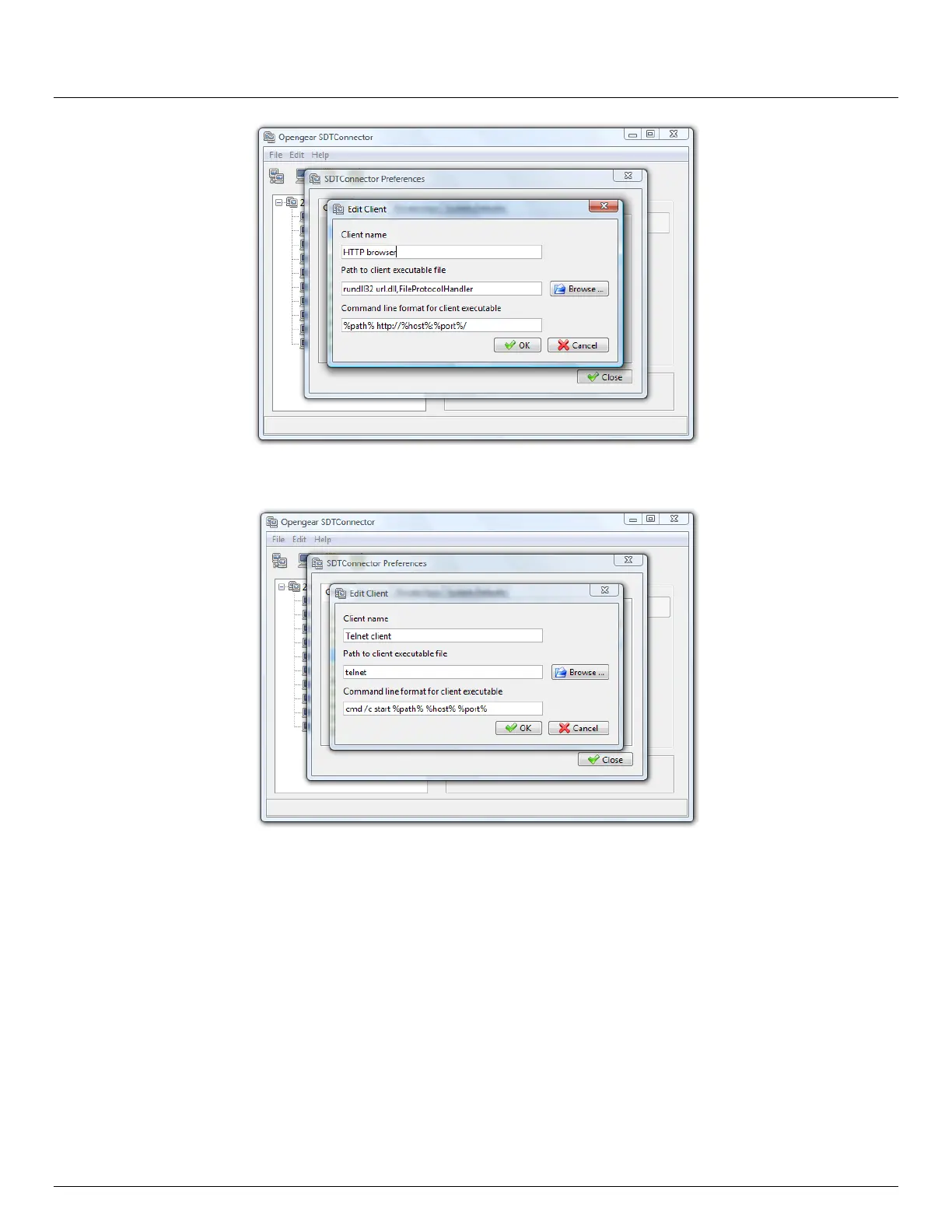
Also some clients are launched in a command line or terminal window. The Telnet client is an example of this so the
“Path to client executable file” is telnet and the “Command line format for client executable” is cmd /c start %path%
%host% %port% :
Click OK
6.2.8 Dial in configuration
If the client PC is dialing into Local/Console port on the console server you will need to set up a dial-in PPP link:
Configure the console server for dial-in access (following the steps in the Configuring for Dial-In PPP Access
section in Chapter 5, Configuring Dial In Access)
Set up the PPP client software at the remote User PC (following the Set up the remote Client section in Chapter
5)
Once you have a dial-in PPP connection established, you then can set up the secure SSH tunnel from the remote Client
PC to the console server.



 To Next Page