Chapter 3: Initial System Configuration
34 Console Server & RIM Gateway User Manual
3.3 Network IP Address
The next step is to enter an IP address for the principal Ethernet (LAN/Network/Network1) port on the console server; or
enable its DHCP client so that it automatically obtains an IP address from a DHCP server on the network it is to be
connected to.
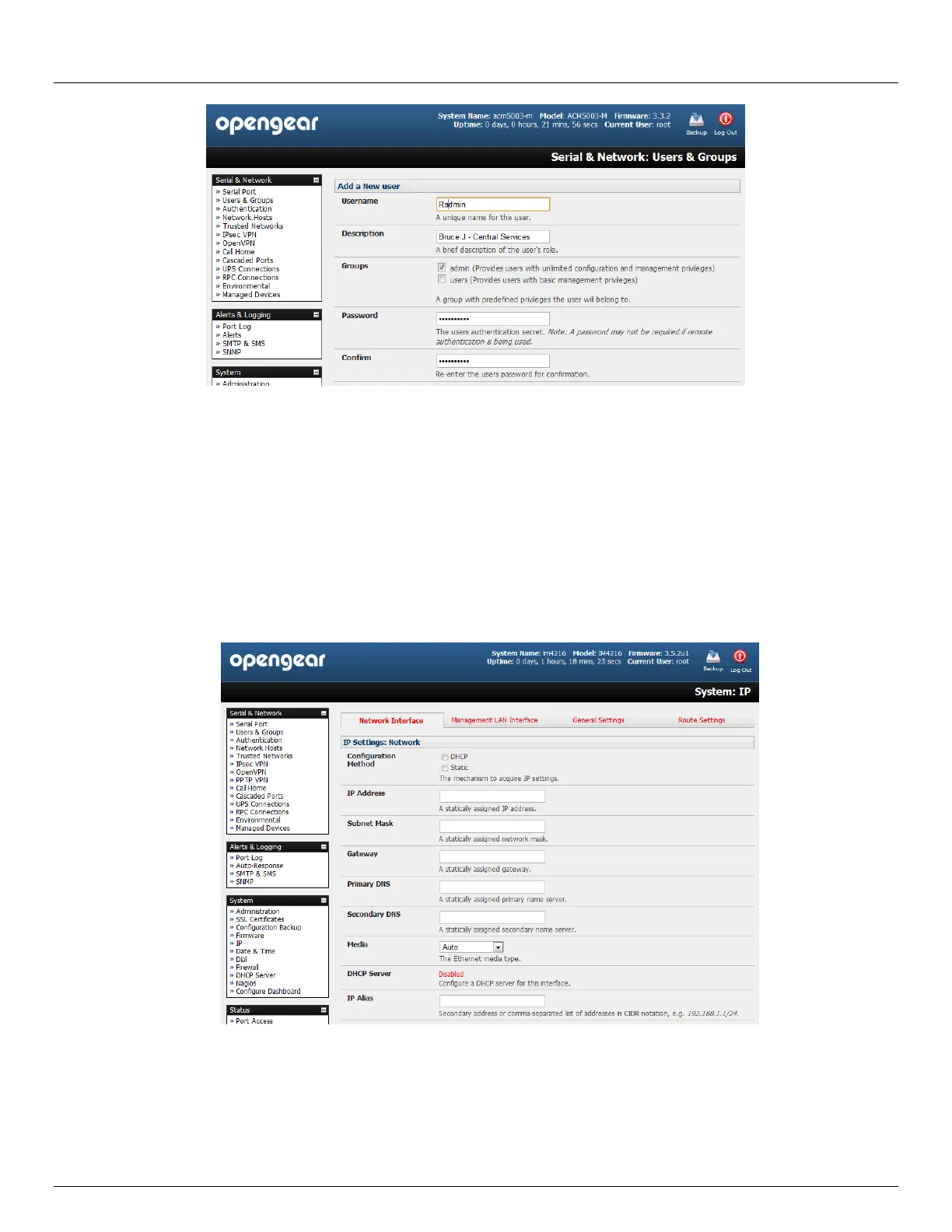
On the System: IP menu select the Network Interface page then check DHCP or Static for the Configuration
Method
If you selected Static you must manually enter the new IP Address, Subnet Mask, Gateway and DNS server
details. This selection automatically disables the DHCP client
If you selected DHCP the console server will look for configuration details from a DHCP server. This selection
automatically disables any static address. The console server MAC address can be found on a label on the base
plate



 To Next Page