Console Server & Router User Manual 227
11.2 Upgrade Firmware
Before upgrading you should ascertain if you are already running the most current firmware in your gateway. Your console
server will not allow you to upgrade to the same or an earlier version.
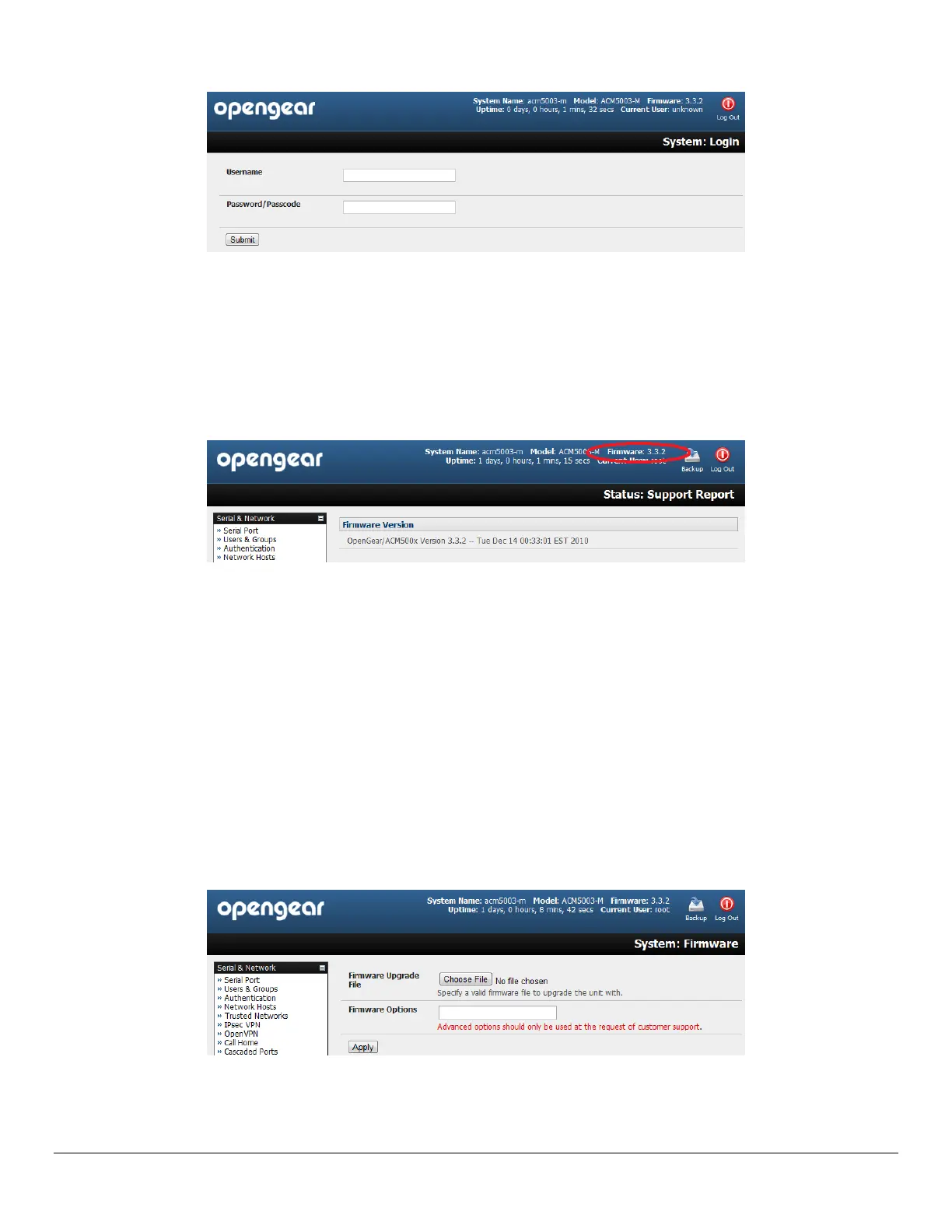
The Firmware version is displayed in the header of each page
Alternately selecting Status: Support Report reports the Firmware Version
To upgrade, you first must download the latest firmware image from ftp://ftp.opengear.com or
http://opengear.com/firmware/:
For ACM5000 family download acm500x.flash
For CM4116/4148 download cm41xx.flash
For CM4008 download cm4008.flash
For CM4001 download cm4001.flash
For IM4216-34 and IM4208/16/32/48-2 download im42xx.flash
For IM4004-5 download img4004.flash
For SD4001/4002 download sd4002.flash
Save this downloaded firmware image file on to a system on the same subnet as the console server
Also download and read the release_notes.txt for the latest information
To up-load the firmware image file to your console server, select System: Firmware
Specify the address and name of the downloaded Firmware Upgrade File, or Browse the local subnet and locate
the downloaded file



 To Next Page