User Manual
Advanced Console Server & RIM Gateway User Manual 19
Proceed to connect your CM4116 (or CM4132/CM4148) to the network, to the serial ports of the controlled
devices, and to power as outlined below
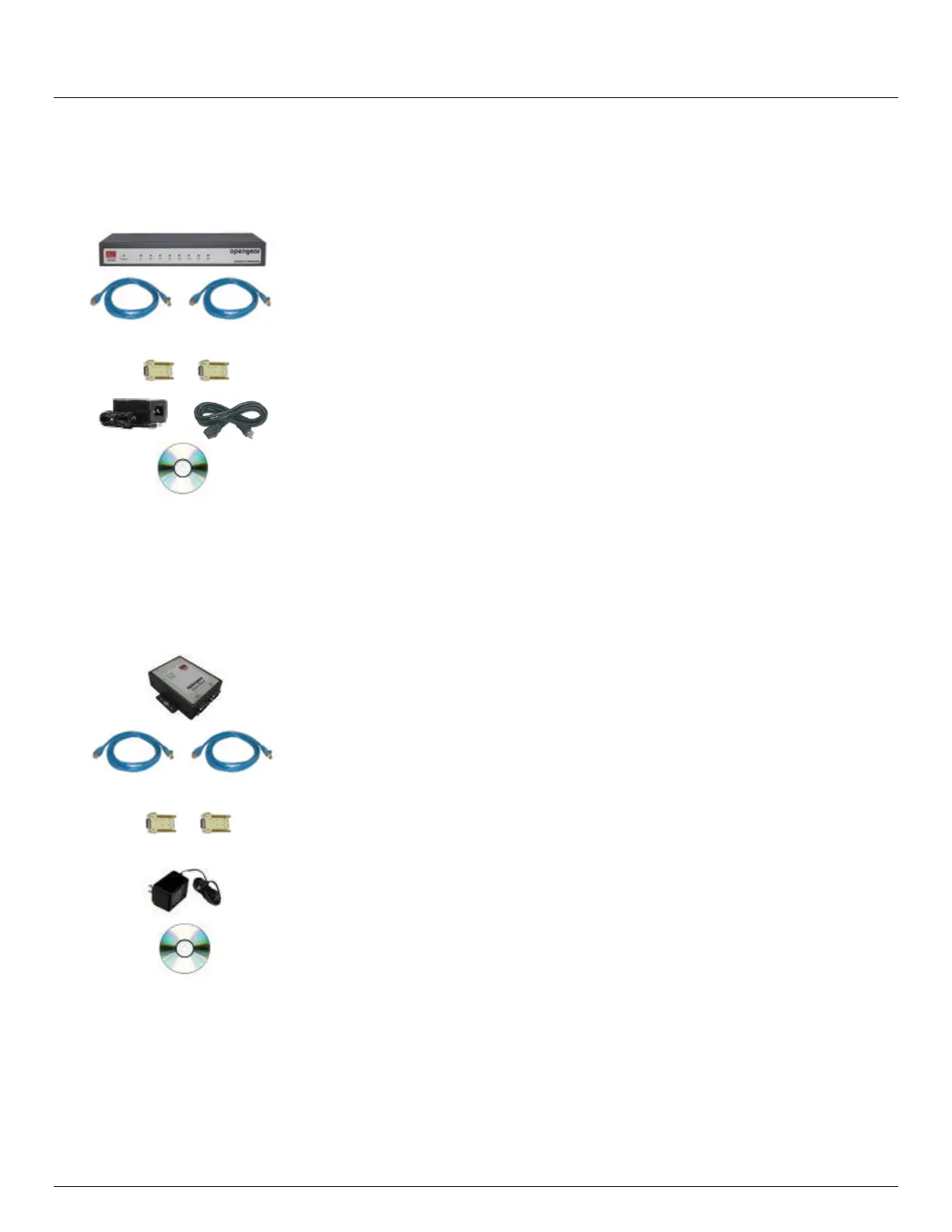
2.1.4 CM4008 kit components
Connector DB9F-RJ45S straight and DB9F-RJ45S
cross-over
Power Supply 5VDC 2.0A
IEC Socket and AC power cable
Quick Start Guide and CD-ROM
Unpack your CM4008 kit and verify you have all the parts shown above, and that they all appear in good working
order
Proceed to connect your CM4008 to the network, the serial ports of the controlled servers and AC power as
shown below
2.1.5 CM4001 and SD4002 kit components
Part # 509003
Part # 509005
CM4001 Console Manager
SD4002 Device Server
Connector DB9F-RJ45S straight and DB9F-RJ45S cross-
over
Power Supply 12VDC 1.0A
Wall mount
Quick Start Guide and CD-ROM
Unpack your CM4001 (or SD4002) and verify you have all the parts shown above, and that they all appear in
good working order
Proceed to connect your CM4001 (or SD4002) to the network, to the serial port of the controlled device and to
power as outlined below



 To Next Page