Chapter 3: Initial System Configuration
36 Console Server & RIM Gateway User Manual
Supported DDNS providers include:
- DyNS www.dyns.cx
- dyndns.org www.dyndns.org
- GNUDip gnudip.cheapnet.net
- ODS www.ods.org
- TZO www.tzo.com
- 3322.org (Chinese provider) www.3322.org
Upon registering with the DDNS service provider, you will select a username and password, as well as a
hostname that you will use as the DNS name (to allow external access to your machine using a URL).
The Dynamic DNS service providers allow the user to choose a hostname URL and set an initial IP address to
correspond to that hostname URL. Many Dynamic DNS providers offer a selection of URL hostnames available
for free use with their service. However, with a paid plan, any URL hostname (including your own registered
domain name) can be used.
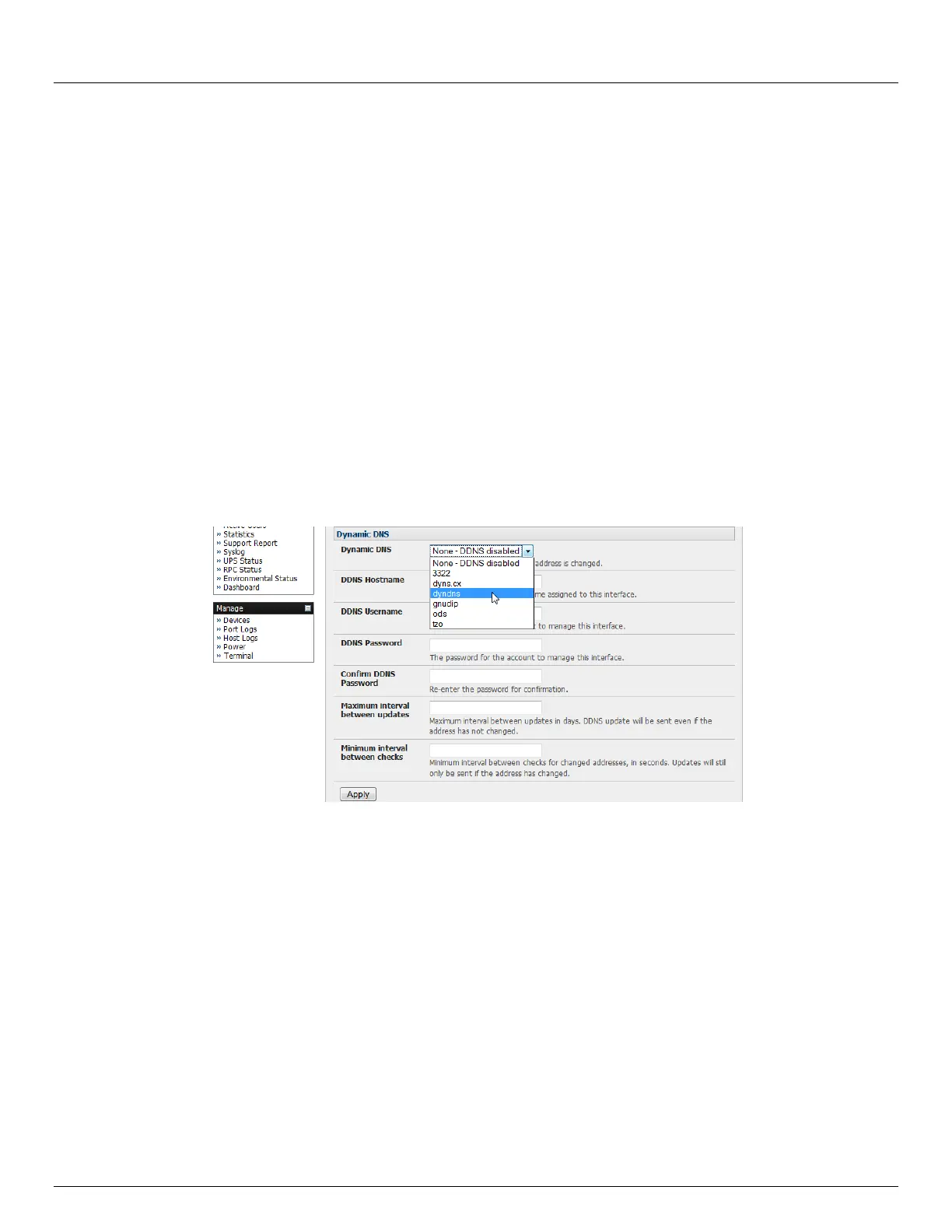
You can now enable and configure DDNS on any of the Ethernet or cellular network connections on the console server
(by default DDNS is disabled on all ports):
Select the DDNS service provider from the drop down Dynamic DNS list on the System:IP or System:Dial menu
In DDNS Hostname enter the fully qualified DNS hostname for your console server e.g. your-
hostname.dyndns.org
Enter the DDNS Username and DDNS Password for the DDNS service provider account
Specify the Maximum interval between updates - in days. A DDNS update will be sent even if the address has
not changed
Specify the Minimum interval between checks for changed addresses - in seconds. Updates will still only be
sent if the address has changed
Specify the Maximum attempts per update i.e. the number of times to attempt an update before giving up
(defaults to 3)
3.4 System Firewall - Service Access
Service Access specifies which access protocols/services can be used to access the console server (and connected
serial ports and managed devices). The Administrator can access and configure the console server (and connected



 To Next Page