User Manual
Advanced Console Server & RIM Gateway User Manual 187
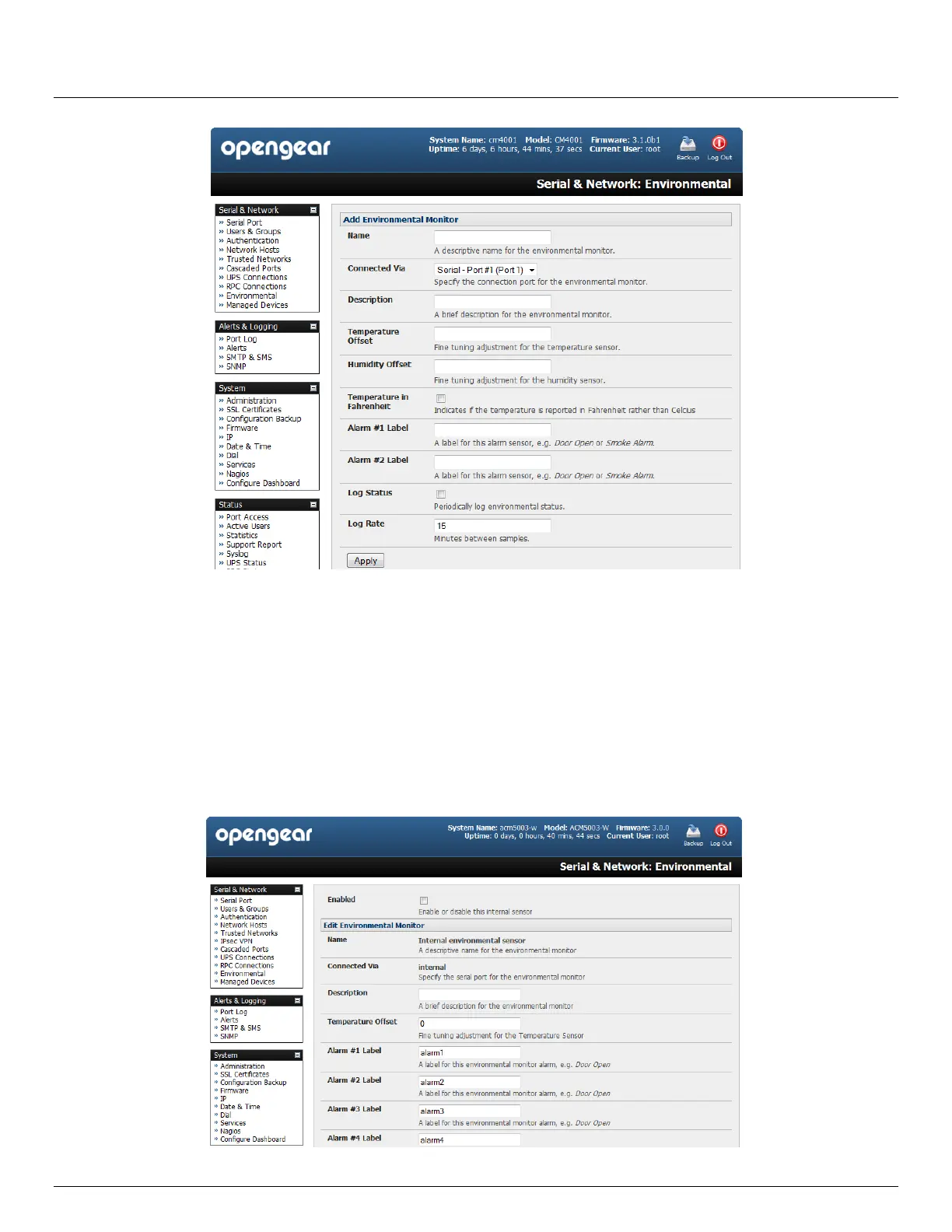
You may optionally calibrate the EMD with a Temperature Offset (+ or - °C) or Humidity Offset (+ or percent).
Also if you check Temperature in Fahrenheit then the temperature will be reported in Fahrenheit. Otherwise it
will be reported in degrees Celsius
Provide Labels for each of the alarm sensors you will used e.g. Door Open or Smoke Alarm.
Check Log Status and specify the Log Rate (minutes between samples) if you wish the status from this EMD to
be logged. These logs can be views from the Status: Environmental Status screen
Click Apply. This will also create a new Managed Device (with the same name)
For the ACM5000-E select the Serial & Network: Environmental menu and check Enabled. You will then need
set any temperature offsets and label the sensors as described above



 To Next Page