User Manual
Advanced Console Server & RIM Gateway User Manual 87
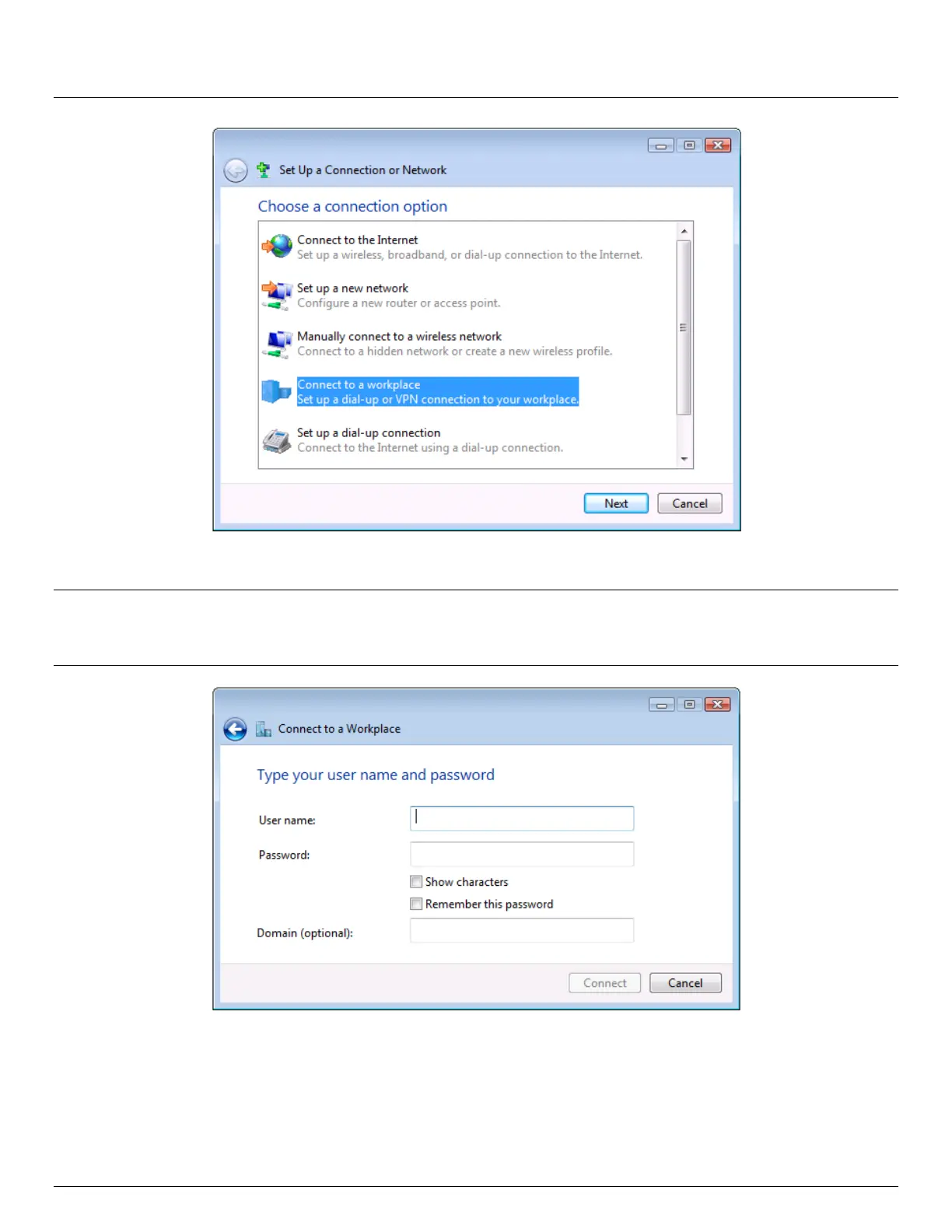
Select Use My Internet Connection (VPN) and enter the IP Address of the Opengear appliance
Note: To connect remote VPN clients to the local network, you need to know the user name and password for the PPTP
account you added, as well as the Internet IP address of the Opengear appliance. If your ISP has not allocated
you a static IP address, consider using a dynamic DNS service. Otherwise you must modify the PPTP client
configuration each time your Internet IP address changes.



 To Next Page