72
Update settings.
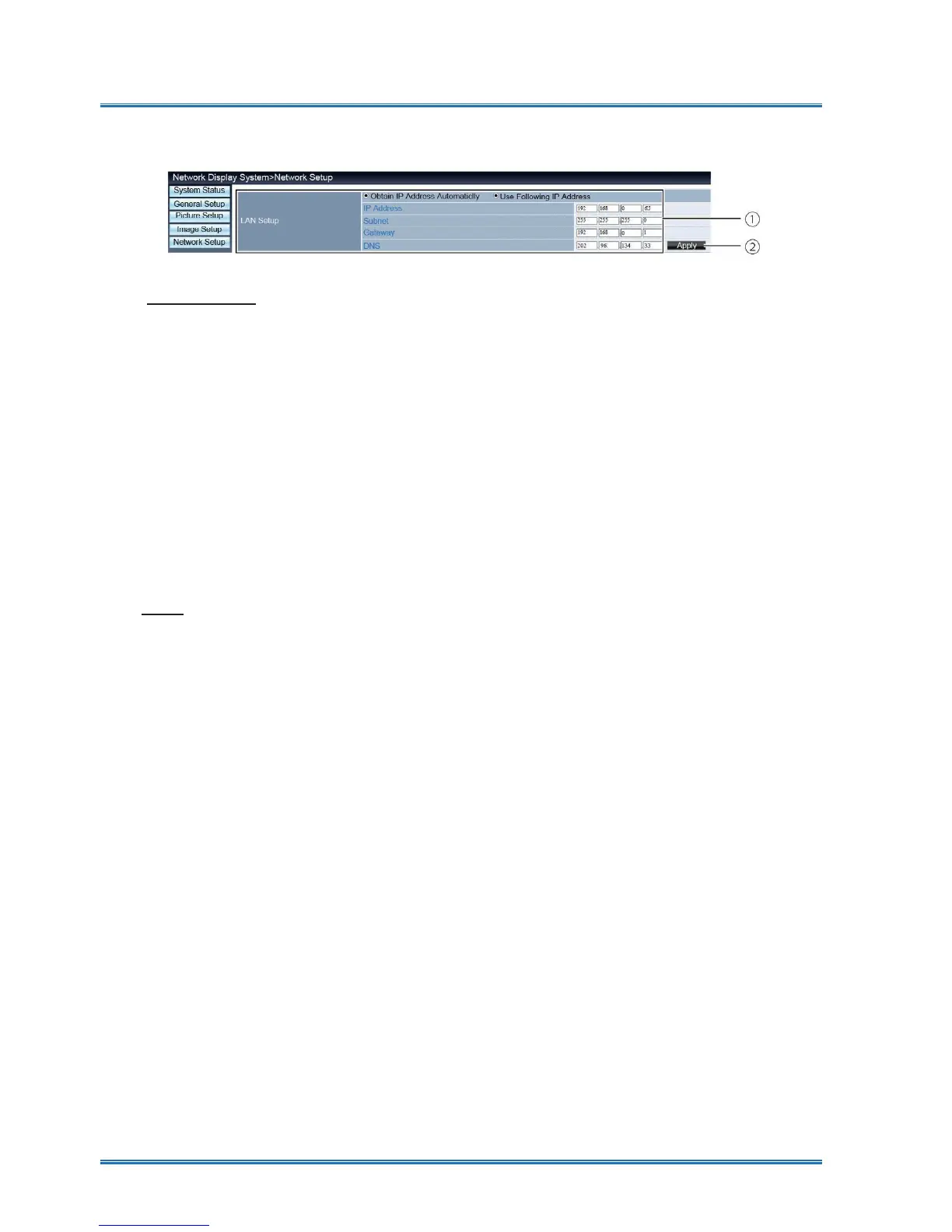
[Network Setup] page
If you want to enable the DHCP client, select the IP address automatically.
IP address:
Please enter the IP address when you do not use the DHCP server.
Subnet :
Please enter a subnet shield,when you do not use the DHCP server .
Gateway:
Please enter the gateway ,when you do not use the DHCP server.
DNS:
Please enter the DNS address, when you do not use the DHCP server.
Available characters : digital (0 - 9), a period (.)
(For example: 192.168.0.253)
② Apply
①Network Setup
Network control



 To Next Page