MySets and Tools
62
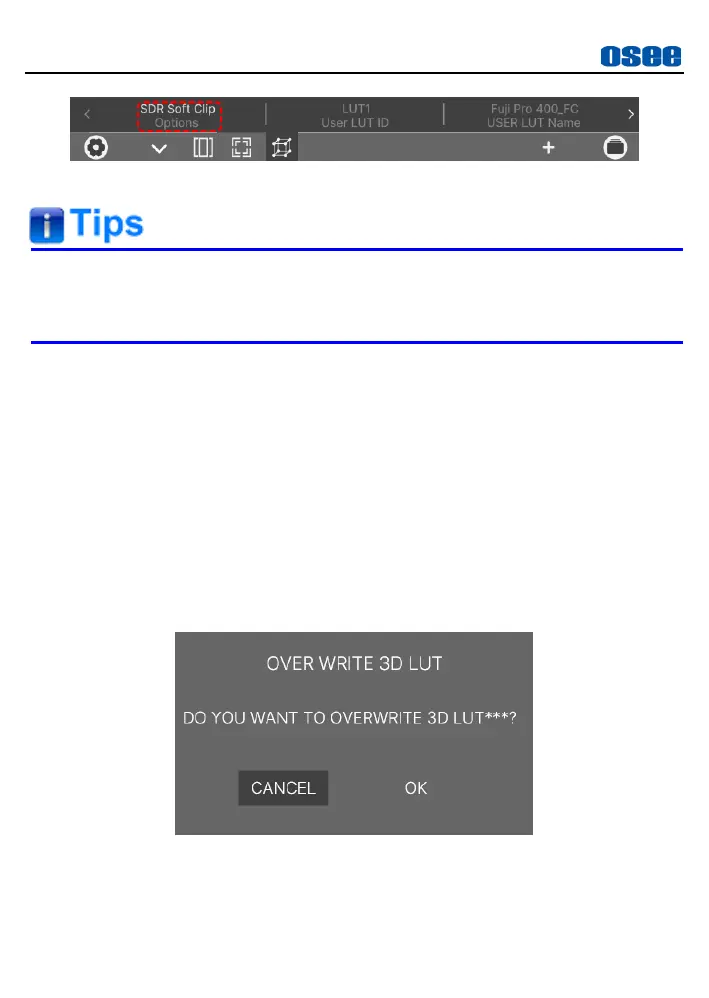
Figure 6.1-19 DE-LOG SETTINGS
Refer to “5.2.9 Color” for the details of the COLOR settings and
versatile color profiles.
2. User LUT File
If you want to apply a USER LUT tool to current signal displayed on
screen, you should load the USER LUT in monitor settings at first.
First, write the designated LUT file to the monitor.
Operation: Select
USER LUT
LUT*
item in monitor settings, thus
you can choose a LUT file from SD card, and you can see LUT ID in
the list. Choose one LUT ID, then it will pop up a prompt for reminding
you overwriting operation for LUT file, as shown in Figure 6.1-20,
press
OK
and select the target LUT from SD card, the file should be a
LUT file with “.cube” suffix, and specify its storage directory, please
don’t cut off the power during loading.
Figure 6.1-20 Prompt for Overwriting LUT



 To Next Page