31
Ⅲ K3 UNIT CHAIR Installation
DOCTOR TABLE INSTALLATION
§ Installation procedures #5
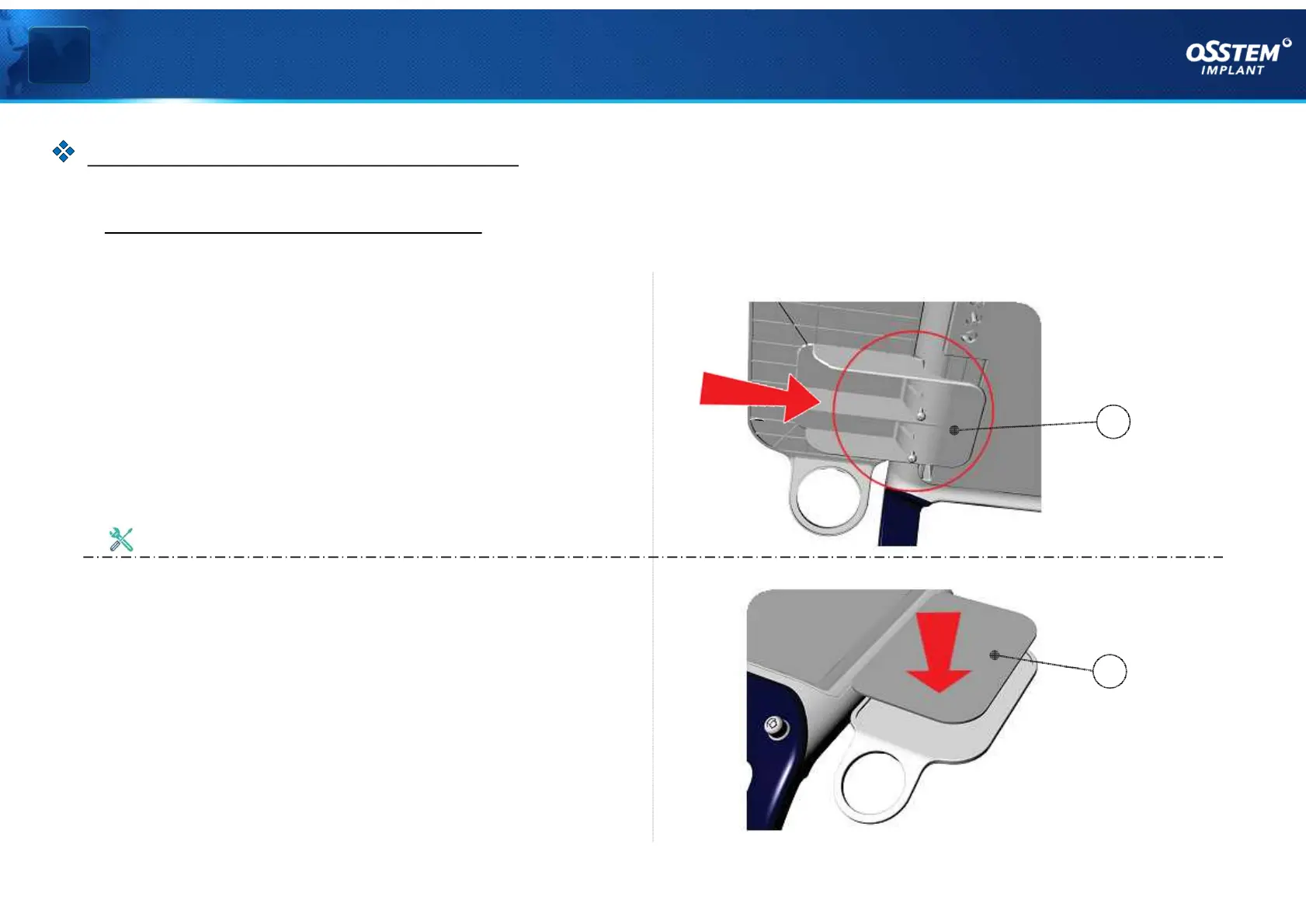
9. Assemble Mouse Pad
As shown in <Figure 09>,insert the Mouse Pad (J)
into the side of Doctor Table and fasten with
bolts.
10. Mount Protective Pad
As shown in <Figure 10>, mount the Protective
Pad (K) on the Mouse Pad (J).
Use a Phillips screwdriver
K
< Figure 10 >
< Figure 09 >
J



 To Next Page