30
Ⅲ K3 UNIT CHAIR Installation
DOCTOR TABLE INSTALLATION
§ Installation procedures #4
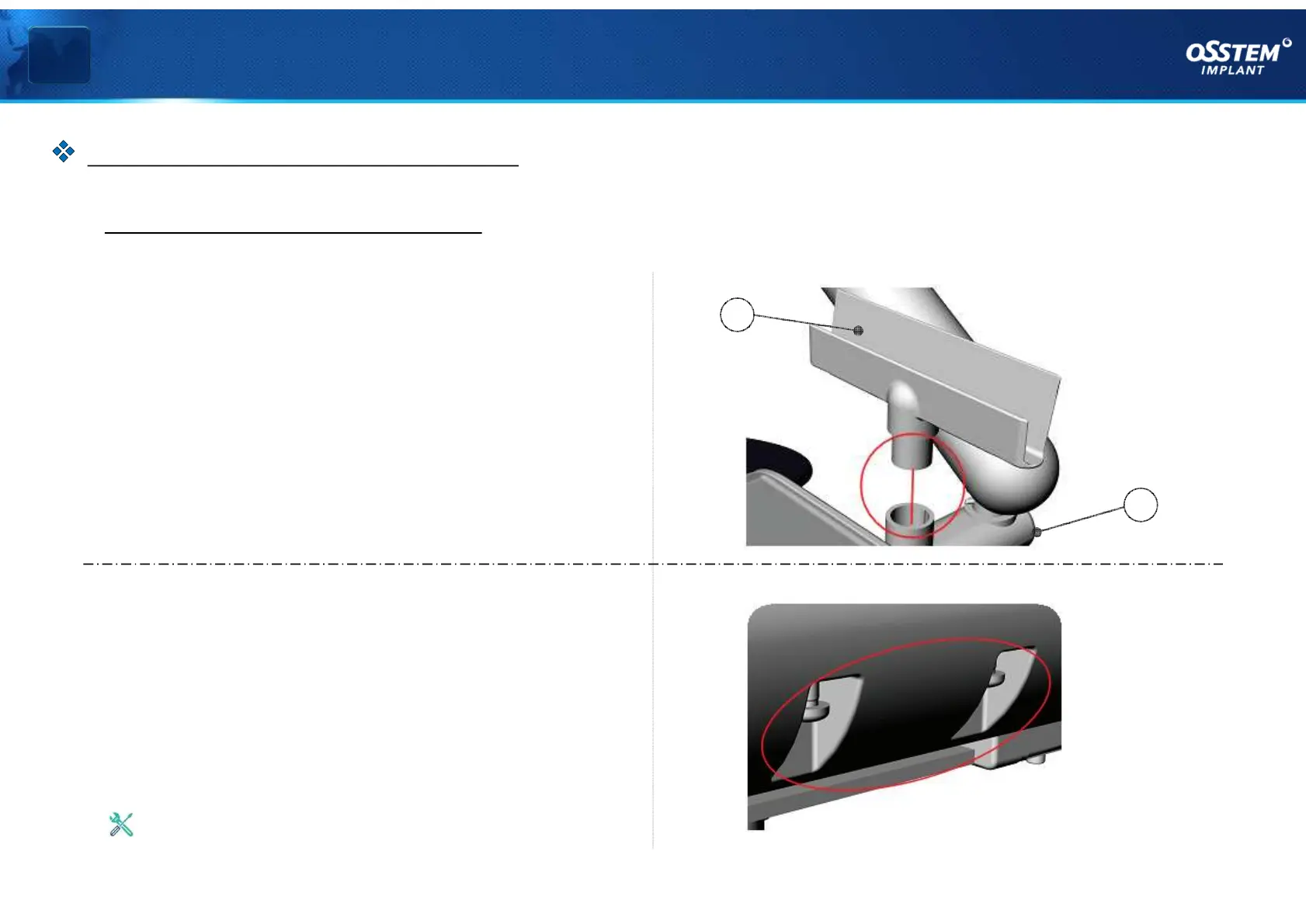
7. Install Chart Holder
As shown in <Figure 07>, align and insert the
Chart Holder (I) in the holes on Upper Table Block
(H).
8. Remove Mouse Pad Bolts
As shown in <Figure 08> remove the bolts
fastened on the side of Doctor Table.
< Figure 08 >
Use a Phillips screwdriver
H
I
< Figure 07 >
『TABLE Installation』



 To Next Page