· NUDGE
Nudge allows you to make small adjustments to the timing of each of the four sequencers
independently.
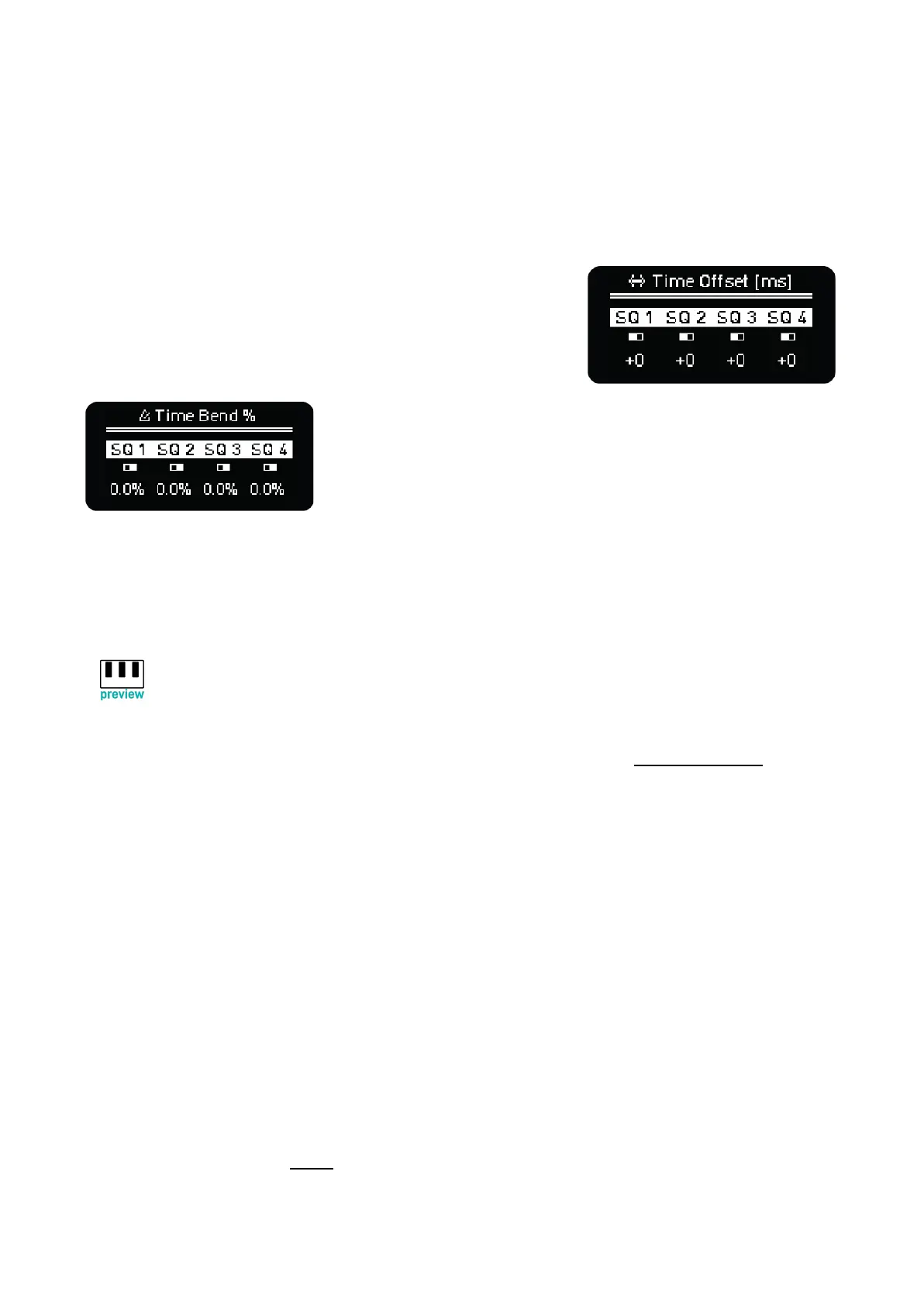
Shift + Mute opens the Time Offset screen where you can
change each of the four sequencers’ timing by +/- 100
milliseconds. Tapping the corresponding sequencer’s encoder
will reset the time offset value to zero. To adjust all four offset
values at the same time, hold shift while turning any encoder.
Shift + double tap Mute
opens the Time Bend screen which allows you to increase/decrease
the playback speed of each individual sequencer by a percentage
relative to the global tempo. Tapping the corresponding
sequencer’s encoder will reset the time bend value to zero. To
adjust all four time bend values at the same time, hold shift while
turning any encoder.
Shift + Click any Encoder toggles between Time Offset and Time Bend menus.
· KEYBOARD - PREVIEW
All the information about the OXI One Keyboard layout can be found in the Keyboard section.
Shift + Preview activates/deactivates playback on the grid Piano Roll view when you press a step (or
change the chord type or the step note with an encoder), this way you get instant feedback through
MIDI and CV if configured, of notes and chords you add to the sequences.
· PAGES
Press 16, 32, 48 or 64 to select which step page the grid displays. To access the 80, 96, 114 and
128 pages, hold the corresponding Sequencer button (1-4) and desired page number or double tap
the page number: 16 will show 80, 32 will show 96 and so on. The page button will be lit up in blue in
this case.
OXI One makes it more fluent to navigate between the 4 first pages or the last 4 pages, since it takes
into account which of them you are on before switching to another block.
While the Sequencer is running, the grid normally displays the current page, so the 16, 32, 48 or 64
buttons will affect the display only until the Sequencer leaves that page. To lock the display on a
particular page, turn off the follow function.



 To Next Page