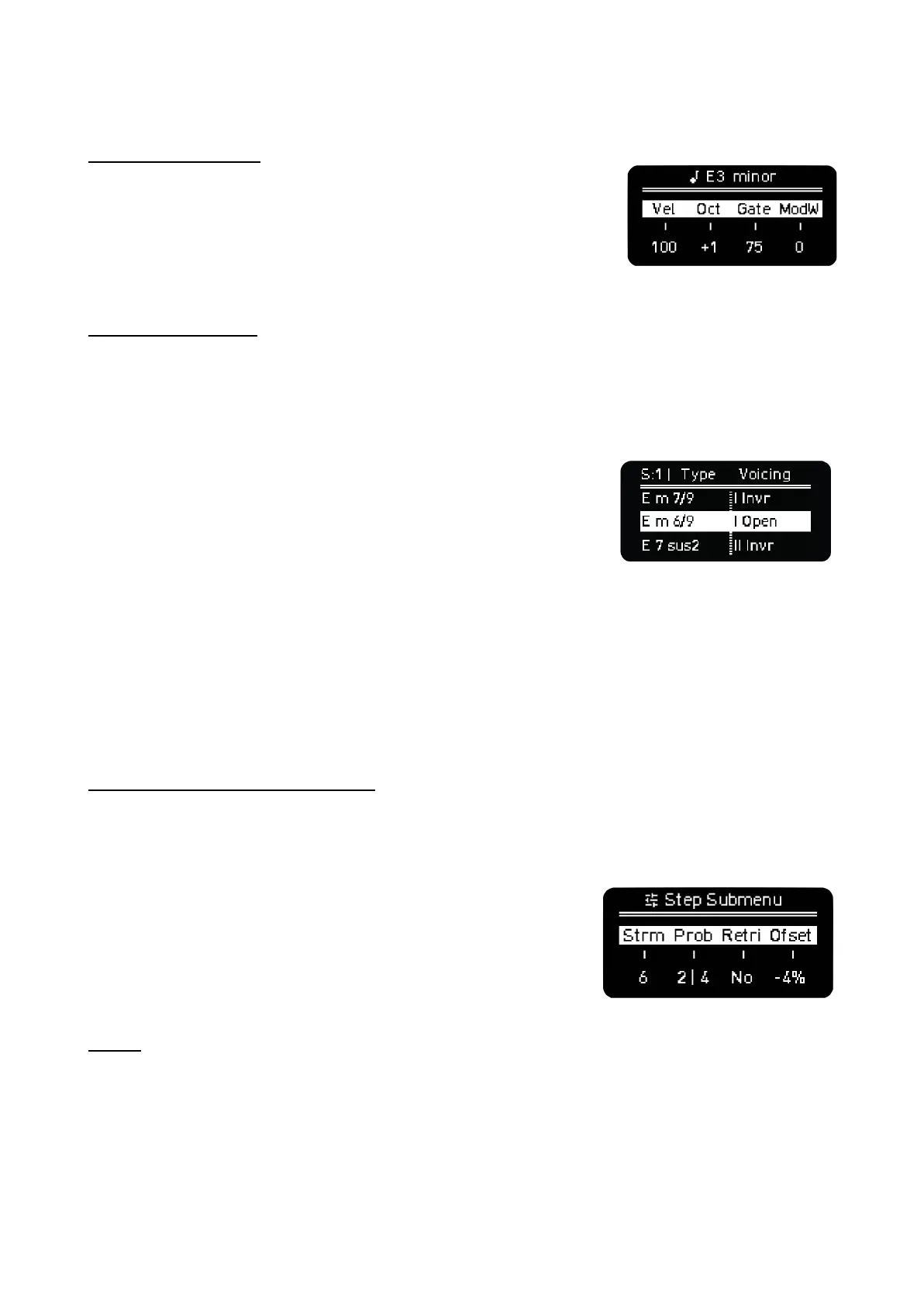
STEP PARAMETERS
Hold one or more pads at the same time (active or not) to see their
main step parameters and the chord information. You can change with
each encoder the Velocity, Octave (a pad will light up on the edge of
the column as indication of decentralized octave), Gate and Mod, by
default it sends Modulation Wheel and can be changed on CC
Configuration.
STEP CHORD menu
You can change the chord of every step in the chord menu. In order to do so, press the Step-Chord
button to enable the chord menu (the button will start blinking). Now press the desired step and the
chord menu will show up. If successive steps are tied (same root note, chord type, voicing and
spread), the changes made to the selected step will apply to the tied ones.
The first encoder sets the Spread value per step (S:1 in the right
example). It increases the voices of all the chords (limit of 8 notes)
with higher octave notes of each grade by ascendant order.
The second encoder sets the chord Type, by default it has the triad
of the corresponding degree. The inversions (voicing) are then set for
every degree to ensure the chord voices are more musically
balanced (If Auto voicing is ON). Chords are ordered from less to more complexity (with complexity we
mean the number of voices and tensions). Suspended 2, suspended 4 chords and fifths and octave
intervals appear later.
The third encoder, sets the inversion or Voicing. The options are no inversion, Open, Open 1st and
2nd and Inversion 1st and 2nd.
ADDITIONAL STEP PARAMETERS
A double tap on the Step-Chord button (steady white light) will enable the step submenu, which can
be seen by holding one or several steps at once. You can also press SHIFT + hold a step to access
this second layer of step parameters.
In this screen the parameters available for edition are:
Strum, it ranges from -100 to 100. Positive values introduce a
time separation between notes that goes from lower to upper
notes, in negative values it goes from upper to lower notes. This
effect sounds like strumming guitar strings.
Prob, or Logic Conditions explained in the Trigger Conditions
section.
Retrig, sets the times the note is triggered during the step duration, up to 5 times. For better
resolution change the Time Division of the Sequencer or Track. Skip is not supported in Chord Mode.
Offset, sets the time deviation of the note from -45% to 45% of the current time division. An offset of
25% is a quarter deviation from the duration of the step and 50% would be half the step.
±



 To Next Page