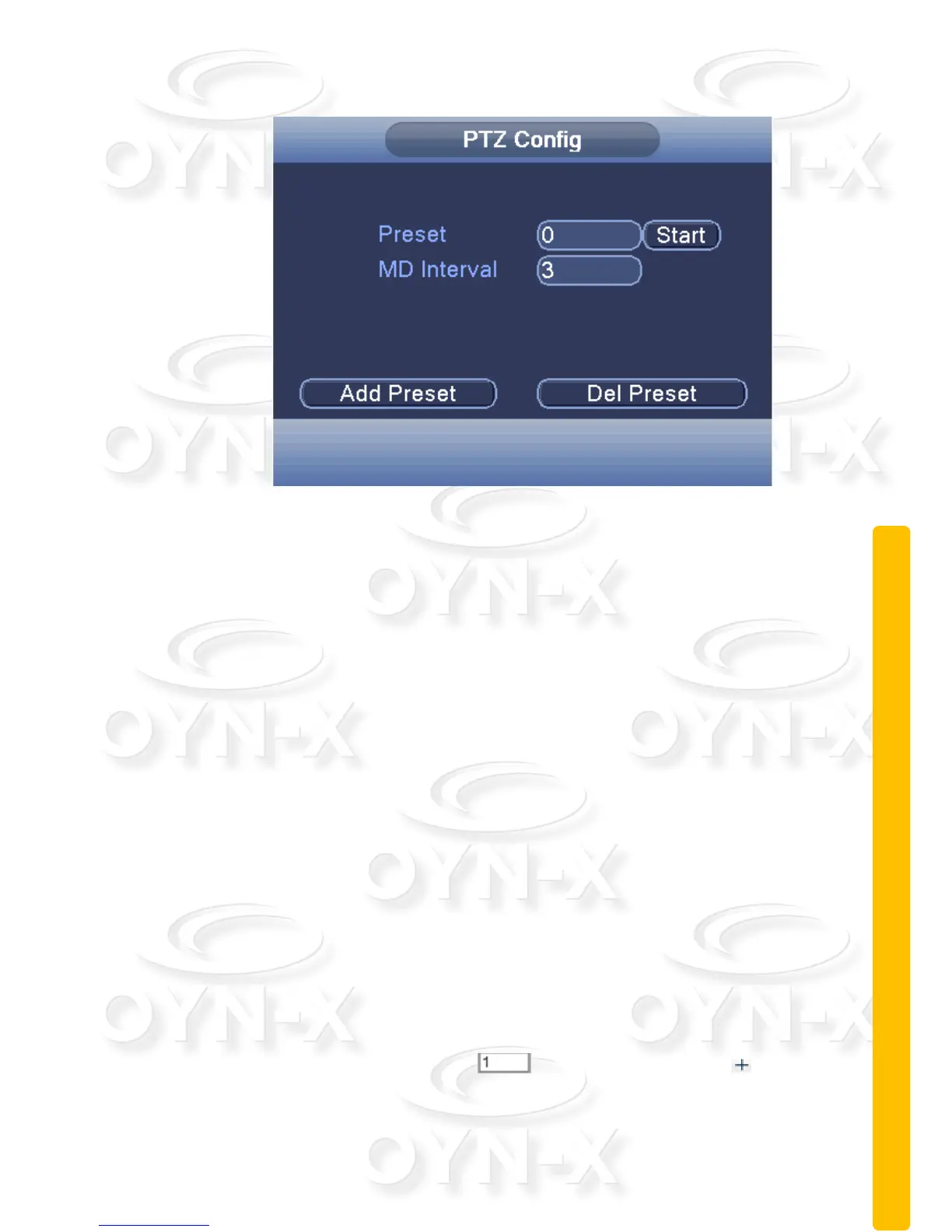
Figure 2.15 Cruises between Points Settings
The Calls of Cruise between Points: In Figure 2.12, click the ‘Page
Switch’ button, enter PTZ control menu as shown in Figure 2.15. Please
input the cruise number in the blank ‘Preset’ field, then go back to the
PTZ Config interface and start Cruise between two points, PTZ begins
to work along the cruise line. Click Stop button to stop cruise.
Remove Preset:Please input the preset value in the blank Preset field
and click the ‘Del Preset’ button, then remove the preset points.
Remove Cruise Line:Input the number of the cruise line, click ‘Del
Preset’ button, see Figure 2.15, then remove the cruise lines set.
Scan: PTZ also can work on the same preset scan line
repeatedly/continuously.
Scan setup:
To set the PTZ to perform a scan tour please follow these steps:
Step 1: In Figure 2.12, click the ‘Advanced’ button to enter Figure
2.14;
Step 2: Enter a number in input field,Click the key to be
taken to the PTZ config interface as shown in Figure 2.16. Navigate the
PTZ with the controls provided;



 To Next Page