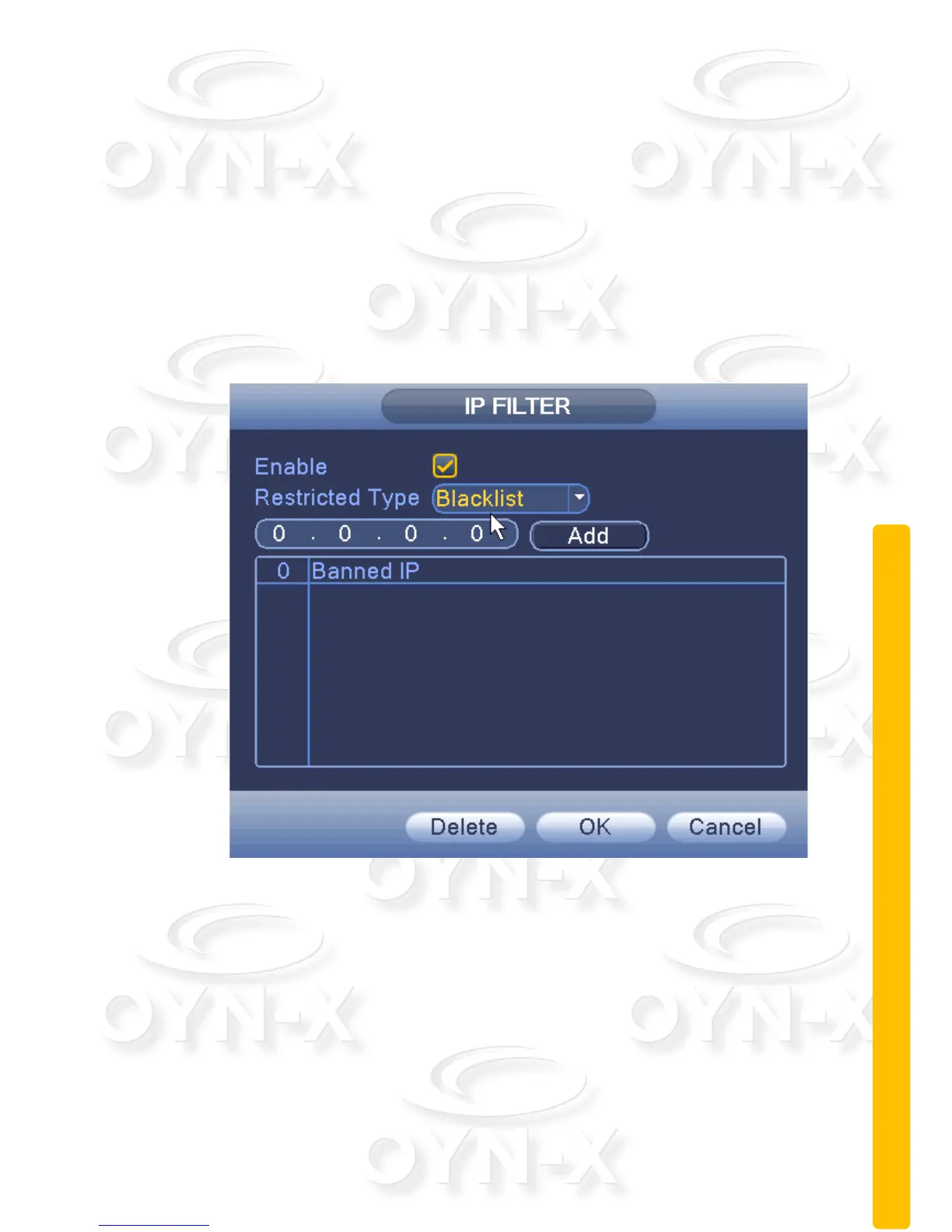
IP rights settings:
When choosing the white list, the list represents only the IP to connect this
DVR. A list of supported 64 IP settings;
When selecting the blacklist, represents a list of the IP network cannot be
landed this DVR. A list of supported 64 IP settings;
You can tick check, delete the set IP.
Note: When the black and white list, have the same IP address blacklist
authority higher priority.
Figure 3.21 IP rights settings


 To Next Page
 Loading...