DDNS:
DDNS stands for Dynamic Domain Name Server. A DDNS provides a static IP
address for your DVR so that you can remotely access it using the registered
domain name. You need to register with a DDNS service before completing
this setup menu.
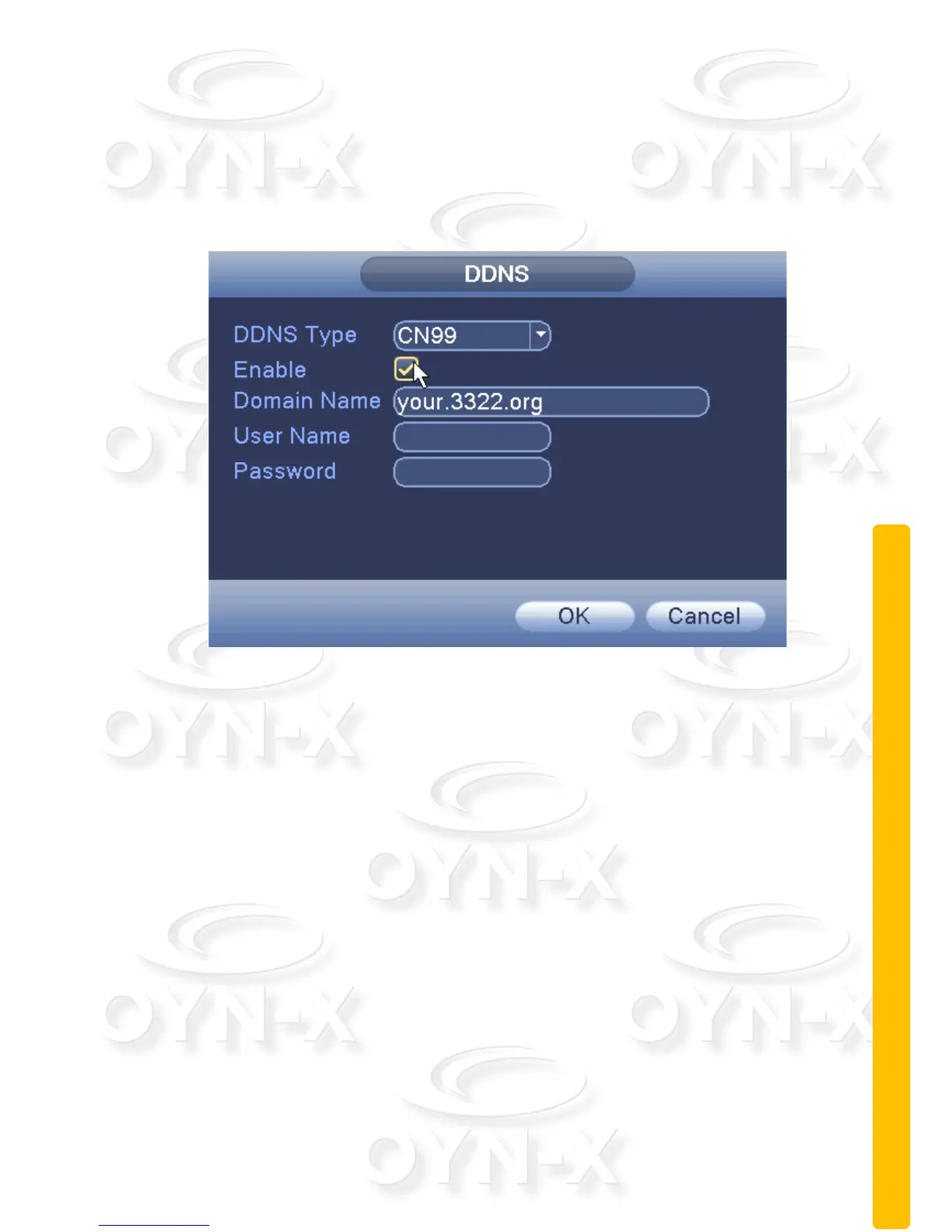
Figure 3.22 DDNS settings
[Local domain name]: Provide the domain name registered with the DDNS
service.
[User name]: Provide the user name for the account registered via the DDNS
service.
[Password]: Provide the password registered via the DDNS service.
When the DDNS has been successfully configured, input the registered
domain name to the address bar of your internet browser.
[FTP settings]:
When the alarm is triggered and a signal needs to be sent an FTP server is
used.


 To Next Page
 Loading...