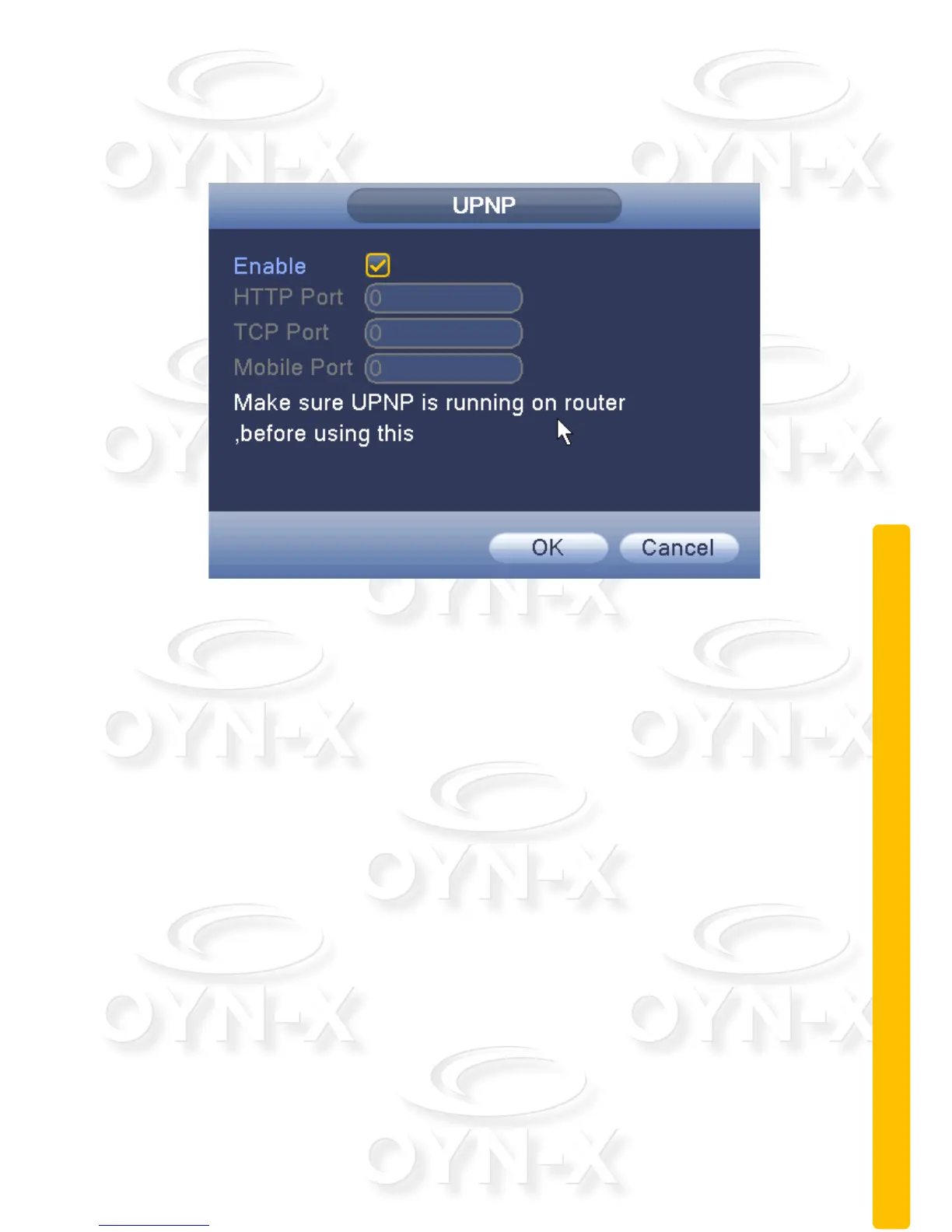
UPNP:
UPNP protocol will allow the device to automatically forward on to the router.
Figure 3.27 UPNP settings
[Enable]: When ticked the UPNP function is enabled;
[HTTP]: router for the device is automatically assigned port numbers.
[TCP]: When the router has been automatically assigned the port of the device,
client software monitoring is required by the port number;
[Mobile Port]: router for the device is automatically assigned port numbers,
mobile phone monitoring needs through the port number;



 To Next Page